{ if (el) { viewportRef.register(el); } }} />
// in your teardown
viewportRef.unregister();
```
**After (3.14):**
```ts
const { register, unregister } = useViewportElementRegistration(viewportId);
{ if (el) { register(el); } }} />
// in your teardown, unchanged
unregister();
```
`unregister` is a plain function rather than something handled by a ref cleanup, so
you keep control of when it runs relative to the rest of your teardown. If you were
unregistering after disabling a cornerstone element, that ordering is preserved.
#### Why
The old hook returned one object serving two different callers, shaped like a React
ref. Three problems followed from that.
**`.current` was a snapshot, not a live box.** It was read during render and only
re-read if the hook's own inputs changed. Registering an element is not a render,
so it did not refresh — a component that ran the hook before its viewport attached
its element would hold `null` for as long as it stayed mounted. In 3.13 this was
masked: nothing was memoized, so the snapshot was retaken on every render and
happened to stay correct. Under React 19 with the React Compiler it no longer is.
`useViewportElement` reads through `useSyncExternalStore`, so the element arriving
is a state change. Notification is registry-wide, but `useSyncExternalStore`
compares the value it reads back, so watching one viewport does not re-render you
when another registers.
**The registrar could not use the field it populated.** A viewport calls the hook
during render, before any ref callback has run, so its own `.current` was always
`null`. Both viewports in this repository worked around it by keeping a private
`useRef` beside the registry one. `useViewportElementRegistration` gives the owner
only what it can use.
**Asking to register meant subscribing.** With one hook, a viewport that only
wanted `register` would also be subscribed to every registration in the app —
re-rendering the heaviest component in the viewer for a value it never reads.
`useViewportElementRegistration` subscribes to nothing.
#### Also removed
The registry no longer exposes its `Map`. `useViewportRefs()` returned a
`viewportRefs` field holding the live `Map` of IDs to elements; a caller holding it
could add or remove entries without going through `register`/`unregister`, and could
read entries for viewports that had already unmounted.
If you were iterating it to find every mounted viewport, get the viewport IDs from
`ViewportGridService` and resolve each through `useViewportElement`. The grid service
is the authority on which viewports exist; the registry only ever knew which ones
had reported a DOM element.
---
### LegacyWorkList deprecated
Source: https://docs.ohif.org/llm/migration-guide/3p13-to-3p14/work-list.md
#### `LegacyWorkList` deprecated
3.13 shipped the ui-next `WorkList` at `/` and kept the previous study list as
`LegacyWorkList`, selectable through the `workList.variant` customization.
3.14 keeps that opt-out. It is deprecated.
:::warning `LegacyWorkList` will be removed in a future release
`workList.variant: 'legacy'` still mounts the 3.13 study list in 3.14. A later
release removes the route and the customization id together. Treat the opt-out
as time to finish migrating, not as a setting to keep.
:::
#### What is unchanged in 3.14
- `workList.variant` accepts `'default'` and `'legacy'`, and defaults to
`'default'`.
- `'legacy'` mounts the same `LegacyWorkList` code as 3.13. The file is opted
out of the React Compiler, so it keeps its own memoization.
- The other `workList.*` customizations apply only when the variant is
`'default'`, as before.
#### What changed around the legacy list
`DataSourceWrapper` was rewritten for the new study list. `DataSourceWrapper`
now issues one query and pages on the client. `LegacyWorkList` still contains
the server-paged rolling-window arithmetic of 3.13, and it hard-codes its sort
threshold at 100 results. On a result set larger than one page, the page
controls and the column sorting of the legacy list can behave incorrectly. Use
a small result set when you compare the two study lists.
#### How to turn the opt-out on
The viewer ships a URL customization file that sets the variant, at
`platform/app/public/customizations/worklist/legacyWorkList.jsonc`. Load it with
`?customization=worklist/legacyWorkList`, or add `worklist/legacyWorkList` to
`appConfig.customizationService.requires`. The `?customization=` parameter needs
`customizationUrlPrefixes` in the app config; `dev.js`, `e2e.js`, `netlify.js`
and `customization.js` set that property.
The legacy study list was verified in 3.14 through this customization file. See
the [Work List customization docs](../../platform/services/customization-service/WorkList.md#turning-on-the-legacy-list)
for the full note.
#### What to do now
Move whatever the legacy list is kept for onto the new one. The `workList.*`
namespace covers the study-list table and its preview panel:
| Customization | Purpose |
| --- | --- |
| `workList.columns` | the study-list table's column set |
| `workList.previewSeriesView` | thumbnails, list, or both in the preview panel |
| `workList.renderPreviewContent` | replace the preview panel's contents |
| `workList.settingsMenuItems` | entries in the study-list settings menu |
See the [Work List customization docs](../../platform/services/customization-service/WorkList.md)
for the full reference and examples. Once your customizations are in place,
remove `workList.variant` from your config.
If you import `LegacyWorkList` directly, plan on that import path disappearing
with the route. There will be no drop-in replacement; customize `WorkList` or
mount your own route.
#### Related: `@ohif/ui` is frozen
`LegacyWorkList` is the last consumer of the legacy `@ohif/ui` package inside the
viewer. 3.14 drops the `@ohif/ui` workspace dependency from the extensions and
modes that declared it without importing it. The package still builds and
publishes, and it leaves the app graph when `LegacyWorkList` does.
If your extension or mode imports components from `@ohif/ui`, migrate those
imports to `@ohif/ui-next`.
---
## 3p8-to-3p9
### General
Source: https://docs.ohif.org/llm/migration-guide/3p8-to-3p9/0-general.md
import Tabs from '@theme/Tabs';
import TabItem from '@theme/TabItem';
#### No SharedArrayBuffer anymore!
We have streamlined the process of loading volumes without sacrificing speed by eliminating the need for shared array buffers. This change resolves issues across various frameworks, where previously, specific security headers were required. Now, you can remove any previously set headers, which lowers the barrier for adopting Cornerstone 3D in frameworks that didn't support those headers. Shared array buffers are no longer necessary, and all related headers can be removed.
You can remove `Cross-Origin-Opener-Policy` and `Cross-Origin-Embedder-Policy` from your custom headers if you don't need them in other
aspects of your app.
#### React 18 Migration Guide
As we upgrade to React 18, we're making some exciting changes to improve performance and developer experience. This guide will help you navigate the key updates and ensure your custom extensions and modes are compatible with the new version.
What's Changing?
```md
- React 17
- Using `defaultProps`
- `babel-inline-svg` for SVG imports
```
```md
- React 18
- Default parameters for props
- `svgr` for SVG imports
```
#### Update React version:
In your custom extensions and modes, change the version of react and react-dom to ^18.3.1.
#### Replace defaultProps with default parameters:
```jsx
const MyComponent = ({ prop1, prop2 }) => {
return {prop1} {prop2}
}
MyComponent.defaultProps = {
prop1: 'default value',
prop2: 'default value'
}
```
```jsx
const MyComponent = ({ prop1 = 'default value', prop2 = 'default value' }) => {
return {prop1} {prop2}
}
```
#### Update SVG imports:
You might need to update your SVG imports to use the `ReactComponent` syntax, if you want to use the old Icon component. However, we have made a significant change to how we handle Icons, read the UI Migration Guide for more information.
```javascript
import arrowDown from './../../assets/icons/arrow-down.svg';
```
```javascript
import { ReactComponent as arrowDown } from './../../assets/icons/arrow-down.svg';
```
---
#### Polyfill.io
We have removed the Polyfill.io script from the Viewer. If you require polyfills, you can add them to your project manually. This change primarily affects Internet Explorer, which Microsoft has already [ended support for](https://learn.microsoft.com/en-us/lifecycle/faq/internet-explorer-microsoft-edge#is-internet-explorer-11-the-last-version-of-internet-explorer-).
---
#### Webpack changes
We previously were copying dicom-image-loader wasm files to the public folder via
```js
// platform/app/.webpack/webpack.pwa.js
{
from: '../../../node_modules/@cornerstonejs/dicom-image-loader/dist/dynamic-import',
to: DIST_DIR,
},
```
but now after our upgrade to Cornerstone 3D 2.0, we don't need to do this anymore.
---
#### Scroll utility
The `jumpToSlice` utility has been relocated from `@cornerstonejs/tools` utilities to `@cornerstonejs/core/utilities`.
migration
```js
import { jumpToSlice } from '@cornerstonejs/core/utilities';
```
---
#### Crosshairs
They now have new colors in their associated viewports in the MPR view. However, you can turn this feature off.
To disable it, remove the configuration from the `initToolGroups` in your mode.
```
{
configuration: {
viewportIndicators: true,
viewportIndicatorsConfig: {
circleRadius: 5,
xOffset: 0.95,
yOffset: 0.05,
},
}
}
```
---
#### useAuthorizationCodeFlow
`useAuthorizationCodeFlow` config is deprecated
now internally we detect the authorizationCodeFlow if the response_type is equal to `code`
you can remove the config from the appConfig
---
#### StackScrollMouseWheel -> StackScroll Tool + Mouse bindings
If you previously used:
```js
{ toolName: toolNames.StackScrollMouseWheel, bindings: [] }
```
in your `initToolGroups`, you should now use:
```js
{
toolName: toolNames.StackScroll,
bindings: [{ mouseButton: Enums.MouseBindings.Wheel }],
}
```
This change allows for more flexible mouse bindings and keyboard combinations.
#### VolumeRotateMouseWheel -> VolumeRotate Tool + Mouse bindings
Before:
```js
{
toolName: toolNames.VolumeRotateMouseWheel,
configuration: {
rotateIncrementDegrees: 5,
},
},
```
Now:
```js
{
toolName: toolNames.VolumeRotate,
bindings: [{ mouseButton: Enums.MouseBindings.Wheel }],
configuration: {
rotateIncrementDegrees: 5,
},
},
```
---
#### CustomizationService
The `CustomizationService` uses `contentF` instead of `content`.
So make sure your customizations are updated accordingly.
---
#### SidePanel auto switch if open
In `basic viewer` mode, when the side panel is open and the segmentation panel is active, adding a measurement will automatically switch to the measurement panel. This switch won't happen if the side panel is closed. To enable or disable this feature, adjust your mode configuration accordingly.
To prevent this behavior, remove the following code from your mode:
```js
panelService.addActivatePanelTriggers('your.panel.id', [
{
sourcePubSubService: segmentationService,
sourceEvents: [segmentationService.EVENTS.SEGMENTATION_ADDED],
},
])
panelService.addActivatePanelTriggers('your.panel.id', [
{
sourcePubSubService: measurementService,
sourceEvents: [
measurementService.EVENTS.MEASUREMENT_ADDED,
measurementService.EVENTS.RAW_MEASUREMENT_ADDED,
],
},
])
```
---
#### DicomUpload
The DICOM upload functionality in OHIF has been refactored to use the standard customization service pattern. Now you don't need to put
`customizationService: { dicomUploadComponent: '@ohif/extension-cornerstone.customizationModule.cornerstoneDicomUploadComponent', },`
in your config, we will automatically add that if you have `dicomUploadEnabled`
---
#### Viewport and Modality Support for Toolbar Buttons
Previously, toolbar buttons had limited support for disabling themselves based on the active viewport type (e.g., `volume3d`, `video`, `sr`) or the modality of the displayed data (e.g., `US`, `SM`). This led to inconsistencies and sometimes enabled tools in contexts where they weren't applicable.
The new implementation introduces more robust and flexible evaluators to control the enabled/disabled state of toolbar buttons based on viewport types and modalities.
**Key Changes**
1. **New Evaluators:** New evaluators have been added to the `getToolbarModule`:
- `evaluate.viewport.supported`: Disables a button if the active viewport's type is listed in the `unsupportedViewportTypes` property.
- `evaluate.modality.supported`: Disables a button based on the modalities of the displayed data. It checks for both `unsupportedModalities` (exclusion) and `supportedModalities` (inclusion).
2. **Removal of Legacy Evaluators:**
- Evaluators such as `evaluate.not.sm`, `evaluate.action.not.video`, `evaluate.not3D`, and `evaluate.isUS` have been removed. Migrate your toolbar button definitions to use the new evaluators mentioned above.
**Replace Legacy Evaluators:**
- Replace `evaluate.not.sm` with:
```json
{
name: 'evaluate.viewport.supported',
unsupportedViewportTypes: ['sm'],
}
```
- Replace `evaluate.action.not.video` with:
```json
{
name: 'evaluate.viewport.supported',
unsupportedViewportTypes: ['video'],
}
```
- Replace `evaluate.not3D` with:
```json
{
name: 'evaluate.viewport.supported',
unsupportedViewportTypes: ['volume3d'],
}
```
- Replace `evaluate.isUS` with:
```json
{
name: 'evaluate.modality.supported',
supportedModalities: ['US'],
}
```
Example Migration
Before:
```json
evaluate: ['evaluate.cine', 'evaluate.not3D'],
```
After
```json
evaluate: [
'evaluate.cine',
{
name: 'evaluate.viewport.supported',
unsupportedViewportTypes: ['volume3d'],
},
],
```
---
### Renamings
Source: https://docs.ohif.org/llm/migration-guide/3p8-to-3p9/2-Renamings.md
import Tabs from '@theme/Tabs';
import TabItem from '@theme/TabItem';
#### Panel Measurements
The panel in the default extension is renamed from `measure` to `panelMeasurement` to be more consistent with the rest of the extensions.
**Action Needed**
Update any references to the `measure` panel to `panelMeasurement` in your code.
Find and replace
@ohif/extension-default.panelModule.measure
@ohif/extension-cornerstone.panelModule.panelMeasurement
#### addIcon from ui
The addIcon from the ui package has had a version added in the default extension as
`utils.addIcon` which adds to both `ui` and `ui-next`.
---
### Data Sources
Source: https://docs.ohif.org/llm/migration-guide/3p8-to-3p9/3-DataSources.md
import Tabs from '@theme/Tabs';
import TabItem from '@theme/TabItem';
#### BulkDataURI Configuration
We've updated the configuration for BulkDataURI to provide more flexibility and control. This guide will help you migrate from the old configuration to the new one.
#### What's Changing?
```javascript
useBulkDataURI: false,
```
```javascript
bulkDataURI: {
enabled: true,
// Additional configuration **options**
},
```
**Additional Notes:**
- The new configuration allows for more granular control over BulkDataURI behavior.
- You can now add custom URL prefixing logic using the startsWith and prefixWith properties.
- This change enables easier correction of retrieval URLs, especially in scenarios where URLs pass through multiple systems.
---
### Measurements
Source: https://docs.ohif.org/llm/migration-guide/3p8-to-3p9/4-Measurements.md
#### Display Text
Previously, `displayText` for measurements was often a simple string or an array of strings. This approach made it difficult to distinguish between primary measurement values (e.g., length, area) and secondary information (e.g., series number, instance number). It also limited styling options for differentiating these types of information.
The new approach introduces a structured object for `displayText`, consisting of `primary` and `secondary` arrays. This separation allows for better organization and presentation of measurement information. The `primary` array is intended for the main measurement values (on the left), while the `secondary` array is for contextual information like series and instance numbers (on the right)
#### Migration Steps
If you have custom measurement tools or modify existing ones, you need to update the `getDisplayText` functions within the `measurementServiceMappings` to return a structured object in the new format.
**Update Measurement Mappings:** If your extension defines custom measurement tools or modifies existing ones, update the `getDisplayText` functions within the `measurementServiceMappings` to return a structured object in the new format.
```js
// Old Implementation (example for Length tool)
function getDisplayText(mappedAnnotations, displaySet, customizationService) {
// ...
return `${roundedLength} ${unit} (S: ${SeriesNumber}${instanceText}${frameText})`;
}
// New Implementation
function getDisplayText(mappedAnnotations, displaySet) {
// ...
return {
primary: [`${roundedLength} ${unit}`], // Primary measurement value
secondary: [`S: ${SeriesNumber}${instanceText}${frameText}`], // Secondary information
};
}
```
---
#### selected property
`selected` property on measurements is now renamed to `isSelected` to match the rest of `isLocked` , `isVisible` naming convention.
Migration: you probably don't need to perform any migration
---
---
### ViewportActionCorner
Source: https://docs.ohif.org/llm/migration-guide/3p8-to-3p9/4-ViewportActionCorner.md
#### Key Changes and Rationale
Previously, the `ViewportActionCornersService` used the `setComponent` or `setComponents` methods to add components to viewport corners. These methods, when used with multiple components, would essentially overwrite existing components at the same location, unless great care was taken with the `indexPriority` property. This made it difficult to reliably position multiple components within the same corner.
The new approach introduces the methods `addComponent` and `addComponents`, which insert components into the viewport corners based on an optional `indexPriority` property and provide predictable ordering based on the relative `indexPriority` of the components already at the corner. If no `indexPriority` is given, components are added to the end (for the left side) or the beginning (for the right side) by default.
#### Migration Steps
**Update Component Addition Methods:** Replace calls to `setComponent` and `setComponents` with `addComponent` and `addComponents`, respectively.
```js
// Old API
viewportActionCornersService.setComponent({
viewportId,
id: 'myComponent',
component:
,
location: viewportActionCornersService.LOCATIONS.topRight
});
```
**New API**
```js
viewportActionCornersService.addComponent({
viewportId,
id: 'myComponent',
component:
,
location: viewportActionCornersService.LOCATIONS.topRight,
indexPriority: 1, // indexPriority is now optional and determines placement order within the corner
});
```
---
### StateSyncService
Source: https://docs.ohif.org/llm/migration-guide/3p8-to-3p9/5-StateSyncService.md
#### Migrating from StateSyncService to Zustand Stores
The `StateSyncService` has been deprecated in favor of more modern and efficient state management using Zustand stores. This migration guide outlines the reasons for the change and provides step-by-step instructions on how to migrate your extension or mode from using `StateSyncService` to Zustand.
#### Why Migrate?
The `StateSyncService` had limitations:
- **Limited Reactivity:** Updates weren't always reactive, requiring manual re-renders.
- **Lack of Granularity:** It stored large chunks of state, hindering performance.
- **Complexity:** Managing and syncing state across components was cumbersome.
Zustand offers several advantages:
- **Lightweight and Fast:** Zustand is a minimal and performant state management library.
- **Granular Control:** Create individual stores for specific data, improving reactivity and performance.
- **Simplified API:** Easy-to-use hooks for subscribing and updating state.
#### Migration Steps:
1. **Identify State to Migrate:** Determine which parts of your extension or mode rely on the `StateSyncService`. Typical examples include:
- **Viewport Presentations:** LUT and position information for viewports.
- **Layout State:** Custom grid layouts and one-up toggling.
- **Synchronizers:** State for cross-viewport synchronization.
- **UI State:** UI-specific settings.
2. **Replace StateSyncService Usage:** In your extension or mode:
- **Import Zustand Stores:** Import the new stores you created.
- **Replace** `getState()` and `store()`: Use the Zustand hooks (`useStore`, `set`, `get`) to access and update state in your components.
- **Handle Presentation IDs:** Implement logic for generating and managing presentation IDs within your stores or relevant components. This can involve using unique keys based on viewport options, display sets, and unique indices. See the `presentationUtils.ts` file for example implementations.
- **Rehydrate State:** On mode entry, rehydrate your Zustand stores with any relevant persisted state from localStorage or other storage mechanisms.
- **Clear State on Mode Exit:** Ensure you clear your Zustand stores appropriately on mode exit to prevent memory leaks.
#### `LutPresentationStore`
**Before (StateSyncService):**
```js
const stateSyncService = servicesManager.services.stateSyncService;
const lutPresentationStore = stateSyncService.getState().lutPresentationStore;
const lutPresentation = lutPresentationStore[presentationId];
// ...to update
stateSyncService.store({
lutPresentationStore: {
...lutPresentationStore,
[presentationId]: newLutPresentation,
},
});
```
**After (Zustand):**
```js
import { useLutPresentationStore } from '../stores/useLutPresentationStore';
const { lutPresentationStore, setLutPresentation } = useLutPresentationStore();
const lutPresentation = lutPresentationStore[presentationId];
// ...to update
setLutPresentation(presentationId, newLutPresentation);
```
The `getPresentationId` for `lutPresentationStore` was previously registered in `platform/core`. Now, the Zustand store provides this functionality.
```js
// Fetch getPresentationId functions from respective Zustand stores
const { getPresentationId: getLutPresentationId } = useLutPresentationStore.getState();
// Register presentation id providers
viewportGridService.addPresentationIdProvider('lutPresentationId', getLutPresentationId);
```
---
#### `PositionPresentationStore`
**Before (StateSyncService):**
```js
const stateSyncService = servicesManager.services.stateSyncService;
const positionPresentationStore = stateSyncService.getState().positionPresentationStore;
const positionPresentation = positionPresentationStore[presentationId];
// ...to update
stateSyncService.store({
positionPresentationStore: {
...positionPresentationStore,
[presentationId]: newPositionPresentation,
},
});
```
**After (Zustand):**
```js
import { usePositionPresentationStore } from '../stores/usePositionPresentationStore';
const { positionPresentationStore, setPositionPresentation } = usePositionPresentationStore();
const positionPresentation = positionPresentationStore[presentationId];
// ...to update
setPositionPresentation(presentationId, newPositionPresentation);
```
Similar to lutPresentationId, the PositionPresentationId is also registered from outside
```js
const { getPresentationId: getPositionPresentationId } = usePositionPresentationStore.getState();
// register presentation id providers
viewportGridService.addPresentationIdProvider(
'positionPresentationId',
getPositionPresentationId
);
```
---
#### `ViewportGridStore`
**Before (StateSyncService):**
```js
const stateSyncService = servicesManager.services.stateSyncService;
const viewportGridStore = stateSyncService.getState().viewportGridStore;
const gridState = viewportGridStore[storeId];
// ...to update
stateSyncService.store({
viewportGridStore: {
...viewportGridStore,
[storeId]: newGridState,
},
});
```
**After (Zustand):**
```js
import { useViewportGridStore } from '../stores/useViewportGridStore';
const { viewportGridState, setViewportGridState } = useViewportGridStore.getState();
const gridState = viewportGridState[storeId];
// ...to update
setViewportGridState(storeId, newGridState);
```
---
#### `DisplaySetSelectorStore`
**Before (StateSyncService):**
```js
const stateSyncService = servicesManager.services.stateSyncService;
const displaySetSelectorMap = stateSyncService.getState().displaySetSelectorMap;
const displaySetUID = displaySetSelectorMap[selectorKey];
// ...to update
stateSyncService.store({
displaySetSelectorMap: {
...displaySetSelectorMap,
[selectorKey]: newDisplaySetUID,
},
});
```
**After (Zustand):**
```js
import { useDisplaySetSelectorStore } from '../stores/useDisplaySetSelectorStore';
const { displaySetSelectorMap, setDisplaySetSelector } = useDisplaySetSelectorStore();
const displaySetUID = displaySetSelectorMap[selectorKey];
// ...to update
setDisplaySetSelector(selectorKey, newDisplaySetUID);
```
---
#### `HangingProtocolStageIndexStore`
**Before (StateSyncService):**
```js
const stateSyncService = servicesManager.services.stateSyncService;
const hangingProtocolStageIndexMap = stateSyncService.getState().hangingProtocolStageIndexMap;
const hpInfo = hangingProtocolStageIndexMap[cacheId];
// ...to update
stateSyncService.store({
hangingProtocolStageIndexMap: {
...hangingProtocolStageIndexMap,
[cacheId]: newHpInfo,
},
});
```
**After (Zustand):**
```js
import { useHangingProtocolStageIndexStore } from '../stores/useHangingProtocolStageIndexStore';
const { hangingProtocolStageIndexMap, setHangingProtocolStageIndex } = useHangingProtocolStageIndexStore();
const hpInfo = hangingProtocolStageIndexMap[cacheId];
// ...to update
setHangingProtocolStageIndex(cacheId, newHpInfo);
```
---
#### `ToggleHangingProtocolStore`
**Before (StateSyncService):**
```js
const stateSyncService = servicesManager.services.stateSyncService;
const toggleHangingProtocol = stateSyncService.getState().toggleHangingProtocol;
const previousHpInfo = toggleHangingProtocol[storedHanging];
// ...to update
stateSyncService.store({
toggleHangingProtocol: {
...toggleHangingProtocol,
[storedHanging]: newHpInfo,
},
});
```
**After (Zustand):**
```js
import { useToggleHangingProtocolStore } from '../stores/useToggleHangingProtocolStore';
const { toggleHangingProtocol, setToggleHangingProtocol } = useToggleHangingProtocolStore();
const previousHpInfo = toggleHangingProtocol[storedHanging];
// ...to update
setToggleHangingProtocol(storedHanging, newHpInfo);
```
---
#### `ToggleOneUpViewportGridStore`
**Before (StateSyncService):**
```js
const stateSyncService = servicesManager.services.stateSyncService;
const toggleOneUpViewportGridStore = stateSyncService.getState().toggleOneUpViewportGridStore;
const previousGridState = toggleOneUpViewportGridStore.layout; // Assuming layout was a property
// ...to update
stateSyncService.store({
toggleOneUpViewportGridStore: newGridState,
});
```
**After (Zustand):**
```js
import { useToggleOneUpViewportGridStore } from '../stores/useToggleOneUpViewportGridStore';
const { toggleOneUpViewportGridStore, setToggleOneUpViewportGridStore } = useToggleOneUpViewportGridStore();
const previousGridState = toggleOneUpViewportGridStore; // No nested layout property
// ...to update
setToggleOneUpViewportGridStore(newGridState);
```
---
#### `UIStateStore`
**Before (StateSyncService):**
```js
const stateSyncService = servicesManager.services.stateSyncService;
const uiState = stateSyncService.getState().uiStateStore[someUIKey];
// ...to update
stateSyncService.store({
uiStateStore: {
...stateSyncService.getState().uiStateStore,
[someUIKey]: newUIState,
},
});
```
**After (Zustand):**
```js
import { useUIStateStore } from '../stores/useUIStateStore';
const { uiState, setUIState } = useUIStateStore();
const currentUIState = uiState[someUIKey];
// ...to update
setUIState(someUIKey, newUIState);
```
---
#### `ViewportsByPositionStore`
**Before (StateSyncService):**
```js
const stateSyncService = servicesManager.services.stateSyncService;
const viewportsByPosition = stateSyncService.getState().viewportsByPosition;
const cachedViewport = viewportsByPosition[positionId];
// ...to update
stateSyncService.store({
viewportsByPosition: {
...viewportsByPosition,
[positionId]: newViewport,
},
});
```
**After (Zustand):**
```js
import { useViewportsByPositionStore } from '../stores/useViewportsByPositionStore';
const { viewportsByPosition, setViewportsByPosition } = useViewportsByPositionStore();
const cachedViewport = viewportsByPosition[positionId];
// ...to update
setViewportsByPosition(positionId, newViewport);
```
---
#### `SegmentationPresentationStore`
**After (Zustand):**
```js
import { useSegmentationPresentationStore } from '../stores/useSegmentationPresentationStore';
const { segmentationPresentationStore, setSegmentationPresentation } =
useSegmentationPresentationStore();
// ...to update
setSegmentationPresentation(presentationId, newSegmentationPresentation);
// You likely have functions within the store like:
// addSegmentationPresentation
// setSegmentationVisibility
// etc.
```
---
### RTSTRUCT
Source: https://docs.ohif.org/llm/migration-guide/3p8-to-3p9/6-RTSTRUCT.md
#### RTStructure Set has transitioned from VTK actors to SVG.
We have transitioned from VTK-based rendering to SVG-based rendering for RTStructure Set contours. This change should not require any modifications to your codebase. We anticipate improved stability and speed in our contour rendering.
As a result of this update, viewports rendering RTStructure Sets will no longer convert to volume viewports. Instead, they will remain as stack viewports.
Read more in Pull Requests:
- https://github.com/OHIF/Viewers/pull/4074
- https://github.com/OHIF/Viewers/pull/4157
---
### UI
Source: https://docs.ohif.org/llm/migration-guide/3p8-to-3p9/7-UI.md
#### New Components
You can explore our new playground at `docs.ohif.org/ui` to see the latest components and their properties. We haven't provided a migration guide yet because the old components are still available. Feel free to update your codebase, including custom extensions and UI, to use the new Button, Dropdown, Icons, and other new components from `@ohif/ui-next`. The old methods (importing from `@ohif/ui`) will continue to work for now. However, the new components have a slightly different API, and we plan to deprecate the old components in a future release, as we see the new ones as the future of OHIF.
#### `UINotificationService`
We've switched our custom notification service to the Sonner component from https://sonner.emilkowal.ski/
#### 1. Toast Positions (Kebab-Case)
Toast positions are now defined using kebab-case instead of camelCase. For instance, `topRight` becomes `top-right`, `bottomRight` becomes `bottom-right`, etc. Ensure your position strings are updated accordingly.
**Old API:**
```js
uiNotificationService.show({
title: 'My Title',
message: 'My Message',
duration: 3000,
position: 'topRight',
type: 'error',
autoClose: true,
});
```
**New API:**
```js
uiNotificationService.show({
title: 'My Title',
message: 'My Message',
duration: 3000,
position: 'top-right', // Note the change to kebab-case
type: 'error',
autoClose: true,
});
```
#### 2. Promise Support
The `show()` method now supports promises, enabling you to display loading notifications and automatically update them based on the promise's resolution or rejection. This significantly simplifies asynchronous operation feedback.
**Example:**
```js
const myPromise = someAsyncOperation();
const notificationId = uiNotificationService.show({
title: 'Loading Data',
message: 'Fetching data from server...',
type: 'info',
promise: myPromise,
promiseMessages: {
loading: 'Fetching...',
success: (data) => `Data loaded: ${data.length} items`, // Access promise result
error: (error) => `Failed to load data: ${error.message}`, // Access error details
},
});
// Optionally hide notification manually if needed
// myPromise.finally(() => uiNotificationService.hide(notificationId));
```
#### 3. `hide()` API Change
The `hide()` method no longer takes an options object. It only accepts the notification ID as a string argument.
**Old API:**
```js
uiNotificationService.hide({ id: notificationId });
```
**New API:**
```js
uiNotificationService.hide(notificationId);
```
---
#### Viewport Pane Tailwindcss class
Previously, when targeting the viewport pane to add custom CSS, you likely used `group-hover:visible` with the viewportPane having a `group` class.
The naming was confusing as we added more groups, so we renamed it to `group/pane`. Now you can apply `group-hover/pane` for better clarity.
---
#### Header Component
Header Component has been refactored in the @ohif/ui-next package.
**Before**
```js
function Header({
children,
menuOptions,
isReturnEnabled,
onClickReturnButton,
isSticky,
WhiteLabeling,
showPatientInfo,
servicesManager,
Secondary,
appConfig,
...props
}: withAppTypes): ReactNode
```
**After**
```js
function Header({
children,
menuOptions,
isReturnEnabled,
onClickReturnButton,
isSticky,
WhiteLabeling,
PatientInfo,
Secondary,
...props
}: HeaderProps): ReactNode
```
The `PatientInfo` component is now preferred, and the `showPatientInfo` prop has been removed. The previous method depended on `servicesManager`, which was cumbersome because the UI shouldn't need to interact with `servicesManager`.
All the DropDown and Icons are now in the @ohif/ui-next package.
---
#### ui, ui-next configs
We currently have two component libraries that we plan to merge in the future, so we need to maintain both configurations. If your styles aren't applying correctly, ensure you update both `platform/ui-next/tailwind.config.js` and `platform/ui/tailwind.config.js`.
#### addIcon from ui-next
if you add custom icons, you may need to add them using a new `addIcon` utility which adds the icon to both `ui` and `ui-next`.
---
### Refactoring
Source: https://docs.ohif.org/llm/migration-guide/3p8-to-3p9/8-Refactorings.md
import Tabs from '@theme/Tabs';
import TabItem from '@theme/TabItem';
#### Panel Segmentation
is now moved from `@ohif/extension-cornerstone-dicom-seg` to `@ohif/extension-cornerstone`.
The cornerstone extension now provides the panelSegmentation feature, which was previously part of the cornerstone-dicom-seg extension. This change is logical as panelSegmentation handles more than just DICOM. It can process various formats, including custom formats from the backend and potentially NIFTI format in the future.
Before in your modes you were using
```js
'@ohif/extension-cornerstone-dicom-seg.panelModule.panelSegmentation',
```
Now you should use it via
```js
'@ohif/extension-cornerstone.panelModule.panelSegmentation',
```
---
#### `callInputDialog` and `colorPickerDialog` and `showLabelAnnotationPopup`
Due to the excessive number of `callInputDialog` instances, we centralized them. You can now import them from `@ohif/extension-default`.
```js
import { showLabelAnnotationPopup, callInputDialog, colorPickerDialog } from '@ohif/extension-default';
```
---
#### disableEditing
The configuration has moved from appConfig to allow more precise control over component disabling. To disable editing for segmentation and measurements, add the following settings:
**Before: **
```js
customizationService.addModeCustomizations([
{
id: 'segmentation.panel',
disableEditing: true,
},
]);
```
**Now **
```js
customizationService.addModeCustomizations([
// To disable editing in the SegmentationTable
{
id: 'panelSegmentation.disableEditing',
disableEditing: true,
},
// To disable editing in the MeasurementTable
{
id: 'panelMeasurement.disableEditing',
disableEditing: true,
},
])
```
---
#### Customization Ids
The primary reason for this migration is to improve modularity and maintainability in configuration management, as we plan to focus more on the customization service in the near future.
**Before**
```js
customizationService.addModeCustomizations([
{
id: 'segmentation.panel',
segmentationPanelMode: 'expanded',
addSegment: false,
onSegmentationAdd: () => {
commandsManager.run('createNewLabelmapFromPT');
},
},
]);
```
**Now**
```js
customizationService.addModeCustomizations([
{
id: 'panelSegmentation.tableMode',
mode: 'expanded',
},
{
id: 'panelSegmentation.onSegmentationAdd',
onSegmentationAdd: () => {
commandsManager.run('createNewLabelmapFromPT');
},
},
]);
```
---
### Other Changes
Source: https://docs.ohif.org/llm/migration-guide/3p8-to-3p9/9-other.md
import Tabs from '@theme/Tabs';
import TabItem from '@theme/TabItem';
#### External Libraries
Some libraries are loaded via dynamic import. You can provide a global function
`browserImport` the allows loading of dynamic imports without affecting the
webpack build. This import looks like:
```html
```
and belongs in the root html file for your application.
You then need to remove `dependencies` on the external import, and add a reference
to the external import in your `pluginConfig.json` file.
#### Example plugin config for `dicom-microscopy-viewer`
The example below imports the `dicom-microscopy-viewer` for use as an external
dependency. The example is part of the default `pluginConfig.json` file.
```json
"public": [
{
"directory": "./platform/public"
},
{
"packageName": "dicom-microscopy-viewer",
"importPath": "/dicom-microscopy-viewer/dicomMicroscopyViewer.min.js",
"globalName": "dicomMicroscopyViewer",
"directory": "./node_modules/dicom-microscopy-viewer/dist/dynamic-import"
}
]
```
This defines two directory modules, whose contents are copied unchanged to the
output build directory. It then defines the `dicom-microscopy-viewer` using
the `packageName` element as being a module which is imported dynamically.
Then, the import path passed into the browserImportFunction above is
specified, and then how to access the import itself, via the `window.dicomMicroscopyViewer`
global name reference.
#### Referencing External Imports
The appConfig either defines or has a default peerImport function which can be
used to load references to the modules defined in the pluginConfig file. See
the example in `init.tsx` for the cornerstone extension for how this is passed
into CS3D for loading the whole slide imaging library.
---
---
---
#### Use of ViewReference for navigation
When navigating to measurements and storing/remembering navigation positions,
the `viewport.getViewReference` is used to get a position, and `viewport.isReferenceViewable`
used to check if a reference can be applied, and finally `viewport.setViewReference` to
navigate to a view. Note that this changes the behaviour of navigation between
MPR and Stack viewports, and also enables navigation of video and microscopy
viewports in CS3D. This can cause some unexpected behaviour depending on how the
frame of reference values are configured to allow for navigation.
The isReferenceViewable is used to determine when a view or measurement can be
shown on a given view. For stack versus volume viewports, this can cause unexpected
behaviour to be seen depending on how the view reference was fetched.
#### `getViewReference` with `forFrameOfReference`
When a view reference is fetched with the for frame of reference flag set to true,
a reference will be returned which can be displayed on any viewport containing
the same frame of reference and encompassing the given FOR and able to display the required
orientation. Without this flag, a view reference is returned which will be
displayed on a stack with the given image id, or a volume containing said image id
or the specified volume.
#### `isReferenceViewable` with navigation and/or orientation
The is reference viewable will return false unless the given reference is directly
viewable in the viewport as is. However, it can be passed various flags to determine
whether the reference could be displayed if the viewport was modified in various ways,
for example, by changing the position or orientation of the viewport. This allows
checking for degrees of closeness so that the correct viewport can be chosen.
Note that this may result in displaying a measurement from one viewport on a completely
different viewport, for example, showing a Probe tool from the stack viewport on
an MPR view.
---
### 3.8 -> 3.9
Source: https://docs.ohif.org/llm/migration-guide/3p8-to-3p9/index.md
import DocCardList from '@theme/DocCardList';
#### Migration Guide Sections
---
## 3p8-to-3p9/1-segmentation
### New Architecture
Source: https://docs.ohif.org/llm/migration-guide/3p8-to-3p9/1-segmentation/1-Architecture.md
#### New Architecture
* **Viewport-Centric Architecture**
* Previous: Segmentations were tied to toolGroups
* Now: Segmentations are tied directly to viewports
* Impact: More granular control but requires significant code changes
* **Representation Management**
* Previous: Required managing segmentation representation UIDs
* Now: Uses simpler segmentationId + type combination
* Impact: Simplified but requires API updates
If you are not familiar with the difference between a segmentation and a segmentation representation, below
Read More
In Cornerstone3DTools, we have decoupled the concept of a Segmentation from a Segmentation Representation. This means that from one Segmentation we can create multiple Segmentation Representations. For instance, a Segmentation Representation of a 3D Labelmap, can be created from a Segmentation data, and a Segmentation Representation of a Contour can be created from the same Segmentation data. This way we have decouple the presentational aspect of a Segmentation from the underlying data.
Similar relationship structure has been adapted in popular medical imaging softwares such as 3D Slicer with the addition of polymorph segmentation.
- https://github.com/PerkLab/PolySeg
- https://www.slicer.org/
#### Architecture Overview
The new architecture in Cornerstone3D 2.0 makes a clear distinction between:
* A segmentation (the data structure containing segments)
* A segmentation representation (how that segmentation is visualized in a specific viewport)
Let's now review what has changed
---
### SegmentationService API
Source: https://docs.ohif.org/llm/migration-guide/3p8-to-3p9/1-segmentation/2-segmentationService-basic.md
Below we will review the changes to the API of the `SegmentationService`
#### SegmentationService API
#### Events
SEGMENTATION_UPDATED -> SEGMENTATION_MODIFIED
Just a rename to match the cornerstone terminology
#### VolumeId vs SegmentationId
Previously, we used the SegmentationId as the VolumeId for volume-based segmentations, which led to confusion and issues.
Now, we have two separate IDs: one for the segmentation and one for the volume.
`segmentationService.getLabelmapVolume(segmentationId)` will return the volume associated with the segmentation.
If your code uses `cache.getVolume(segmentationId)`, update it to use the new `getLabelmapVolume` method.
#### getSegmentation(segmentationId)
remains the same it will return the segmentation object = cornerstone segmentation object with the following properties:
```js
/**
* Global Segmentation Data which is used for the segmentation
*/
type Segmentation = {
/** segmentation id */
segmentationId: string;
/** segmentation label */
label: string;
segments: {
[segmentIndex: number]: Segment;
};
/**
* Representations of the segmentation. Each segmentation "can" be viewed
* in various representations. For instance, if a DICOM SEG is loaded, the main
* representation is the labelmap. However, for DICOM RT the main representation
* is contours, and other representations can be derived from the contour (currently
* only labelmap representation is supported)
*/
representationData: RepresentationsData;
/**
* Segmentation level stats, Note each segment can have its own stats
* This is used for caching stats for the segmentation level
*/
cachedStats: { [key: string]: unknown };
};
export type Segment = {
/** segment index */
segmentIndex: number;
/** segment label */
label: string;
/** is segment locked for editing */
locked: boolean;
/** cached stats for the segment, e.g., pt suv mean, max etc. */
cachedStats: { [key: string]: unknown };
/** is segment active for editing, at the same time only one segment can be active for editing */
active: boolean;
};
```
Compared to Cornerstone3D 1.x
Previously this function was returning this
```js
export type Segmentation = {
segmentationId: string;
type: Enums.SegmentationRepresentations;
label: string;
activeSegmentIndex: number;
segmentsLocked: Set;
cachedStats: { [key: string]: number };
segmentLabels: { [key: string]: string };
representationData: SegmentationRepresentationData;
};
```
As you can see `segmentLabels`, `segmentsLocked`, `activeSegmentIndex`, are all gathered under the new `segments` object. We now have support for per segment cachedStats as well.
---
#### getSegmentations
It provides all segmentations in the state. Previously, it accepted a `filterNonhydrated` flag, but since we've moved away from hydration and every loaded segmentation is now hydrated by default, it returns all segmentations.
---
#### getActiveSegmentation
After migrating to viewport-specific segmentations, different viewports can have distinct active segmentations for editing. The panel will always display the active segmentation when the active viewport changes.
Before (3.8)
```js
// Returns full segmentation object
public getActiveSegmentation(): Segmentation {
const segmentations = this.getSegmentations();
return segmentations.find(segmentation => segmentation.isActive);
}
```
After (3.9)
```js
public getActiveSegmentation(viewportId: string): Segmentation | null {
return cstSegmentation.activeSegmentation.getActiveSegmentation(viewportId);
}
```
Key Changes
1. **Viewport Specificity**
- Before: Global active segmentation across all tool groups
- After: Active segmentation per viewport
2. **Required Parameters**
- Before: No parameters needed
- After: Requires viewportId parameter
Migration Examples
**Before:**
```js
// Get active segmentation
const activeSegmentation = segmentationService.getActiveSegmentation();
if (activeSegmentation) {
console.log('Active segmentation:', activeSegmentation.segmentationId);
console.log('Active segment:', activeSegmentation.activeSegmentIndex);
}
```
**After:**
```js
// Get active segmentation for specific viewport
const activeSegmentation = segmentationService.getActiveSegmentation('viewport1');
```
---
#### getToolGroupIdsWithSegmentation
is now -> `getViewportIdsWithSegmentation` as you guessed
#### setActiveSegmentationForToolGroup
-> setActiveSegmentation
**Before (OHIF 3.8)**
```js
setActiveSegmentationForToolGroup(
segmentationId: string,
toolGroupId?: string,
suppressEvents?: boolean
): void
```
**After (OHIF 3.9)**
```js
setActiveSegmentation(
viewportId: string,
segmentationId: string
): void
```
Migration Examples
1. **Basic Usage Update**
```js
// Before - OHIF 3.8
segmentationService.setActiveSegmentationForToolGroup(
segmentationId,
toolGroupId
);
// After - OHIF 3.9
segmentationService.setActiveSegmentation(
viewportId,
segmentationId
);
```
---
#### addSegment
The `addSegment` method in OHIF 3.9 has been updated to handle segmentation properties in a viewport-centric way, removing tool group dependencies and simplifying the configuration structure.
**Before (OHIF 3.8)**
```js
addSegment(
segmentationId: string,
config: {
segmentIndex?: number;
toolGroupId?: string;
properties?: {
label?: string;
color?: ohifTypes.RGB;
opacity?: number;
visibility?: boolean;
isLocked?: boolean;
active?: boolean;
};
}
): void
```
**After (OHIF 3.9)**
```js
addSegment(
segmentationId: string,
config: {
segmentIndex?: number;
label?: string;
isLocked?: boolean;
active?: boolean;
color?: csTypes.Color;
visibility?: boolean;
}
): void
```
Key Changes
1. **Configuration Structure**
- Removed double nested `properties` object
- Configuration options now at top level
- Removed `toolGroupId` parameter
- Removed `opacity` parameter (now part of color)
2. **Segment Index Generation**
- Changed from length-based to max-value-based indexing
- More reliable for non-sequential segment indices
3. **Color Handling**
- Color now includes alpha channel (opacity)
- Applied to all relevant viewports automatically
Migration Examples
1. **Basic Segment Creation**
```js
// Before - OHIF 3.8
segmentationService.addSegment(segmentationId, {
properties: {
label: 'Segment 1'
}
});
// After - OHIF 3.9
segmentationService.addSegment(segmentationId, {
label: 'Segment 1'
});
```
2. **Creating Segment with Color**
```js
// Before - OHIF 3.8
segmentationService.addSegment(segmentationId, {
properties: {
color: [255, 0, 0],
opacity: 255
}
});
// After - OHIF 3.9
segmentationService.addSegment(segmentationId, {
color: [255, 0, 0, 255] // RGB + Alpha
});
```
3. **Setting Visibility and Lock Status**
```js
// Before - OHIF 3.8
segmentationService.addSegment(segmentationId, {
toolGroupId: 'myToolGroup',
properties: {
visibility: true,
isLocked: true
}
});
// After - OHIF 3.9
segmentationService.addSegment(segmentationId, {
visibility: true,
isLocked: true
});
```
4. **Complete Configuration Example**
```js
// Before - OHIF 3.8
segmentationService.addSegment(segmentationId, {
segmentIndex: 1,
toolGroupId: 'myToolGroup',
properties: {
label: 'Tumor',
color: [255, 0, 0],
opacity: 200,
visibility: true,
isLocked: false,
active: true
}
});
// After - OHIF 3.9
segmentationService.addSegment(segmentationId, {
segmentIndex: 1,
label: 'Tumor',
color: [255, 0, 0, 200], // RGB + Alpha
visibility: true,
isLocked: false,
active: true
});
```
Important Changes
1. **Tool Group Removal**
```js
// Before - OHIF 3.8
segmentationService.addSegment(segmentationId, {
toolGroupId: 'myToolGroup'
// ... other properties
});
// After - OHIF 3.9
// No tool group needed - automatically applies to all relevant viewports
segmentationService.addSegment(segmentationId, {
// ... properties
});
```
2. **Segment Index Generation**
```js
// Before - OHIF 3.8
// Used array length
segmentIndex = segmentation.segments.length === 0 ? 1 : segmentation.segments.length;
// After - OHIF 3.9
// Uses highest existing index + 1
segmentIndex = Math.max(...Object.keys(csSegmentation.segments).map(Number)) + 1;
```
3. **Color and Opacity**
```js
// Before - OHIF 3.8
segmentationService.addSegment(segmentationId, {
properties: {
color: [255, 0, 0],
opacity: 200
}
});
// After - OHIF 3.9
segmentationService.addSegment(segmentationId, {
color: [255, 0, 0, 200] // Combined color and opacity
});
```
---
---
#### getActiveSegment
now requires viewportId, since we have moved away from global active segmentation to viewport specific one
**API Changes**
```js
// Before
getActiveSegment(): Segment
// After
getActiveSegment(viewportId: string): Segment | null
```
---
### Segmentation Representations
Source: https://docs.ohif.org/llm/migration-guide/3p8-to-3p9/1-segmentation/3-segmentationserice-representation.md
#### Segmentation Representation Management API
```js
addSegmentationRepresentationToToolGroup
removeSegmentationRepresentationFromToolGroup
getSegmentationRepresentationsForToolGroup
```
In Cornerstone3D 2.0, segmentation representation management has shifted from a tool group-centric approach to a viewport-centric approach. This architectural change provides better control over segmentation rendering and simplifies the mental model for managing segmentations.
#### Adding Segmentation Representations
**Before (3.8)**:
```js
// Tool group-based approach
await segmentation.addSegmentationRepresentationToToolGroup(
toolGroupId,
segmentationId,
hydrateSegmentation,
csToolsEnums.SegmentationRepresentations.Labelmap
);
```
**After (3.9)**:
```js
// Viewport-centric approach
await segmentation.addSegmentationRepresentation(
viewportId,
{
segmentationId: segmentationId,
type: csToolsEnums.SegmentationRepresentations.Labelmap,
}
);
```
#### Removing Segmentation Representations
**Before** :
```js
// Remove specific representations from a tool group
segmentation.removeSegmentationRepresentationFromToolGroup(
toolGroupId,
[segmentationRepresentationUID]
);
// Remove all representations from a tool group
segmentation.removeSegmentationRepresentationFromToolGroup(toolGroupId);
```
**After**
```js
// Remove specific representation from a viewport
segmentation.removeSegmentationRepresentation(
viewportId,
{
segmentationId: segmentationId,
type: csToolsEnums.SegmentationRepresentations.Labelmap
}
);
// Remove all representations from a viewport
segmentation.removeSegmentationRepresentations(viewportId);
```
#### Getting Segmentation Representations
**Before**:
```js
// Get representations for a tool group
const representations = segmentation.getSegmentationRepresentationsForToolGroup(toolGroupId);
```
**After** :
```js
// Get all representations for a viewport
const representations = segmentation.getSegmentationRepresentations(viewportId);
// Get specific type of representations
const labelmapReps = segmentation.getSegmentationRepresentations(viewportId, {
type: csToolsEnums.SegmentationRepresentations.Labelmap
});
// Get representations for specific segmentation
const segmentationReps = segmentation.getSegmentationRepresentations(viewportId, {
segmentationId: segmentationId
});
// Get specific representation
const representation = segmentation.getSegmentationRepresentation(viewportId, {
segmentationId: segmentationId,
type: csToolsEnums.SegmentationRepresentations.Labelmap
});
```
#### Understanding the Specifier Pattern
The Cornerstone3D 2.0 (OHIF 3.9) API introduces a "specifier" pattern that provides more flexible and precise control over segmentation representations. A specifier is an object that can include:
```js
type Specifier = {
segmentationId?: string; // The ID of the segmentation
type?: SegmentationRepresentations; // The type of representation (Labelmap, Contour, etc.)
}
```
The specifier pattern allows for:
1. **Precise Targeting**: You can target specific segmentations and representation types
- Allows direct access to individual segmentations
- Enables filtering by representation type
2. **Flexible Querying**: You can get all representations of a certain type or for a specific segmentation
- Query by segmentation ID
- Query by representation type
- Combine queries for specific needs
3. **Granular Control**: You can manage representations at different levels of specificity
- Viewport level control
- Segmentation level control
- Individual representation type control
#### Examples of Specifier Usage
```js
// Get all labelmap representations in a viewport
const labelmaps = segmentation.getSegmentationRepresentations(viewportId, {
type: csToolsEnums.SegmentationRepresentations.Labelmap
});
// Get all representations of a specific segmentation (including contour, labelmap, surface)
const segReps = segmentation.getSegmentationRepresentations(viewportId, {
segmentationId: 'seg123'
});
// Get a specific representation
const specificRep = segmentation.getSegmentationRepresentation(viewportId, {
segmentationId: 'seg123',
type: csToolsEnums.SegmentationRepresentations.Labelmap
});
```
Benefits of the New Approach
1. **Direct Viewport Control**:
- Each viewport can have its own unique representation configuration
- No need to create separate tool groups for different viewport representations
2. **Simpler Mental Model**:
- Representations are directly tied to where they're displayed
- No intermediate tool group layer to manage
3. **More Flexible Rendering**:
- Each viewport can render the same segmentation differently
- Better support for multiple views of the same data
4. **Improved Type Safety**:
- Specifier pattern provides better TypeScript support
- More explicit API with clearer intentions
Migration Tips
1. **Replace Tool Group References**:
- Search your codebase for `toolGroupId` references in segmentation code
- Replace with appropriate `viewportId` references
2. **Update Event Handlers**:
- Update any code listening for segmentation events
- Events now include viewportId instead of toolGroupId
3. **Review Representation Management**:
- Identify where you manage segmentation representations
- Convert to using the new viewport-centric methods
4. **Consider Viewport Context**:
- Think about segmentation representation in terms of viewport display
- Use specifiers to target specific representations when needed
---
### Segmentation Creation
Source: https://docs.ohif.org/llm/migration-guide/3p8-to-3p9/1-segmentation/4-segmentationserice-creation.md
#### createEmptySegmentationForViewport
is now `createLabelmapForViewport` to align with other segmentation creation methods.
Run it using `commandsManager.runCommand('createLabelmapForViewport', {viewportId})`.
#### createSegmentationForDisplaySet
is now -> `createLabelmapForDisplaySet`
Since we are moving towards segmentations be contours as well, this is renamed to clearly state the purpose.
Since OHIF 3.9 introduced Stack Segmentation support, we no longer generate a volume-based labelmap or convert the viewport to a volume viewport by default. Our default creation is now stack-based.
API Changes
- `createSegmentationForDisplaySet` has been renamed to `createLabelmapForDisplaySet`.
- Pass a `displaySet` object instead of a `displaySetInstanceUID`. This change enhances type safety and flexibility, accommodating future updates to the `displaySetService`.
**Before (OHIF 3.8)**
```js
async createSegmentationForDisplaySet(
displaySetInstanceUID: string,
options?: {
segmentationId: string;
FrameOfReferenceUID: string;
label: string;
}
): Promise
```
**After (OHIF 3.9)**
```js
// Method 1: Display Set Based
async createLabelmapForDisplaySet(
displaySet: DisplaySet,
options?: {
segmentationId?: string;
label: string;
segments?: {
[segmentIndex: number]: Partial
};
}
): Promise
```
Migration Examples
```js
// Before - OHIF 3.8
const segmentationId = await segmentationService.createSegmentationForDisplaySet(
displaySetInstanceUID,
{
label: 'My Segmentation'
}
);
```
```js
// After - OHIF 3.9
// Option 1: If you have a display set UID
const displaySet = displaySetService.getDisplaySetByUID(displaySetInstanceUID);
const segmentationId = await segmentationService.createLabelmapForDisplaySet(
displaySet,
{
label: 'My Segmentation'
}
);
```
---
#### createSegmentationForRTDisplaySet
**Before (OHIF 3.8)**
```js
async createSegmentationForRTDisplaySet(
rtDisplaySet,
segmentationId?: string,
suppressEvents = false
): Promise
```
**After (OHIF 3.9)**
```js
async createSegmentationForRTDisplaySet(
rtDisplaySet,
options: {
segmentationId?: string;
type: SegmentationRepresentations; // not required, defaults to Contour
}
): Promise
```
Migration Examples
if you were not passing segmentationId, you don't need to change anything
```js
// Before - OHIF 3.8
const segmentationId = await segmentationService.createSegmentationForRTDisplaySet(
rtDisplaySet
);
// After - OHIF 3.9
const segmentationId = await segmentationService.createSegmentationForRTDisplaySet(
rtDisplaySet,
);
```
if you were passing segmentationId, you need to update the API to pass an options object and set the segmentationId in there.
```js
// Before - OHIF 3.8
const segmentationId = await segmentationService.createSegmentationForRTDisplaySet(
rtDisplaySet,
'custom-id',
);
// After - OHIF 3.9
const segmentationId = await segmentationService.createSegmentationForRTDisplaySet(
rtDisplaySet,
{
segmentationId: 'custom-id',
type: csToolsEnums.SegmentationRepresentations.Contour
}
);
```
---
#### createSegmentationForSEGDisplaySet Changes
**Before (OHIF 3.8)**
```js
async createSegmentationForSEGDisplaySet(
segDisplaySet,
segmentationId?: string,
suppressEvents = false
): Promise
```
**After (OHIF 3.9)**
```js
async createSegmentationForSEGDisplaySet(
segDisplaySet,
options: {
segmentationId?: string;
type: SegmentationRepresentations; // not required, defaults to Labelmap
}
): Promise
```
Migration Examples
1. **Basic Usage Update**
```
// Before - OHIF 3.8
const segmentationId = await segmentationService.createSegmentationForSEGDisplaySet(
segDisplaySet
);
// After - OHIF 3.9
const segmentationId = await segmentationService.createSegmentationForSEGDisplaySet(
segDisplaySet,
{
type: csToolsEnums.SegmentationRepresentations.Labelmap
}
);
```
2. **Custom Configuration**
```
// Before - OHIF 3.8
const segmentationId = await segmentationService.createSegmentationForSEGDisplaySet(
segDisplaySet,
'custom-id',
false
);
// After - OHIF 3.9
const segmentationId = await segmentationService.createSegmentationForSEGDisplaySet(
segDisplaySet,
{
segmentationId: 'custom-id',
type: csToolsEnums.SegmentationRepresentations.Labelmap
}
);
```
---
---
### SegmentationService Modifications
Source: https://docs.ohif.org/llm/migration-guide/3p8-to-3p9/1-segmentation/4-segmentationserice-modification.md
---
#### Segmentation Representation Management API
```js
addSegmentationRepresentationToToolGroup
removeSegmentationRepresentationFromToolGroup
getSegmentationRepresentationsForToolGroup
```
In Cornerstone3D 2.0, segmentation representation management has shifted from a tool group-centric approach to a viewport-centric approach. This architectural change provides better control over segmentation rendering and simplifies the mental model for managing segmentations.
#### Adding Segmentation Representations
**Before (3.8)**:
```js
// Tool group-based approach
await segmentation.addSegmentationRepresentationToToolGroup(
toolGroupId,
segmentationId,
hydrateSegmentation,
csToolsEnums.SegmentationRepresentations.Labelmap
);
```
**After (3.9)**:
```js
// Viewport-centric approach
await segmentation.addSegmentationRepresentation(
viewportId,
{
segmentationId: segmentationId,
type: csToolsEnums.SegmentationRepresentations.Labelmap,
}
);
```
#### Removing Segmentation Representations
**Before** :
```js
// Remove specific representations from a tool group
segmentation.removeSegmentationRepresentationFromToolGroup(
toolGroupId,
[segmentationRepresentationUID]
);
// Remove all representations from a tool group
segmentation.removeSegmentationRepresentationFromToolGroup(toolGroupId);
```
**After**
```js
// Remove specific representation from a viewport
segmentation.removeSegmentationRepresentation(
viewportId,
{
segmentationId: segmentationId,
type: csToolsEnums.SegmentationRepresentations.Labelmap
}
);
// Remove all representations from a viewport
segmentation.removeSegmentationRepresentations(viewportId);
```
#### Getting Segmentation Representations
**Before**:
```js
// Get representations for a tool group
const representations = segmentation.getSegmentationRepresentationsForToolGroup(toolGroupId);
```
**After** :
```js
// Get all representations for a viewport
const representations = segmentation.getSegmentationRepresentations(viewportId);
// Get specific type of representations
const labelmapReps = segmentation.getSegmentationRepresentations(viewportId, {
type: csToolsEnums.SegmentationRepresentations.Labelmap
});
// Get representations for specific segmentation
const segmentationReps = segmentation.getSegmentationRepresentations(viewportId, {
segmentationId: segmentationId
});
// Get specific representation
const representation = segmentation.getSegmentationRepresentation(viewportId, {
segmentationId: segmentationId,
type: csToolsEnums.SegmentationRepresentations.Labelmap
});
```
#### Understanding the Specifier Pattern
The Cornerstone3D 2.0 (OHIF 3.9) API introduces a "specifier" pattern that provides more flexible and precise control over segmentation representations. A specifier is an object that can include:
```js
type Specifier = {
segmentationId?: string; // The ID of the segmentation
type?: SegmentationRepresentations; // The type of representation (Labelmap, Contour, etc.)
}
```
The specifier pattern allows for:
1. **Precise Targeting**: You can target specific segmentations and representation types
- Allows direct access to individual segmentations
- Enables filtering by representation type
2. **Flexible Querying**: You can get all representations of a certain type or for a specific segmentation
- Query by segmentation ID
- Query by representation type
- Combine queries for specific needs
3. **Granular Control**: You can manage representations at different levels of specificity
- Viewport level control
- Segmentation level control
- Individual representation type control
#### Examples of Specifier Usage
```js
// Get all labelmap representations in a viewport
const labelmaps = segmentation.getSegmentationRepresentations(viewportId, {
type: csToolsEnums.SegmentationRepresentations.Labelmap
});
// Get all representations of a specific segmentation (including contour, labelmap, surface)
const segReps = segmentation.getSegmentationRepresentations(viewportId, {
segmentationId: 'seg123'
});
// Get a specific representation
const specificRep = segmentation.getSegmentationRepresentation(viewportId, {
segmentationId: 'seg123',
type: csToolsEnums.SegmentationRepresentations.Labelmap
});
```
Benefits of the New Approach
1. **Direct Viewport Control**:
- Each viewport can have its own unique representation configuration
- No need to create separate tool groups for different viewport representations
2. **Simpler Mental Model**:
- Representations are directly tied to where they're displayed
- No intermediate tool group layer to manage
3. **More Flexible Rendering**:
- Each viewport can render the same segmentation differently
- Better support for multiple views of the same data
4. **Improved Type Safety**:
- Specifier pattern provides better TypeScript support
- More explicit API with clearer intentions
Migration Tips
1. **Replace Tool Group References**:
- Search your codebase for `toolGroupId` references in segmentation code
- Replace with appropriate `viewportId` references
2. **Update Event Handlers**:
- Update any code listening for segmentation events
- Events now include viewportId instead of toolGroupId
3. **Review Representation Management**:
- Identify where you manage segmentation representations
- Convert to using the new viewport-centric methods
4. **Consider Viewport Context**:
- Think about segmentation representation in terms of viewport display
- Use specifiers to target specific representations when needed
---
---
### SegmentationService Style
Source: https://docs.ohif.org/llm/migration-guide/3p8-to-3p9/1-segmentation/5-segmentationserice-style.md
#### Style
#### setSegmentVisibility
since visibility is viewport concern and representation is what is being toggled ->
**Before (OHIF 3.8)**
```js
setSegmentVisibility(
segmentationId: string,
segmentIndex: number,
isVisible: boolean,
toolGroupId?: string
): void
```
**After (OHIF 3.9)**
```js
setSegmentVisibility(
viewportId: string,
segmentationId: string,
segmentIndex: number,
isVisible: boolean,
type?: SegmentationRepresentations
): void
```
Migration Example
```js
// Before
segmentationService.setSegmentVisibility(
'segmentation1',
1,
true,
'toolGroup1'
);
// After
segmentationService.setSegmentVisibility(
'viewport1',
'segmentation1',
1,
true
);
```
**Getting Viewport IDs**
When you need to update visibility across multiple viewports:
```js
// Before
const toolGroupIds = ['toolGroup1', 'toolGroup2'];
toolGroupIds.forEach(toolGroupId => {
segmentationService.setSegmentVisibility(
'segmentation1',
1,
true,
toolGroupId
);
});
// After
const viewportIds = segmentationService.getViewportIdsWithSegmentation('segmentation1');
viewportIds.forEach(viewportId => {
segmentationService.setSegmentVisibility(
viewportId,
'segmentation1',
1,
true
);
});
```
#### get/set Configuration -> get/setStyle
The segmentation configuration system has been completely redesigned:
- Moved from global/toolGroup configuration to viewport-specific styles
- Split rendering of inactive segmentations into separate API
- More granular control over styles at different levels (global, segmentation, viewport, segment)
**Before (OHIF 3.8)**
```js
interface SegmentationConfig {
brushSize: number;
brushThresholdGate: number;
fillAlpha: number;
fillAlphaInactive: number;
outlineWidthActive: number;
renderFill: boolean;
renderInactiveSegmentations: boolean;
renderOutline: boolean;
outlineOpacity: number;
outlineOpacityInactive: number;
}
```
**After (OHIF 3.9)**
```js
// Style Types
interface StyleSpecifier {
viewportId?: string;
segmentationId?: string;
type: SegmentationRepresentations;
segmentIndex?: number;
}
interface LabelmapStyle {
renderOutline: boolean;
outlineWidth: number;
renderFill: boolean;
fillAlpha: number;
outlineAlpha: number;
// ....
}
// Functions
getStyle(specifier: StyleSpecifier): LabelmapStyle | ContourStyle | SurfaceStyle;
setStyle(specifier: StyleSpecifier, style: LabelmapStyle | ContourStyle | SurfaceStyle): void;
setRenderInactiveSegmentations(viewportId: string, renderInactive: boolean): void;
getRenderInactiveSegmentations(viewportId: string): boolean;
```
**Before:**
```js
// Get global configuration
const config = segmentationService.getConfiguration();
console.log(config.fillAlpha, config.renderOutline);
// Get tool group specific config
const toolGroupConfig = segmentationService.getConfiguration('toolGroup1');
```
**After:**
```js
// Get global style for labelmap
const labelmapStyle = segmentationService.getStyle({
type: SegmentationRepresentations.Labelmap
});
// Get viewport-specific style
const viewportStyle = segmentationService.getStyle({
viewportId: 'viewport1',
type: SegmentationRepresentations.Labelmap
});
// Get segmentation-specific style
const segmentationStyle = segmentationService.getStyle({
segmentationId: 'seg1',
type: SegmentationRepresentations.Labelmap
});
// Get segment-specific style
const segmentStyle = segmentationService.getStyle({
segmentationId: 'seg1',
type: SegmentationRepresentations.Labelmap,
segmentIndex: 1
});
```
**Setting Configuration/Style**
**Before:**
```js
segmentationService.setConfiguration({
fillAlpha: 0.5,
outlineWidthActive: 2,
renderOutline: true,
renderFill: true,
renderInactiveSegmentations: true
});
```
**After:**
```js
// Set global style
segmentationService.setStyle(
{ type: SegmentationRepresentations.Labelmap },
{
fillAlpha: 0.5,
outlineWidth: 2,
renderOutline: true,
renderFill: true
}
);
// Set viewport-specific style
segmentationService.setStyle(
{
viewportId: 'viewport1',
type: SegmentationRepresentations.Labelmap
},
{
fillAlpha: 0.5,
outlineWidth: 2
}
);
// Handle inactive segmentations separately
segmentationService.setRenderInactiveSegmentations('viewport1', true);
```
Migration Examples
**Combining Multiple Style Settings**
**Before:**
```js
segmentationService.setConfiguration({
fillAlpha: 0.5,
fillAlphaInactive: 0.2,
outlineWidthActive: 2,
outlineOpacity: 1,
outlineOpacityInactive: 0.5,
renderOutline: true,
renderFill: true,
renderInactiveSegmentations: true
});
```
**After:**
```js
// Set base style
segmentationService.setStyle(
{ type: SegmentationRepresentations.Labelmap },
{
fillAlpha: 0.5,
outlineWidth: 2,
outlineAlpha: 1,
renderOutline: true,
renderFill: true
}
);
```
**Set inactive rendering per viewport**
```js
segmentationService.setRenderInactiveSegmentations('viewport1', true);
// Set style for inactive segments if needed
segmentationService.setStyle(
{
viewportId: 'viewport1',
type: SegmentationRepresentations.Labelmap,
segmentationId: 'seg1'
},
{
fillAlpha: 0.2,
outlineAlpha: 0.5
}
);
```
---
#### setSegmentRGBAColor , setSegmentOpacity, setSegmentRGBA
Previously, the SegmentationService had multiple redundant methods for setting colors and opacity (`setSegmentRGBA`, `setSegmentColor`, `setSegmentOpacity`). This led to confusion and potential state inconsistencies between the service and Cornerstone.js Tools.
The old methods (`setSegmentRGBA`, `setSegmentRGBA`, and `setSegmentOpacity`) are now removed.
1. Replace `setSegmentRGBAColor`, `setSegmentRGBA`, and `setSegmentOpacity` calls: Replace all instances of the old methods with the new `setSegmentColor` method. Note that you now need to provide the `viewportId` as the first argument since segment color is managed per viewport and representation in cornerstone3D.
**Before**
```js
// Old API:
segmentationService.setSegmentRGBAColor(segmentationId, segmentIndex, rgbaColor, toolGroupId);
segmentationService.setSegmentRGBA(segmentationId, segmentIndex, rgbaColor, toolGroupId);
segmentationService.setSegmentOpacity(segmentationId, segmentIndex, opacity, toolGroupId);
```
**After**
```js
// New API:
segmentationService.setSegmentColor(viewportId, segmentationId, segmentIndex, color); // color is an array of [red, green, blue, alpha]
```
The new `color` argument is an array representing the RGBA color, where the alpha component determines the opacity. Since the Cornerstone Tools library handles segment color per viewport and representation, we require the `viewportId` as an argument now.
2. **Retrieve Segment Color using** `getSegmentColor`: The new `getSegmentColor` provides a way to fetch the color of a segment within a specific viewport.
```js
const color = segmentationService.getSegmentColor(viewportId, segmentationId, segmentIndex); //returns [r, g, b, a]
```
---
#### ToggleSegmentationVisibility
In Cornerstone3D v2.x, `toggleSegmentationVisibility` has been replaced with `toggleSegmentationRepresentationVisibility`. This change reflects the fact that
a representation is what is being toggled, not the segmentation.
**Before (OHIF 3.8)**
```js
// Toggle visibility for a segmentation globally
segmentationService.toggleSegmentationVisibility(segmentationId);
```
**After (OHIF 3.9)**
```js
// Toggle visibility for a segmentation representation in a specific viewport
segmentationService.toggleSegmentationRepresentationVisibility(viewportId, {
segmentationId: segmentationId,
type: csToolsEnums.SegmentationRepresentations.Labelmap
});
```
**Migration Steps**
1. Update all calls to `toggleSegmentationVisibility` to use `toggleSegmentationRepresentationVisibility`
2. Add the required `viewportId` parameter
3. Add a `type` parameter specifying the representation type (e.g., Labelmap, Contour)
4. If you were toggling visibility across all viewports, you'll need to loop through the viewports:
Additional Notes
- Each viewport can now have independent visibility settings for the same segmentation
- The visibility state is specific to the representation type (Labelmap, Contour, etc.)
- To check current visibility, use `getSegmentationRepresentationVisibility(viewportId, { segmentationId, type })`
---
---
### Other Changes
Source: https://docs.ohif.org/llm/migration-guide/3p8-to-3p9/1-segmentation/6-segmentationserice-other.md
#### addOrUpdateSegmentation
This was a public method but there is a good chance you were not using it
**Before (OHIF 3.8)**
```js
// Before
addOrUpdateSegmentation(
segmentation: Segmentation,
suppressEvents = false,
notYetUpdatedAtSource = false
): string
```
**After**
```js
addOrUpdateSegmentation(
segmentationInput: SegmentationPublicInput | Partial
)
```
#### Data Structure Changes
The segmentation object that was used previously was a custom segmentation object that was used internally by the SegmentationService. But
we have moved to the cornerstone public segmentation input type.
**Before:**
```js
const segmentation = {
id: 'segmentation1',
type: SegmentationRepresentations.Labelmap,
isActive: true,
activeSegmentIndex: 1,
segments: [
{
segmentIndex: 1,
color: [255, 0, 0],
isVisible: true,
isLocked: false,
opacity: 255
}
],
label: 'Segmentation 1',
cachedStats: {},
representationData: {
LABELMAP: {
volumeId: 'volume1',
referencedVolumeId: 'reference1'
}
}
};
```
**After:**
This matches the cornerstone public segmentation input type.
```js
const segmentationInput = {
segmentationId: 'segmentation1',
representation: {
type: SegmentationRepresentations.Labelmap,
data: {
imageIds: segmentationImageIds,
referencedVolumeId: 'reference1'
}
},
config: {
label: 'Segmentation 1',
segments: {
1: {
label: 'Segment 1',
active: true,
locked: false
}
}
}
};
```
Migration Examples
```js
// Before
const newSegmentation = {
id: 'seg1',
type: SegmentationRepresentations.Labelmap,
segments: [...],
representationData: {
LABELMAP: {
volumeId: 'volume1',
referencedVolumeId: 'reference1'
}
}
};
segmentationService.addOrUpdateSegmentation(newSegmentation);
// After
segmentationService.addOrUpdateSegmentation({
segmentationId: 'seg1',
representation: {
type: SegmentationRepresentations.Labelmap,
data: {
imageIds: segmentationImageIds,
referencedVolumeId: 'reference1'
}
},
config: {
segments: {
1: {
label: 'Segment 1',
active: true
}
}
}
});
```
**Updating Existing Segmentation**
```js
// Before
const updatedSegmentation = {
...existingSegmentation,
segments: [...modifiedSegments],
activeSegmentIndex: 2
};
segmentationService.addOrUpdateSegmentation(updatedSegmentation);
// After
segmentationService.addOrUpdateSegmentation({
segmentationId: 'seg1',
config: {
segments: {
2: { active: true },
}
}
});
```
#### loadSegmentationsForViewport
same as addOrUpdateSegmentation, you should pass in the new segmentation data structure.
For instance
**Before**
```js
const segmentations = [
{
id: '1',
label: 'Segmentations',
segments: labels.map((label, index) => ({
segmentIndex: index + 1,
label
})),
isActive: true,
activeSegmentIndex: 1,
},
];
commandsManager.runCommand('loadSegmentationsForViewport', {
segmentations,
});
```
**After**
```js
const labels = ['Segment 1', 'Segment 2', 'Segment 3'];
const segmentations = [
{
segmentationId: '1',
representation: {
type: Enums.SegmentationRepresentations.Labelmap,
},
config: {
label: 'Segmentations',
segments: labels.reduce((acc, label, index) => {
acc[index + 1] = {
label,
active: index === 0, // First segment is active
locked: false,
};
return acc;
}, {}),
},
},
];
commandsManager.runCommand('loadSegmentationsForViewport', {
segmentations,
});
```
---
#### highlightSegment
**Before (OHIF 3.8)**
```js
// Before (v1.x)
highlightSegment(
segmentationId: string,
segmentIndex: number,
toolGroupId?: string,
alpha = 0.9,
animationLength = 750,
hideOthers = true,
highlightFunctionType = 'ease-in-out'
)
```
**After (OHIF 3.9)**
```js
highlightSegment(
segmentationId: string,
segmentIndex: number,
viewportId?: string, // notice viewportId instead of toolGroupId
alpha = 0.9,
animationLength = 750,
hideOthers = true,
highlightFunctionType = 'ease-in-out'
)
```
Key Changes
1. Removed `toolGroupId` in favor of `viewportId`
2. If no viewportId is provided, highlights in all relevant viewports
Migration Examples
**Basic Usage**
```js
// Before
segmentationService.highlightSegment(
'seg1',
1,
'toolGroup1',
0.9,
750,
true,
);
// After
segmentationService.highlightSegment(
'seg1',
1,
'viewport1',
0.9,
750,
true
);
```
**Highlighting in Multiple Views**
```js
// Before
const toolGroupIds = ['toolGroup1', 'toolGroup2'];
toolGroupIds.forEach(toolGroupId => {
segmentationService.highlightSegment(
'seg1',
1,
toolGroupId
);
});
// After - Method 1: Let service handle multiple viewports
segmentationService.highlightSegment('seg1', 1);
// After - Method 2: Explicitly specify viewports
const viewportIds = ['viewport1', 'viewport2'];
viewportIds.forEach(viewportId => {
segmentationService.highlightSegment(
'seg1',
1,
viewportId
);
});
```
---
#### jumpToSegmentCenter
**Before (OHIF 3.8)**
```js
jumpToSegmentCenter(
segmentationId: string,
segmentIndex: number,
toolGroupId?: string,
highlightAlpha = 0.9,
highlightSegment = true,
animationLength = 750,
highlightHideOthers = false,
highlightFunctionType = 'ease-in-out'
)
```
**After (OHIF 3.9)**
```js
jumpToSegmentCenter(
segmentationId: string,
segmentIndex: number,
viewportId? string, // notice viewportId instead of toolGroupId
highlightAlpha = 0.9,
highlightSegment = true,
animationLength = 750,
highlightHideOthers = false,
animationFunctionType = 'ease-in-out'
)
```
Key Changes
1. Removed `toolGroupId` parameter infavor of viewportId
2. Automatically handles relevant viewports if `viewportId` not provided
```
// Before
segmentationService.jumpToSegmentCenter(
'seg1',
1,
'toolGroup1'
);
// After
segmentationService.jumpToSegmentCenter(
'seg1',
1,
'viewportId1'
);
```
---
### Segmentation
Source: https://docs.ohif.org/llm/migration-guide/3p8-to-3p9/1-segmentation/index.md
import DocCardList from '@theme/DocCardList';
:::info
This migration involves significant architectural changes to the segmentation system. While we typically aim for incremental updates, the shift from a tool group-centric to a viewport-centric architecture was necessary to support OHIF 3.9's advanced visualization capabilities, and more flexible segmentation handling.
Don't worry - we'll guide you through each change step by step!
:::
"`
- `data-active=""`
This makes it easier to identify and assert on specific tools in the DOM.
#### Example
```diff
-
+
```
#### 3. MPR Button Class Change
If you were targeting the `ohif-disabled` class, you need to update your tests to target the `cursor-not-allowed` class.
- **Previous**: `ohif-disabled`
- **Now**: `cursor-not-allowed`
#### Example
```diff
- cy.get('[data-cy="MPR"]').should('have.class', 'ohif-disabled');
+ cy.get('[data-cy="MPR"]').should('have.class', 'cursor-not-allowed');
```
#### 4. Removal of Stack Scroll Alias
- The `[data-cy="StackScroll"]` element is no longer reliably in the DOM at study load.
- If needed, reintroduce or conditionally assert its presence when appropriate.
```diff
- cy.get('[data-cy="StackScroll"]').as('stackScrollBtn');
+ // Removed due to absence in DOM at study load
```
---
#### Summary
1. **Replace** all checks for `bg-primary-light` with `data-active="true"`.
2. **Use** `data-tool` and `data-active` attributes for more robust DOM selection and assertions.
3. **Update** MPR button checks to `cursor-not-allowed`.
4. **Remove** the `[data-cy="StackScroll"]` alias (or only use it when the element is present).
---
### Colors
Source: https://docs.ohif.org/llm/migration-guide/3p9-to-3p10/3-UI/1a-Colors.md
**Key Changes:**
* **New Color System:** Migration from custom color names (e.g., `aqua-pale`, `common-bright`) to a semantic color palette using CSS variables (e.g., `--primary`, `--secondary`, `--muted-foreground`). Tailwind classes like `text-primary`, `bg-secondary`, `text-muted-foreground` should now be used.
* **Deprecated Color Classes:** Custom color classes like `text-aqua-pale` and `text-common-bright` have been removed and need replacement.
* **Simplified State Classes:** Explicit hover/active state classes like `bg-primary-main`, `hover:bg-primary-light`, `active:text-primary-light` seem to be replaced by simpler base classes (e.g., `bg-primary`) where Tailwind's state variants (`hover:`, `active:`) modify the base color, or these states are handled by component variants (e.g., in a Button component).
* **Component Abstraction:** Some styling, especially for interactive elements like buttons, has been abstracted into components (e.g., `ViewportActionButton`, UI library buttons) which use predefined variants (`default`, `secondary`, `ghost`) instead of manual style combinations.
:::note
You can look at the set of colors in the [Color System](/colors-and-theming)
:::
**Migration Steps:**
1. **Identify Deprecated Color Classes:**
Search your codebase for the old custom color classes. The most common ones identified in the diff are:
* `text-aqua-pale`
* `text-common-bright`
* `text-primary-active`
* `bg-primary-main`
* `hover:bg-primary-light`
* `hover:text-black` (when used with primary hover states)
* Potentially others using similar custom names.
2. **Replace with New Semantic Colors:**
Update the deprecated classes with their likely semantic equivalents from the new system. Use the table below as a guide. **Note:** The exact replacement might depend on the specific context and desired visual outcome. Inspect the element in the browser after changes to ensure it matches the intended design.
| Old Class | Likely New Class(es) | Notes |
| :------------------------ | :-------------------------------------------------------- | :-------------------------------------------------------------------- |
| `text-aqua-pale` | `text-muted-foreground` | Used for less prominent text, now uses the muted foreground color. |
| `text-common-bright` | `text-foreground` or `text-primary-foreground` | Likely the default bright text color. |
| `text-primary-active` | `text-primary` or `text-highlight` | Simplified to the base primary color or potentially a highlight color. |
| `bg-primary-main` | `bg-primary` | Simplified to the base primary background color. |
| `text-white` (on dark bg) | `text-foreground` or `text-primary-foreground` | Use the standard foreground color for the theme. |
| `bg-black` (for elements) | `bg-background`, `bg-popover`, `bg-card`, or `bg-muted` | Use semantic background colors depending on the element's role. |
3. **Update State Variants and Interactions:**
Classes managing hover, active, or focus states have likely been simplified or moved into component variants.
* **Remove Explicit Hover/Active Styles:** Search for combinations like `hover:bg-primary-light`, `hover:text-black`, `active:text-primary-light` and remove them if the element now uses a base class like `bg-primary` or component variants. Tailwind's built-in state modifiers (`hover:`, `active:`) might handle this automatically with the new base colors, or component variants encapsulate these states.
* **Use Component Variants:** If the element is now a component from a UI library (like `Button` from `@ohif/ui-next`), use its variants (`variant="default"`, `variant="secondary"`, `variant="ghost"`) instead of manual style combinations.
*Example Diff:*
```diff
-
- Action Button
-
+
+ Action Button
+
```
*Example Diff:*
```diff
// Before (in _getStatusComponent.tsx)
-
- {loadStr}
-
// After (in OHIFCornerstoneRTViewport.tsx using the abstracted component)
+
+ {loadStr}
+
```
---
### Icons
Source: https://docs.ohif.org/llm/migration-guide/3p9-to-3p10/3-UI/2-Migration-3p10-Icons.md
#### Migration Guide: Icon Component Updates
#### General Overview
This migration involves changes to how icons are used within the OHIF platform. The core change is the move to a new icon component library, `@ohif/ui-next`, which provides more flexibility and a more consistent naming convention for icons.
**Key Changes:**
1. **New Icon Library:** The primary change is the shift from using `` from `@ohif/ui` to using the new `Icons` component from `@ohif/ui-next`.
2. **`AbcDef` Naming Convention:** The new library uses a `AbcDef` (PascalCase) naming convention for the icons. For instance, `status-alert` is now `StatusAlert`.
3. **Legacy Fallback:** To ease the transition, a legacy fallback has been provided using `Icons.ByName`. This allows you to continue using the old `name="status-alert"` format but is not the recommended way moving forward.
4. **Direct Icon Component Access:** The recommended approach is to use `Icons.StatusAlert` instead of `
< some svg content>
```
**After: React Icon Component**
Now, create a `.tsx` file that exports a React component. Note the following changes:
- SVG attributes like `text-anchor` and `stroke-width` are converted to camel case (i.e. `textAnchor`, `strokeWidth`).
- The component accepts `IconProps` and spreads them onto the root `` element.
```typescript
// Baseline.tsx
import React from 'react';
import type { IconProps } from '../types';
export const Baseline = (props: IconProps) => (
< some svg content>
);
export default Baseline;
```
#### 2. Register the New Icon
After creating the component, you must register it with the `Icons` service from `@ohif/ui-next`. This is typically done in a centralized location where you initialize your UI components (for example, an extension's preRegistration is a good spot for this). You'll need a unique name for the icon, which can be managed with an enum for consistency.
```typescript
// Example: in your setup/initialization code
import { Icons, IconNameEnum } from '@ohif/ui-next';
import Baseline from './sources/Baseline'; // Import your new icon component
// Add the icon to the registry
Icons.addIcon(IconNameEnum.BASELINE, Baseline);
```
By following these steps, your custom icon will be available for use throughout the application just like any of the default icons.
#### Detailed Renaming Table
| Old Icon Name | New Icon Component Name | Example Usage (`Icons.`) | Notes |
| :------------------------------ | :------------------------------------------ | :--------------------------------------------------------- | :------------------------------------------------------------------------------------------------------------------------------------------------------------------------------------------------ |
| `status-alert` | `StatusAlert` | `Icons.StatusAlert` | |
| `status-untracked` | `StatusUntracked` | `Icons.StatusUntracked` | |
| `status-locked` | `StatusLocked` | `Icons.StatusLocked` | |
| `icon-transferring` | `IconTransferring` | `Icons.IconTransferring` | |
| `icon-alert-small` | `Alert` | `Icons.Alert` | |
| `icon-alert-outline` | `AlertOutline` | `Icons.AlertOutline` | |
| `icon-status-alert` | `Alert` | `Icons.Alert` | |
| `action-new-dialog` | `ActionNewDialog` | `Icons.ActionNewDialog` | |
| `VolumeRendering` | `VolumeRendering` | `Icons.VolumeRendering` | |
| `chevron-left` | `ChevronClosed` | `Icons.ChevronClosed` | Use when arrow direction needs to point left |
| `chevron-down` | `ChevronOpen` | `Icons.ChevronOpen` | Use when arrow direction needs to point down |
| `launch-arrow` | `LaunchArrow` | `Icons.LaunchArrow` | |
| `launch-info` | `LaunchInfo` | `Icons.LaunchInfo` | |
| `group-layers` | `GroupLayers` | `Icons.GroupLayers` | |
| `icon-upload` | `Upload` | `Icons.Upload` | |
| `icon-search` | `Search` | `Icons.Search` | |
| `icon-clear-field` | `Clear` | `Icons.Clear` | |
| `icon-add` | `Add` | `Icons.Add` | |
| `icon-close` | `Close` | `Icons.Close` | |
| `icon-pause` | `Pause` | `Icons.Pause` | |
| `icon-play` | `Play` | `Icons.Play` | |
| `icon-multiple-patients` | `MultiplePatients` | `Icons.MultiplePatients` | |
| `icon-settings` | `Settings` | `Icons.Settings` | |
| `icon-more-menu` | `More` | `Icons.More` | |
| `content-prev` | `ContentPrev` | `Icons.ContentPrev` | |
| `content-next` | `ContentNext` | `Icons.ContentNext` | |
| `checkbox-checked` | `CheckBoxChecked` | `Icons.CheckBoxChecked` | |
| `checkbox-unchecked` | `CheckBoxUnchecked` | `Icons.CheckBoxUnchecked` | |
| `checkbox-default` | `CheckBoxUnchecked` | `Icons.CheckBoxUnchecked` | |
|`checkbox-active`| `CheckBoxChecked`| `Icons.CheckBoxChecked`| |
| `sorting-active-up` | `SortingAscending` | `Icons.SortingAscending` | |
| `sorting-active-down` | `SortingDescending` | `Icons.SortingDescending` | |
| `sorting` | `Sorting` | `Icons.Sorting` | |
|`link` | `Link` | `Icons.Link` | |
|`unlink` | `Link` | `Icons.Link` | |
|`info-action` | `Info` | `Icons.Info` | |
|`database` | `Database`| `Icons.Database`| |
|`tool-3d-rotate`| `Tool3DRotate`| `Icons.Tool3DRotate`| |
|`tool-angle`| `ToolAngle`| `Icons.ToolAngle`| |
|`tool-annotate`| `ToolAnnotate`| `Icons.ToolAnnotate`| |
|`tool-bidirectional`| `ToolBidirectional`| `Icons.ToolBidirectional`| |
|`tool-calibration`| `ToolCalibrate`| `Icons.ToolCalibrate`| |
|`tool-capture`| `ToolCapture`| `Icons.ToolCapture`| |
|`tool-cine`| `ToolCine`| `Icons.ToolCine`| |
|`tool-circle`| `ToolCircle`| `Icons.ToolCircle`| |
|`tool-cobb-angle`| `ToolCobbAngle`| `Icons.ToolCobbAngle`| |
|`tool-create-threshold`| `ToolCreateThreshold` | `Icons.ToolCreateThreshold` | |
|`tool-crosshair`| `ToolCrosshair`| `Icons.ToolCrosshair`| |
|`dicom-tag-browser`| `ToolDicomTagBrowser` | `Icons.ToolDicomTagBrowser` | |
|`tool-flip-horizontal`| `ToolFlipHorizontal` | `Icons.ToolFlipHorizontal` | |
|`tool-freehand-polygon`| `ToolFreehandPolygon`| `Icons.ToolFreehandPolygon`| |
|`tool-freehand-roi`| `ToolFreehandRoi` | `Icons.ToolFreehandRoi`| |
|`tool-freehand`| `ToolFreehand`| `Icons.ToolFreehand`| |
|`tool-fusion-color`| `ToolFusionColor`| `Icons.ToolFusionColor`| |
|`tool-invert`| `ToolInvert`| `Icons.ToolInvert`| |
|`tool-layout-default`| `ToolLayoutDefault`| `Icons.ToolLayoutDefault`| |
|`tool-length`| `ToolLength`| `Icons.ToolLength`| |
|`tool-magnetic-roi`| `ToolMagneticRoi` | `Icons.ToolMagneticRoi`| |
|`tool-magnify`| `ToolMagnify`| `Icons.ToolMagnify`| |
|`tool-measure-ellipse`| `ToolMeasureEllipse`| `Icons.ToolMeasureEllipse`| |
|`tool-more-menu`| `ToolMoreMenu`| `Icons.ToolMoreMenu`| |
|`tool-move`| `ToolMove`| `Icons.ToolMove`| |
|`tool-polygon`| `ToolPolygon`| `Icons.ToolPolygon`| |
|`tool-quick-magnify`| `ToolQuickMagnify` | `Icons.ToolQuickMagnify` | |
|`tool-rectangle`| `ToolRectangle` | `Icons.ToolRectangle` | |
|`tool-referenceLines`| `ToolReferenceLines`| `Icons.ToolReferenceLines`| |
|`tool-reset`| `ToolReset`| `Icons.ToolReset`| |
|`tool-rotate-right`| `ToolRotateRight`| `Icons.ToolRotateRight`| |
|`tool-seg-brush`| `ToolSegBrush`| `Icons.ToolSegBrush`| |
|`tool-seg-eraser`| `ToolSegEraser`| `Icons.ToolSegEraser`| |
|`tool-seg-shape`| `ToolSegShape` | `Icons.ToolSegShape`| |
|`tool-seg-threshold`| `ToolSegThreshold` | `Icons.ToolSegThreshold` | |
|`tool-spline-roi`| `ToolSplineRoi`| `Icons.ToolSplineRoi`| |
|`tool-stack-image-sync`| `ToolStackImageSync`| `Icons.ToolStackImageSync`| |
|`tool-stack-scroll`| `ToolStackScroll` | `Icons.ToolStackScroll`| |
|`tool-toggle-dicom-overlay`| `ToolToggleDicomOverlay`| `Icons.ToolToggleDicomOverlay`| |
|`tool-ultrasound-bidirectional`| `ToolUltrasoundBidirectional`| `Icons.ToolUltrasoundBidirectional`| |
|`tool-window-level`| `ToolWindowLevel`| `Icons.ToolWindowLevel`| |
|`tool-window-region`| `ToolWindowRegion`| `Icons.ToolWindowRegion`| |
|`tool-zoom` | `ToolZoom` | `Icons.ToolZoom`| |
| `tool-layout` | `ToolLayout` | `Icons.ToolLayout` | |
|`icon-tool-eraser`| `ToolEraser` | `Icons.ToolEraser`| |
|`icon-tool-brush`| `ToolBrush`| `Icons.ToolBrush`| |
|`icon-tool-threshold`| `ToolThreshold` | `Icons.ToolThreshold` | |
|`icon-tool-shape`| `ToolShape`| `Icons.ToolShape` | |
|`icon-color-lut`| `IconColorLUT` | `Icons.IconColorLUT` | |
| `viewport-window-level`|`ViewportWindowLevel`|`Icons.ViewportWindowLevel`| |
|`notifications-info`| `NotificationInfo`| `Icons.NotificationInfo`| |
|`layout-advanced-3d-four-up` | `LayoutAdvanced3DFourUp` | `Icons.LayoutAdvanced3DFourUp` | |
|`layout-advanced-3d-main` | `LayoutAdvanced3DMain` | `Icons.LayoutAdvanced3DMain` | |
|`layout-advanced-3d-only` | `LayoutAdvanced3DOnly` | `Icons.LayoutAdvanced3DOnly`| |
|`layout-advanced-3d-primary` | `LayoutAdvanced3DPrimary` | `Icons.LayoutAdvanced3DPrimary` | |
|`layout-advanced-axial-primary` |`LayoutAdvancedAxialPrimary`| `Icons.LayoutAdvancedAxialPrimary` | |
|`layout-advanced-mpr`| `LayoutAdvancedMPR` | `Icons.LayoutAdvancedMPR` | |
|`layout-common-1x1` | `LayoutCommon1x1` | `Icons.LayoutCommon1x1` | |
|`layout-common-1x2` | `LayoutCommon1x2`|`Icons.LayoutCommon1x2`| |
|`layout-common-2x2` | `LayoutCommon2x2`|`Icons.LayoutCommon2x2` | |
|`layout-common-2x3` | `LayoutCommon2x3`| `Icons.LayoutCommon2x3`| |
|`illustration-investigational-use`|`InvestigationalUse`|`Icons.InvestigationalUse`| |
---
### Button
Source: https://docs.ohif.org/llm/migration-guide/3p9-to-3p10/3-UI/2a-Migration-3p10-Button.md
#### Key Changes:
* **Component Library:** The primary `Button` component likely now resides in `@ohif/ui-next` instead of `@ohif/ui`. Imports need to be updated.
* **`ButtonEnums` Deprecated:** The `ButtonEnums.type` (e.g., `ButtonEnums.type.primary`) used for button styling is deprecated. Styling is now primarily controlled by the `variant` prop using string literals (`'default'`, `'secondary'`, `'ghost'`, `'link'`).
* **Styling Approach:** Manual Tailwind CSS classes for styling (colors, hover states, sizing) are largely replaced by the `variant` and `size` props on the new `Button` component. Semantic color names are used internally.
* **`IconButton` Replacement:** The pattern of using a dedicated `IconButton` component is often replaced by using `` and embedding an icon component (like ` { onGenerate(computeViewMode); }}
- >
+
Generate
```
5. **Replace `IconButton`:**
Update instances of `` to use ``. Place the icon component from `@ohif/ui-next` (e.g., ` onPlayPauseChange(!isPlaying)}
- >
-
+ {
+ if (typeof onPlayPauseChange === 'function') {
+ onPlayPauseChange(!isPlaying);
+ }
+ }}
+ >
+
```
6. **Replace `ButtonGroup` with `Tabs`:**
Refactor sections using `ButtonGroup` to use the `Tabs`, `TabsList`, and `TabsTrigger` components. Manage the selected state using the `value` and `onValueChange` props of the `Tabs` component.
*Example (`DynamicVolumeControls.tsx` change):*
```diff
-
- setComputedView(false)}>4D
- setComputedView(true)}>Computed
-
+ setComputedView(value === 'computed')}
+ className="my-2 w-full"
+ >
+
+ 4D
+ Computed
+
+
```
7. **Identify Specific Component Replacements:**
Review areas where styled `div` elements were used as buttons. Replace them with appropriate components like `` or domain-specific ones if available (e.g., `ViewportActionButton`).
*Example (`_getStatusComponent.tsx` change):*
```diff
-
- {loadStr}
-
+ {loadStr}
```
*Example (`VolumeRenderingPresetsContent.tsx` change):*
```diff
- Cancel
+
+
+ Cancel
+
+
```
---
### Input
Source: https://docs.ohif.org/llm/migration-guide/3p9-to-3p10/3-UI/3-Migration-3p10-Input.md
#### Migration Guide: Input Components to @ohif/ui-next
This guide explains how to migrate from the existing `Input`, `InputNumber`, `InputRange`, `InputDoubleRange`, `InputFilterText`, `InputGroup`, `InputLabelWrapper`, and `InputText` components to their new equivalents or patterns using `@ohif/ui-next`, including the `Numeric` meta component for numeric inputs.
#### Why Migrate?
See the full list of components in the [Numeric Component](/components/numeric)
The old components relied heavily on props, making them complex and difficult to maintain and apply custom styles. The new `Numeric` component provides a structured approach with a context-based API, reducing prop clutter and improving reusability.
The `Numeric` component offers several advantages:
- **Versatile Modes**: It supports basic number input (`Numeric.NumberInput`), stepper controls (`Numeric.NumberStepper`), single range sliders (`Numeric.SingleRange`), and double range sliders (`Numeric.DoubleRange`).
- **Flexible Layout**: You have full control over the layout using standard CSS classes (`className`) on the container and its subcomponents like `Numeric.Label`, `Numeric.NumberInput`, etc., allowing for various arrangements (e.g., flex, grid).
- **Enhanced Customization**: Easily customize the appearance and behavior, such as showing/hiding associated number inputs for sliders, displaying the current value within the label (`showValue`), and integrating icons.
- **State Management**: Supports both controlled and uncontrolled component states.
#### `Input type="number"` > `Numeric.NumberInput`
#### Basic Usage
**Old Usage:**
```tsx
Enter a number
```
#### `Input` with Custom Classes
#### **Old Usage (with containerClassName, labelClassName, and className)**
In the old implementation, we manually applied `containerClassName`, `labelClassName`, and `className` to style the `Input` component:
```tsx
Enter a number
```
#### `Input` / `InputText` (General) > `@ohif/ui-next Input + Label`
**Key Changes:**
* The base `Input` component from `@ohif/ui` is replaced by the `Input` component from `@ohif/ui-next`.
* Styling props like `labelClassName`, `containerClassName` are removed. Use standard `className` on the `Input` component and its container elements.
* Labels provided via the `label` prop are removed. Use the separate `Label` component from `@ohif/ui-next` alongside the `Input`.
* Layout is handled by standard HTML/Tailwind (Flexbox, Grid).
**Migration Steps:**
1. **Update Import:** Ensure you are importing `Input` and `Label` from `@ohif/ui-next`.
2. **Replace Label Prop:** If you used the `label` prop, add a separate `` component before the `` and ` }
- labelClassName="text-[13px] text-white"
- className="h-[26px] w-[117px]"
- value={metadata.PatientWeight || ''}
- onChange={handleWeightChange}
- />
+ {/* Replaced containerClassName */}
+ {/* Replaced labelClassName */}
+ Weight
+ kg {/* Replaced labelChildren */}
+
+
```
#### `InputNumber` > `Numeric.NumberStepper`
**Key Changes:**
* The `InputNumber` component is replaced by the `Numeric` component system using `mode="stepper"`.
* Styling props like `sizeClassName`, `arrowsDirection`, and `labelPosition` are removed. Layout and styling are now controlled via standard `className` and parent container layouts (e.g., Flexbox).
* Props like `value`, `onChange`, `minValue`, `maxValue`, and `step` are now typically set on the `Numeric.Container`.
* Labels are handled by the separate `Numeric.Label` subcomponent.
* Stepper controls are provided by the `Numeric.NumberStepper` subcomponent, which takes a `direction` prop (`horizontal` or `vertical`).
**Migration Steps:**
1. **Replace Component:** Replace ``.
2. **Transfer Props:** Move `value`, `onChange`, `minValue` (as `min`), `maxValue` (as `max`), and `step` props to the `Numeric.Container`.
3. **Add Subcomponents:**
* Inside `Numeric.Container`, add `` component for the label text.
4. **Handle Layout:** Wrap the `Numeric.Container` or arrange its children using standard layout techniques (like Flexbox) to achieve the desired positioning (equivalent to the old `labelPosition`). Apply styling classes as needed.
*Example Diff:*
```diff
- {})}
+ min={1}
+ max={numDimensionGroups || 1}
+ step={1}
+ >
+
+ Frame
+
+
```
#### `InputRange` > `Numeric.SingleRange`
**Key Changes:**
* `InputRange` is replaced by the `Numeric` component system using `mode="singleRange"`.
* Props like `value`, `onChange`, `minValue` (`min`), `maxValue` (`max`), and `step` are set on the `Numeric.Container`.
* The slider element itself is rendered using `` subcomponent. The label text is passed as children to `Numeric.Label`. You can optionally show the current value(s) within the label using the `showValue` prop on `Numeric.Label`.
* The `allowNumberEdit` prop is replaced by the `showNumberInput` prop on ``.
2. **Transfer Props:** Move `value`, `onChange`, `minValue` (as `min`), `maxValue` (as `max`), and `step` to the `Numeric.Container`.
3. **Add Subcomponents:**
* Inside, add `` component. Pass the label text as children. Use the `showValue` prop on the label if you want to display the numeric value alongside the text.
4. **Handle Layout:** Arrange the `Numeric.Label` and the Range subcomponent using standard layout techniques (Flexbox, Grid) as needed. Apply styling directly using `className`.
*Example Diff (Conceptual):*
```diff
-
+ {/* Example layout */}
+ Opacity
+
+
```
#### `InputDoubleRange` > `Numeric.DoubleRange`
**Key Changes:**
* `InputDoubleRange` is replaced by the `Numeric` component system using `mode="doubleRange"`.
* Props like `values`, `onChange`, `minValue` (`min`), `maxValue` (`max`), and `step` are set on the `Numeric.Container`.
* The slider element itself is rendered using `` subcomponent. You can optionally show the current values within the label using the `showValue` prop on `Numeric.Label`.
* Editing numbers is controlled by the `showNumberInputs` (plural) prop on ``.
2. **Transfer Props:** Move `values`, `onChange`, `minValue` (as `min`), `maxValue` (as `max`), and `step` to the `Numeric.Container`.
3. **Add Subcomponents:**
* Inside, add `` component. Pass the label text as children. Use the `showValue` prop on the label if you want to display the numeric values alongside the text.
4. **Handle Layout:** Arrange the `Numeric.Label` and the Range subcomponent using standard layout techniques (Flexbox, Grid) as needed.
*Example Diff:*
```diff
- {})}
+ >
+ {/* Label could be added here if needed */}
+ {/* Range */}
+
```
#### InputFilterText > InputFilter
**Key Changes:**
* `InputFilterText` is replaced by the more composable `InputFilter` component from `@ohif/ui-next`.
* `InputFilter` uses subcomponents (`InputFilter.SearchIcon`, `InputFilter.Input`, `InputFilter.ClearButton`) which are included by default but can be customized.
* The `onDebounceChange` prop is replaced by a standard `onChange` prop on the main `InputFilter` component, which handles debouncing internally (configurable via `debounceTime`).
* Props like `placeholder` and `value` are passed to the `InputFilter.Input` subcomponent (or directly to `InputFilter` for simplicity if using the default structure).
**Migration Steps:**
1. **Replace Component:** Replace ``.
2. **Transfer Props:**
* Move `placeholder` to the `InputFilter` component or its `InputFilter.Input` subcomponent.
* Handle `value` using controlled state if necessary, passing it to `InputFilter`.
3. **Update Handler:** Replace the `onDebounceChange` handler with the `onChange` prop on the `InputFilter` component.
4. **Styling:** Apply necessary classes for layout and positioning, especially padding on the input (e.g., `pl-9 pr-9`) to accommodate the default icon and clear button if using the defaults.
*Example Diff:*
```diff
-
+ {/* Using default structure which includes Icon, Input, ClearButton */}
+ {/* Example customization: */}
+ {/*
```
#### InputGroup / InputLabelWrapper > Composition
**Key Changes:**
* These wrapper components (`InputGroup`, `InputLabelWrapper`) are deprecated.
* Functionality (grouping label and input, optional sorting indicators) is now achieved through composition using standard layout techniques (Flexbox/Grid) and the base `@ohif/ui-next` components (`Label`, `Input`, `Icons`).
**Migration Steps:**
1. **Remove Wrapper:** Delete the `` or `` tags.
2. **Create Container:** Use a standard `div` as the container.
3. **Add Label and Input:** Place the `` and the corresponding input/control component (e.g., ``, custom component) inside the `div`.
4. **Apply Layout:** Use Tailwind classes (`flex`, `grid`, `space-x-*`, `items-center`, etc.) on the container `div` to arrange the label and input as needed.
5. **Add Sorting Icons (if applicable):** If migrating from `InputLabelWrapper` with `isSortable`, manually add the appropriate `` component's children. Import `Icons` from `@ohif/ui-next`.
6. **Apply Styling:** Add necessary styling classes directly to the `Label`, input component, and container `div`.
*Example Diff (Conceptual - derived from InputLabelWrapper usage):*
```diff
-
-
+ {/* Example layout */}
+
+ Patient Name
+ {sortDir === 'ascending' &&
+
```
---
#### Summary of Changes
| Old Component | New Component/Pattern Equivalent | Notes |
|-----------------------|----------------------------------------------------|----------------------------------------------------------------------------|
| `` | Use `Numeric.Container` with `mode="number"` |
| `` | `@ohif/ui-next ` | Use standard `` and CSS/Tailwind for layout |
| `` | `` | Use `Numeric.Container` with `mode="stepper"` |
| `` | `` | Use `Numeric.Container` with `mode="singleRange"` |
| `` | `` | Use `Numeric.Container` with `mode="doubleRange"` |
| `` | `@ohif/ui-next ` | Composable component with internal debouncing |
| `` | Composition (`div`, ``, `` | Composition (`div`, ``, ``) | Replaced by standard layout techniques; manually add sort icons if needed |
---
### Tooltip
Source: https://docs.ohif.org/llm/migration-guide/3p9-to-3p10/3-UI/4-Migration-3p10-Tooltip.md
#### Tooltip Updates
#### Changes:
- Updated Tooltip structure to use `Tooltip`, `TooltipTrigger`, and `TooltipContent`.
- Removed deprecated `TooltipClipboard` and inline `content`/`position` properties.
#### Migration Steps:
1. Replace imports:
```tsx
// Before
import { Tooltip } from '@ohif/ui';
import { TooltipClipboard } from '@ohif/ui';
// After
import { Tooltip, TooltipTrigger, TooltipContent } from '@ohif/ui-next';
```
2. Update Tooltip usage:
```tsx
// Before
Tooltip Message
} position="bottom-left">
Tooltip Message
```
3. TooltipClipboard Replacement:
The `TooltipClipboard` component has been removed. Instead, use the `Clipboard` component inside `TooltipContent` for copying text functionality.
#### Before:
```tsx
{text}
```
#### After:
```tsx
{text}
{text}
{text}
```
---
### Select
Source: https://docs.ohif.org/llm/migration-guide/3p9-to-3p10/3-UI/4a-Migration-3p10-Select.md
This guide outlines the steps needed to migrate from the previous `` component (likely from `@ohif/ui`) to the new compound `` component provided by `@ohif/ui-next`.
#### Key Changes
* **Deprecated Component:** The previous standalone `` component is deprecated.
* **New Compound Component:** The new implementation uses a compound component pattern, requiring multiple specific sub-components (`Select`, `SelectTrigger`, `SelectValue`, `SelectContent`, `SelectItem`).
* **Option Definition:** Options are no longer passed as a single `options` prop. Instead, each option is rendered as an individual `` component within ``.
* **Placeholder:** The `placeholder` prop is now applied to the `` sub-component.
* **Value Handling:** The `value` and `onValueChange` props are now managed by the root `` component. Note the change from `onChange` to `onValueChange`.
#### Migration Steps
1. **Update Imports:**
Replace the import for the old `Select` component with imports for the new compound components from `@ohif/ui-next`.
```diff
- import { Select } from '@ohif/ui';
+ import {
+ Select,
+ SelectContent,
+ SelectItem,
+ SelectTrigger,
+ SelectValue,
+ } from '@ohif/ui-next';
```
2. **Adapt Component Structure:**
Replace the single `` tag with the new compound structure. Map your existing `options` array to individual `` components.
*Example Diff:*
```diff
- option.value === config.strategy).placeHolder}
- value={config.strategy}
- onChange={({ value }) => {
- dispatch({
- type: 'setStrategy',
- payload: {
- strategy: value,
- },
- });
- }}
- />
+ {
+ dispatch({
+ type: 'setStrategy',
+ payload: {
+ strategy: value,
+ },
+ });
+ }}
+ >
+
+ option.value === config.strategy)?.placeHolder}
+ />
+
+
+ {options.map(option => (
+
+ {option.label}
+
+ ))}
+
+
```
**Explanation:**
* The main logic container is now the root `` component, which takes the `value` and the `onValueChange` handler (note: `onValueChange` directly receives the *value*, not an event object).
* `` wraps the element that opens the dropdown (often styled like the previous select input).
* `` displays the currently selected value or the `placeholder` text if no value is selected.
* `` contains the list of options.
* Each option is rendered using ``, where the `value` prop corresponds to the option's value and the children (`{option.label}`) represent the text displayed for that option.
* Props like `closeMenuOnSelect` are generally handled by default in the new component.
3. **Adjust Styling:**
The internal structure and default styling have changed. Remove or update previous CSS class names (`className`) applied to the old component and apply new Tailwind/CSS classes to the appropriate sub-components (`Select`, `SelectTrigger`, `SelectContent`, `SelectItem`) as needed to match your desired appearance. Note that `border-primary-main` and `bg-black` might no longer be necessary or applied differently with the new component's structure and variants.
---
### Switch
Source: https://docs.ohif.org/llm/migration-guide/3p9-to-3p10/3-UI/4a-Migration-3p10-Switch.md
**Key Changes:**
* **Component Renaming & Import Path:** The component `SwitchButton` from `@ohif/ui` has been replaced by `Switch` in `@ohif/ui-next`. You will need to update your import statements accordingly.
* **Removal of `label` Prop:** The integrated `label` prop has been removed. Labels should now be implemented externally using standard HTML elements (like `` or ``) or the `` component from `@ohif/ui-next`. Layout between the label and the `Switch` needs to be handled explicitly, typically using Flexbox utility classes.
* **Event Handler Prop Renamed:** The `onChange` event handler prop has been replaced with `onCheckedChange`. The new prop provides the updated boolean `checked` state directly as its argument.
* **Styling and Layout:** The new `Switch` component relies on standard `className` prop and Tailwind utility classes for styling and layout adjustments, rather than internal props or structures.
**Migration Steps:**
1. **Update Import Statement:**
Change the import from `@ohif/ui` to `@ohif/ui-next` and rename the component.
```diff
- import { SwitchButton } from '@ohif/ui';
+ import { Switch } from '@ohif/ui-next';
+ import { Label } from '@ohif/ui-next'; // Optional: If using the Label component
```
2. **Replace Component Usage and Handle Label Externally:**
Replace the `` tag with ``. Remove the `label` prop and add an external element for the label. Use layout utilities (like `flex`) to position the label relative to the switch.
*Example Diff:*
```diff
-
+ Enable Feature {/* Or use a */}
+
```
*Explanation:* The `label` prop is gone. A `` with `flex` is used to arrange the new `
` and an associated ``. The `htmlFor` attribute on the `` links it to the `` via its `id` for accessibility.
3. **Update Event Handler Prop:**
Rename the `onChange` prop to `onCheckedChange`. Ensure your handler function correctly receives the new boolean state as its argument.
*Example Diff (within the component usage):*
```diff
- onChange={checked => setIsEnabled(checked)}
+ onCheckedChange={checked => setIsEnabled(checked)}
```
*Explanation:* The prop name changes from `onChange` to `onCheckedChange`. The callback function signature, receiving the boolean `checked` state, remains a common pattern and is directly supported by `onCheckedChange`. If your previous `onChange` did *not* receive the checked state directly (e.g., it just toggled existing state), you might need to adjust your handler logic slightly, but `onCheckedChange` directly provides the new state.
---
### Toolbar
Source: https://docs.ohif.org/llm/migration-guide/3p9-to-3p10/3-UI/5-Migration-3p10-Toolbar.md
#### Toolbar
#### New Toolbar uiType
We have two new toolbar button types: `ohif.toolButtonList` and `ohif.toolButton`, which are intended to replace the `ohif.radioGroup` and `ohif.splitButton` types.
Note that these are backward compatible, so if you are not ready to pick up the new ui types (which are more flexible and powerful), you can continue using the old types.
```js
// Old type
{
uiType: 'ohif.radioGroup',
}
// New type
{
uiType: 'ohif.toolButton',
}
```
and
```js
// Old type
{
uiType: 'ohif.splitButton',
}
// New type
{
uiType: 'ohif.toolButtonList',
}
```
The `ohif.buttonGroup` and `ohif.radioGroup` types used in the Toolbox have been replaced with `ohif.toolBoxButtonGroup` and `ohif.toolBoxButton` to reflect their usage in the Toolbox, which has distinct styling.
```js
// Old type
{
uiType: 'ohif.buttonGroup',
}
// New type
{
uiType: 'ohif.toolBoxButtonGroup',
}
```
```js
// Old type
{
uiType: 'ohif.radioGroup',
}
// New type
{
uiType: 'ohif.toolBoxButton',
}
```
#### getToolbarModule
The `getToolbarModule` function previously returned `disabled`, `disabledText`, and `className` as part of its evaluation process for the button state. These properties will still be returned, but common class names are now handled internally by the new UI button components, including `ToolButton`, `ToolButtonList`, `Toolbox`, and `ToolBoxGroup`. You can override the `className` if you need to.
#### Tool Definitions: Moving to Section-Based Definitions
This migration represents a significant step toward a more extension-based toolbar system. We've moved away from the nested primary/items structure in favor of a flatter, more composable section-based approach.
#### Deprecated: Nested Toolbar Structures
```diff
- {
- id: 'MeasurementTools',
- uiType: 'ohif.toolButtonList',
- props: {
- groupId: 'MeasurementTools',
- evaluate: 'evaluate.group.promoteToPrimaryIfCornerstoneToolNotActiveInTheList',
- primary: createButton({
- id: 'Length',
- icon: 'tool-length',
- label: 'Length',
- tooltip: 'Length Tool',
- commands: setToolActiveToolbar,
- evaluate: 'evaluate.cornerstoneTool',
- }),
- secondary: {
- icon: 'chevron-down',
- tooltip: 'More Measure Tools',
- },
- items: [
- createButton({ ... }),
- createButton({ ... }),
- // More nested buttons
- ],
- },
- }
```
#### New Approach: Section-Based Definitions
```diff
+ // 1. Define the toolbar section container
+ {
+ id: 'MeasurementTools',
+ uiType: 'ohif.toolButtonList',
+ props: {
+ buttonSection: 'measurementSection',
+ groupId: 'MeasurementTools',
+ },
+ },
+ // 2. Register individual buttons separately
+ {
+ id: 'Length',
+ uiType: 'ohif.toolButton',
+ props: {
+ icon: 'tool-length',
+ label: 'Length',
+ tooltip: 'Length Tool',
+ commands: setToolActiveToolbar,
+ evaluate: 'evaluate.cornerstoneTool',
+ },
+ },
+ {
+ id: 'Bidirectional',
+ uiType: 'ohif.toolButton',
+ props: {
+ icon: 'tool-bidirectional',
+ label: 'Bidirectional',
+ tooltip: 'Bidirectional Tool',
+ commands: setToolActiveToolbar,
+ evaluate: 'evaluate.cornerstoneTool',
+ },
+ },
```
and then in your mode you can compose the section and associate buttons
```diff
+ // 3. In your mode, create the section and associate buttons
+ toolbarService.createButtonSection('primary', [
+ 'MeasurementTools',
+ 'Pan',
+ 'Zoom',
+ ]);
+
+
+ toolbarService.createButtonSection('measurementSection', [
+ 'Length',
+ 'Bidirectional',
+ 'ArrowAnnotate',
+ 'EllipticalROI',
+ ]);
```
:::note
The `measurementSection` is defined in the tool button configuration of the `MeasurementTools` button.
:::
#### Group Evaluators Deprecated
Group evaluator functions like `evaluate.group.promoteToPrimaryIfCornerstoneToolNotActiveInTheList` are now deprecated. Instead, the `uiType` component itself is responsible for grouping and displaying the buttons from a section as needed. This allows for more flexible UI implementations that aren't tied to specific evaluation logic.
#### ToolBox
Previously, the segmentation toolbox was not using an `evaluator` property. This is now taken into account
#### evaluators in Toolbox
```js
// old
{
id: 'BrushTools',
uiType: 'ohif.buttonGroup',
props: {
groupId: 'BrushTools',
}
}
// now
{
id: 'BrushTools',
uiType: 'ohif.buttonGroup',
props: {
groupId: 'BrushTools',
evaluate: 'evaluate.cornerstone.hasSegmentation',
}
}
```
#### Replace Toolbox imports from ui-next with extension-default
```diff
- import { Toolbox } from '@ohif/ui-next';
+ import { Toolbox } from '@ohif/extension-default';
```
Ensure you're importing the Toolbox component from the correct location:
```javascript
// New import pattern
import { Toolbox } from '@ohif/extension-default';
// Usage remains similar
-
+
+
+
+
+
+
+ {/* Content here */}
+
+
```
#### 2. Update Component Hierarchy for Expanded View
The expanded view structure has also changed:
```diff
-
-
-
-
+
+
+
+
+
+
+
+
```
#### 3. Using the New Segment Statistics Component
The new `SegmentStatistics` component provides a way to display segment statistics:
```diff
+
+
+
+
```
---
### Tours and Onboarding
Source: https://docs.ohif.org/llm/migration-guide/3p9-to-3p10/3-UI/7-Migration-3p10-Tours.md
#### Migration Guide: Tours
* Tours are no longer defined directly in `window.config.tours` but through the customization service under the key `ohif.tours`
* The `waitForElement` utility function has been moved from the config file to a dedicated customization file
* The structure of tour definitions (steps, options, etc.) remains largely the same
#### Migration Steps:
#### 1. Update any direct references to window.config.tours
If you have any code that directly references window.config.tours, update it to use the customization service:
```diff
- const tours = window.config.tours;
+ const tours = customizationService.getCustomization('ohif.tours');
```
#### 2. Use config update patterns for configuring tours
**Before:**
```diff
- window.config = {
- tours: [
- {
- id: 'basicViewerTour',
- route: '/viewer',
- steps: [
- // tour steps...
- ],
- tourOptions: {
- // tour options...
- },
- },
- ],
- };
```
**After:**
```javascript
window.config = {
customizationService: {
'ohif.tours': {
$set: [
{
id: 'basicViewerTour',
route: '/viewer',
steps: [
// Your tour steps
],
},
],
},
},
};
```
#### Benefits of the Change
4. **Mode-specific Tours**: now you can have different tours for different modes
---
### uiDialogService
Source: https://docs.ohif.org/llm/migration-guide/3p9-to-3p10/3-UI/8-Migration-3p10-DialogService.md
#### DialogService
This guide details the migration steps for the `uiDialogService` API changes, based on the provided diff. The most significant change is a shift from methods like `.create()` and `.dismiss()` to `.show()` and `.hide()`, alongside structural changes in how dialogs are defined and rendered. The changes aim for a more streamlined and flexible dialog management, leveraging React context for state management.
**Key Changes:**
* **`uiDialogService.create()` and `uiDialogService.dismiss()` are deprecated.** They have been replaced with `uiDialogService.show()` and `uiDialogService.hide()`. This change
makes it consistent with the `uiModalService` and `uiNotificationService` APIs.
* **`content` property now expects a React Component Type**, not an instance. Props for the content component are passed via `contentProps`.
* **The `dialogId` is now consistently passed as `id` within the options** to `uiDialogService.show()`.
#### Props Kept same as before
| Prop | Description |
|------|-------------|
| `id` | Still required, but we don't return it from the `show` method anymore. |
| `content` | This is now expected to be a *React component type* (a function or class that returns JSX) |
| `contentProps` | This continues to be the way to pass data *to* your custom dialog component. However, several specific props that *used* to be passed here (like `onClose`, `actions`) are no longer valid. |
| `isDraggable` | Controls whether the dialog can be moved by dragging. |
| `defaultPosition` | Allows you to specify an initial `{ x, y }` position for the dialog. |
| `title` | The title text to display in the dialog header. |
| `showOverlay` | default true - if the dialog is draggable the overlay is not shown by default |
#### Removed Props:
| Prop | Description |
|------|-------------|
| `centralize` | Dialogs are now centered by default via CSS if you don't want center you pass defaultPosition |
| `preservePosition` | Work in progress and will be available in future |
| `contentDimensions` | Removed - should be specified directly in dialogs |
| `onStart` | Removed |
| `onDrag` | Removed |
| `onStop` | Removed |
| `onClickOutside` | Removed - if you want to close the dialog on click outside, you can use the `shouldCloseOnOverlayClick` prop |
#### Renamed Props:
| Prop | Description |
|------|-------------|
| `containerDimensions` | renamed to `containerClassName` |
#### New Props:
| Prop | Description |
|------|-------------|
| `unstyled` | A boolean prop to render the dialog without the default styling. It is used for context menu dialogs |
| `shouldCloseOnEsc` | Default off for dialogs - Controls whether pressing the Escape key will close the dialog. |
| `shouldCloseOnOverlayClick` | Default off for dialogs - Controls whether clicking the overlay background will close the dialog. |
#### Frequently Asked Questions
**Q: Why did my dialog's background color change?**
A: This can happen if you were previously setting the background color on the dialog's content directly. With the new API, the dialog's content is wrapped in a container. You should now pass any background or text color classes using the `containerClassName` property.
For example:
```diff
- containerClassName: 'w-[70%] max-w-[900px]',
+ containerClassName: 'w-[70%] max-w-[900px] bg-primary-dark text-foreground',
```
**Q: How do I create a dialog without the default container, like for a context menu?**
A: If you need to render dialog content without the standard dialog container (e.g., for a context menu), you can use the `unstyled: true` prop. This will render your component without the default dialog wrapper, giving you full control over its appearance.
```javascript
uiDialogService.show({
id: 'context-menu',
content: MyContextMenuComponent,
contentProps: { /* ... */ },
unstyled: true,
});
```
**Migration Steps:**
1. **Replace `.create()` with `.show()`:**
```diff
- const dialogId = uiDialogService.create({
- id: 'my-dialog',
- content: MyDialogComponent,
- contentProps: { prop1: 'value1' },
- // ... other options ...
- });
+ uiDialogService.show({
+ id: 'my-dialog',
+ content: MyDialogComponent,
+ contentProps: { prop1: 'value1' },
+ // ... other options ...
+ });
```
2. Rename `containerDimensions` to `containerClassName`
```diff
- containerDimensions: 'w-[70%] max-w-[900px]',
+ containerClassName: 'w-[70%] max-w-[900px]',
```
3. **Replace `.dismiss({ id: dialogId })` with `.hide(dialogId)`:**
```diff
- uiDialogService.dismiss({ id: dialogId });
+ uiDialogService.hide(dialogId);
```
4. **Replace `dismissAll` with `hideAll`**
```diff
- uiDialogService.dismissAll();
+ uiDialogService.hideAll();
```
5. **Update Dialog Content:**
* Ensure your dialog content is defined as a React component (functional or class-based).
* Pass props to the component via `contentProps`.
* You don't need to pass in `onClose` or `hide` as they are now handled passed in automatically.
```javascript
// Example: MyDialogComponent.tsx
function MyDialogComponent({ prop1, hide }) {
return (
Value of prop1: {prop1}
Close
);
}
```
6. **Update Footer Action Buttons:**
Previously, footer buttons might have been implemented using generic `` components. The new approach uses a dedicated `` component for better structure and consistency.
```diff
- Cancel
+
+
+ Cancel
+
+
```
**Example: Migrating a Custom Dialog with Actions**
This example shows how to migrate a dialog that used the generic `Dialog` component with a `body` function and an `actions` array to the new component-based pattern.
**Before: Using a Generic `Dialog` with `contentProps`**
Previously, you might have constructed a dialog by passing a title, a body-rendering function, and an actions array directly into `contentProps`. This approach mixed content, presentation, and logic in the `create` call.
```javascript
// Before
const dialogId = 'my-complex-dialog';
const showCompletionDialog = (successMessage) => {
const dismiss = () => uiDialogService.dismiss({ id: dialogId });
uiDialogService.create({
id: dialogId,
centralize: true,
isDraggable: false,
content: Dialog, // A generic Dialog component
contentProps: {
title: 'Action Completed',
noCloseButton: true,
onClose: dismiss,
onSubmit: dismiss,
actions: [
{ id: 'proceed', text: 'Proceed', type: 'primary' },
],
body: () => (
{successMessage}
),
},
});
};
```
**After: Using a Dedicated Component**
The new pattern involves creating a dedicated React component for your dialog's content. This component encapsulates its own layout, logic, and actions, leading to cleaner and more maintainable code.
**1. Create a dedicated component for your dialog's content.**
This component receives `hide` and any custom data via props. It manages its own UI, including the footer buttons, and handles the logic for what happens when a user interacts with it.
```javascript
// After: MyCompletionDialog.tsx
function MyCompletionDialog({ hide, successMessage }) {
const closeAndProceed = () => {
hide();
// You can now handle any post-dialog logic here,
// such as navigating to a different page.
// navigate('/next-page');
};
return (
);
}
```
**2. Call `uiDialogService.show` with the new component.**
The call to show the dialog is now much simpler. You pass the component itself to the `content` property and any necessary data through `contentProps`.
```javascript
// After: Calling the service
const showCompletionDialog = (successMessage) => {
uiDialogService.show({
id: 'my-complex-dialog',
title: 'Action Completed',
content: MyCompletionDialog,
contentProps: {
successMessage,
},
});
};
```
---
#### Components
#### CreateReportDialogPrompt
**Key Changes:**
* **Function Signature Update:** The function now accepts an object with `servicesManager`, `extensionManager`, `title`(optional).
* **Return Value Structure:** The function now returns an object containing `value` (the report name), `dataSourceName` (the selected data source, if applicable), and `action` (indicating the user's choice).
**Migration Steps:**
1. **Update Function Call:**
Previously, the function was called with separate arguments. You should now pass an object:
```diff
- const promptResult = await createReportDialogPrompt(uiDialogService, {
- extensionManager,
- });
+ const promptResult = await createReportDialogPrompt({
+ servicesManager,
+ extensionManager,
+ title: 'Store Segmentation', // Optional title
+ });
```
#### promptSaveReport
Not changed, just a javascript to typescript migration.
#### callLabelAutocompleteDialog
`callLabelAutocompleteDialog` is deprecated and has been replaced by `callInputDialogAutoComplete`. This new function simplifies the asynchronous handling of user input by using `uiDialogService.show()` and returning a promise.
#### showLabelAnnotationPopup
`showLabelAnnotationPopup` has been replaced with `callInputDialogAutoComplete`. This update also uses `uiDialogService.show()` and promises, and it removes the callback function.
- The function now expects an object with `measurement`, `uiDialogService`, `labelConfig`, and `renderContent`.
```diff
- const value = await showLabelAnnotationPopup(
- measurement,
- servicesManager.services.uiDialogService,
- labelConfig,
- renderContent
- );
+ const value = await callInputDialogAutoComplete({
+ measurement,
+ uiDialogService,
+ labelConfig,
+ renderContent,
+ });
```
#### callInputDialog
- expects an objects now and returns the value of the input which you can then use for actions
```diff
- callInputDialog(
- uiDialogService,
- {
- text: '',
- label: `${length}`,
- },
- (value, id) => {
- if (id === 'save') {
- adjustCalibration(Number.parseFloat(value));
- resolve(true);
- } else {
- reject('cancel');
- }
- },
- false,
- {
- dialogTitle: 'Calibration',
- inputLabel: 'Actual Physical distance (mm)',
- validateFunc: val => {
- const v = Number.parseFloat(val);
- return !isNaN(v) && v !== 0.0;
- },
- }
- );
+ callInputDialog({
+ uiDialogService,
+ title: 'Calibration',
+ placeholder: 'Actual Physical distance (mm)',
+ defaultValue: `${length}`,
+ }).then(newValue => {
+ adjustCalibration(Number.parseFloat(newValue));
+ resolve(true);
+ });
```
or another one
```diff
- callInputDialog(
- uiDialogService,
- { text: '', label: 'Enter description' },
- (value, action) => {
- if (action === 'save') {
- saveFunction(value);
- }
- }
- );
+ callInputDialog({
+ uiDialogService,
+ title: 'Enter description of the Series',
+ defaultValue: '',
+ }).then(value => {
+ saveFunction(value);
+ });
```
#### colorPickerDialog
Instead of calling `colorPickerDialog(uiDialogService, rgbaColor, callback)`, use `uiDialogService.show()` with `ColorPickerDialog` as the content.
```diff
- colorPickerDialog(uiDialogService, rgbaColor, (newRgbaColor, actionId) => {
- if (actionId === 'cancel') {
- return;
- }
- const color = [newRgbaColor.r, newRgbaColor.g, newRgbaColor.b, newRgbaColor.a * 255.0];
- segmentationService.setSegmentColor(viewportId, segmentationId, segmentIndex, color);
- });
// after
+ uiDialogService.show({
+ content: ColorPickerDialog,
+ title: 'Segment Color',
+ contentProps: {
+ value: rgbaColor,
+ onSave: newRgbaColor => {
+ const color = [newRgbaColor.r, newRgbaColor.g, newRgbaColor.b, newRgbaColor.a * 255.0];
+ segmentationService.setSegmentColor(viewportId, segmentationId, segmentIndex, color);
+ },
+ },
+ });
```
---
### uiModalService
Source: https://docs.ohif.org/llm/migration-guide/3p9-to-3p10/3-UI/9-Migration-3p10-ModalService.md
#### ModalService
#### Props Kept same as before
| Prop | Description |
|------|-------------|
| `content` | This is now expected to be a *React component type* (a function or class that returns JSX) |
| `contentProps` | This continues to be the way to pass data *to* your custom dialog component. However, several specific props that *used* to be passed here (like `onClose`, `actions`) are no longer valid. |
| `title` | The title text to display in the dialog header. |
| `shouldCloseOnEsc` | Allows closing the modal when the escape key is pressed. |
| `shouldCloseOnOverlayClick` | Allows closing the modal when the overlay is clicked. |
#### Renamed Props:
| Prop | Description |
|------|-------------|
| `containerDimensions` | renamed to `containerClassName` |
#### Removed Props:
| Prop | Description |
|------|-------------|
| `movable` | It's removed because modals shouldn't be movable. If you need to move a dialog, use `uidDialogService` and `dialogs` instead. |
| `isOpen` | always assumed `true` when `show` is called. |
| `contentDimensions` | Removed, it is now component's responsibility to set the size for the content |
| `customClassName` | renamed to `className` |
| `closeButton` | The component now manages modal closing internally. If you need a close button, you can add one, perhaps by checking out the `FooterActions` component. |
#### Frequently Asked Questions
**Q: Why did my dialog's background color change?**
A: This can happen if you were previously setting the background color on the dialog's content directly. With the new API, the dialog's content is wrapped in a container. You should now pass any background or text color classes using the `containerClassName` property.
For example:
```diff
- containerClassName: 'w-[70%] max-w-[900px]',
+ containerClassName: 'w-[70%] max-w-[900px] bg-primary-dark text-foreground',
```
**Migration Steps:**
#### Rename of `containerDimensions` to `containerClassName` and removal of `contentDimensions`
Before
```js
uiModalService.show({
title: 'Download High-Quality Image',
content: CornerstoneViewportDownloadForm,
contentProps: {
activeViewportId,
},
containerDimensions: 'w-[70%] max-w-[900px]',
contentDimensions: 'h-[493px] w-[460px] pl-[12px] pr-[12px]',
});
```
After: the component is responsible for setting the size
```js
function CornerstoneViewportDownloadForm({ activeViewportId }) {
return (
Download Image
Viewport ID: {activeViewportId}
Download
);
}
// Show the modal
uiModalService.show({
title: 'Download High-Quality Image',
content: CornerstoneViewportDownloadForm,
contentProps: { activeViewportId },
containerClassName: 'w-[70%] max-w-[900px]',
});
```
#### onClose
Previously, you had to pass in the `onClose` as `hide` function automatically added to the component.
```diff
- uiModalService.show({
- title: 'Untrack Series',
- content: UntrackSeriesModal,
- contentProps: { onConfirm },
- onClose: () => uiModalService.hide(),
- });
+ uiModalService.show({
+ title: 'Untrack Series',
+ content: UntrackSeriesModal,
+ contentProps: {
+ onConfirm,
+ hide, // passed in automatically in the background
+ },
+ });
```
6. **Update Footer Action Buttons:**
Previously, footer buttons might have been implemented using generic `` components. The new approach uses a dedicated `` component for better structure and consistency.
```diff
- Cancel
+
+
+ Cancel
+
+
```
**Example: Simple Alert Modal**
This example shows how to migrate a simple alert modal.
*Before:*
```js
uiModalService.show({
title: 'Untrack Series',
content: UntrackSeriesModal,
contentProps: {
onConfirm,
hide, // passed in automatically in the background
},
});
```
*After:*
```js
function UntrackSeriesModal({ onConfirm, hide }) {
return (
{/* Modal content */}
);
}
// Show the modal
uiModalService.show({
title: 'Untrack Series',
content: UntrackSeriesModal,
contentProps: {
onConfirm,
hide, // passed in automatically in the background
},
});
```
---
# Platform
## Browser Support
Source: https://docs.ohif.org/llm/platform/browser-support.md
#### Browser Support
The browsers that we support are specified in the `.browserlistrc` file located
in the `platform/app` project. While we leverage the latest language features
when writing code, we rely on `babel` to _transpile_ our code so that it can run
in the browsers that we support.
#### In Practice
The OHIF Viewer is capable of _running_ on:
- IE 11
- FireFox
- Chrome
- Safari
- Edge
However, we do not have the resources to adequately test and maintain bug free
functionality across all of these. In order to push web based medical imaging
forward, we focus our development efforts on recent version of modern evergreen
browsers.
Our support of older browsers equates to our willingness to review PRs for bug
fixes, and target their minimum JS support whenever possible.
#### Polyfills
> A polyfill, or polyfiller, is a piece of code (or plugin) that provides the
> technology that you, the developer, expect the browser to provide natively.
An example of a polyfill is that you expect `Array.prototype.filter` to exist,
but for some reason, the browser that's being used has not implemented that
language feature yet. Our earlier transpilation will rectify _syntax_
discrepancies, but unimplemented features require a "temporary" implementation.
That's where polyfills step in.
We previously used polyfill io, but due to a security vulnerability in the library, it's necessary to switch to alternative services.
[core-js]: https://github.com/zloirock/core-js/blob/master/docs/2019-03-19-core-js-3-babel-and-a-look-into-the-future.md
---
## Environment Variables
Source: https://docs.ohif.org/llm/platform/environment-variables.md
#### Environment Variables
There are a number of environment variables we use at build time to influence the output application's behavior.
```bash
#### Application
NODE_ENV=< production | development >
DEBUG=< true | false >
APP_CONFIG=< relative path to application configuration file >
PUBLIC_URL=< relative path to application root - default / >
ROUTER_BASENAME=< relative path to application root - default PUBLIC_URL >
VERSION_NUMBER=
BUILD_NUM=
#### i18n
USE_LOCIZE=
LOCIZE_PROJECTID=
LOCIZE_API_KEY=
```
#### Setting Environment Variables
- `npx cross-env`
- `.env` files
- env variables on build machine, or for terminal session
---
## Internationalization
Source: https://docs.ohif.org/llm/platform/internationalization.md
#### Viewer: Internationalization
OHIF supports internationalization using [i18next](https://www.i18next.com/)
through the npm package [@ohif/i18n](https://www.npmjs.com/package/@ohif/i18n),
where is the main instance of i18n containing several languages and tools.
Our translation management is powered by
Locize
through their generous support of open source.
#### How to change language for the viewer?
You can take a look into user manuals to see how to change the viewer's
language. In summary, you can change the language:
- In the preference modals
- Using the language query in the URL: `lng=Test-LNG`
#### Installing
```bash
yarn add @ohif/i18n
#### OR
npm install --save @ohif/i18n
```
#### How it works
After installing `@ohif/i18n` npm package, the translation function
[t](https://www.i18next.com/overview/api#t) can be used [with](#with-react) or
[without](#without-react) React.
A translation will occur every time a text match happens in a
[t](https://www.i18next.com/overview/api#t) function.
The [t](https://www.i18next.com/overview/api#t) function is responsible for
getting translations using all the power of i18next.
E.g.
Before:
```html
my translated text
```
After:
```html
{t('my translated text')}
```
If the translation.json file contains a key that matches the HTML content e.g.
`my translated text`, it will be replaced automatically by the
[t](https://www.i18next.com/overview/api#t) function.
---
#### With React
This section will introduce you to [react-i18next](https://react.i18next.com/)
basics and show how to implement the [t](https://www.i18next.com/overview/api#t)
function easily.
#### Using Hooks
You can use `useTranslation` hooks that is provided by `react-i18next`
You can read more about this
[here](https://react.i18next.com/latest/usetranslation-hook).
```js
import React from 'react';
import { useTranslation } from 'react-i18next';
function MyComponent() {
const { t } = useTranslation();
return {t('my translated text')}
;
}
```
#### Using outside of OHIF viewer
OHIF Viewer already sets a main
[I18nextProvider](https://react.i18next.com/latest/i18nextprovider) connected to
the shared i18n instance from `@ohif/i18n`, all extensions inside OHIF Viewer
will share this same provider at the end, you don't need to set new providers at
all.
But, if you need to use it completely outside of OHIF viewer, you can set the
I18nextProvider this way:
```jsx
import i18n from '@ohif/i18n';
import { I18nextProvider } from 'react-i18next';
import App from './App';
;
```
After setting `I18nextProvider` in your React App, all translations from
`@ohif/i18n` should be available following the basic [With React](#with-react)
usage.
---
#### Without React
When needed, you can also use available translations _without React_.
E.g.
```js
import { T } from '@ohif/i18n';
console.log(T('my translated text'));
console.log(T('$t(Common:Play) my translated text'));
```
---
#### Main Concepts While Translating
#### Namespaces
Namespaces are being used to organize translations in smaller portions, combined
semantically or by use. Each `.json` file inside `@ohif/i18n` npm package
becomes a new namespace automatically.
- Buttons: All buttons translations
- CineDialog: Translations for the tool tips inside the Cine Player Dialog
- Common: all common jargons that can be reused like `t('$t(common:image)')`
- Header: translations related to OHIF's Header Top Bar
- MeasurementTable - Translations for the `@ohif/ui` Measurement Table
- UserPreferencesModal - Translations for the `@ohif/ui` Preferences Modal
- Modals - Translations available for other modals
- PatientInfo - Translations for patients info hover
- SidePanel - Translations for side panels
- ToolTip - Translations for tool tips
#### How to use another NameSpace inside the current NameSpace?
i18next provides a parsing feature able to get translations strings from any
NameSpace, like this following example getting data from `Common` NameSpace:
```
$t('Common:Reset')
```
#### Extending Languages in @ohif/i18n
Sometimes, even using the same language, some nouns or jargons can change
according to the country, states or even from Hospital to Hospital.
In this cases, you don't need to set an entire language again, you can extend
languages creating a new folder inside a pre existent language folder and
@ohif/i18n will do the hard work.
This new folder must to be called with a double character name, like the `UK` in
the following file tree:
```bash
|-- src
|-- locales
index.js
|-- en
|-- Buttons.json
index.js
| UK
|-- Buttons.js
index.js
| US
|-- Buttons.js
index.js
...
```
All properties inside a Namespace will be merged in the new sub language, e.g
`en-US` and `en-UK` will merge the props with `en`, using i18next's fallback
languages tool.
You will need to export all Json files in your `index.js` file, mounting an
object like this:
```js
{
en: {
NameSpace: {
keyWord1: 'keyWord1Translation',
keyWord2: 'keyWord2Translation',
keyWord3: 'keyWord3Translation',
}
},
'en-UK': {
NameSpace: {
keyWord1: 'keyWord1DifferentTranslation',
}
}
}
```
Please check the `index.js` files inside locales folder for an example of this
exporting structure.
#### Extending languages dynamically
You have access to the i18next instance, so you can use the
[addResourceBundle](https://www.i18next.com/how-to/add-or-load-translations#add-after-init)
method to add and change language resources as needed.
E.g.
```js
import { i18n } from '@ohif/i18n';
i18next.addResourceBundle('pt-BR', 'Buttons', {
Angle: 'Ângulo',
});
```
---
#### How to set a whole new language
To set a brand new language you can do it in two different ways:
- Opening a pull request for `@ohif/i18n` and sharing the translation with the
community. 😍 Please see [Contributing](#contributing-with-new-languages)
section for further information.
- Setting it only in your project or extension:
You'll need a final object like the following, what is setting French as
language, and send it to `addLocales` method.
```js
const newLanguage =
{
fr: {
Commons: {
"Reset": "Réinitialiser",
"Previous": "Précédent",
},
Buttons: {
"Rectangle": "Rectangle",
"Circle": "Cercle",
}
}
```
To make it easier to translate, you can copy the .json files in the /locales
folder and theirs index.js exporters, keeping same keys and NameSpaces.
Importing the main index.js file, will provide you an Object as expected by the
method `addlocales`;
E.g. of `addLocales` usage
```js
import { addLocales } from '@ohif/i18n';
import locales from './locales/index.js';
addLocales(locales);
```
You can also set them manually, one by one, using this
[method](#extending-languages-dynamically).
---
#### Test Language
We have created a test language that its translations can be seen in the locales
folder. You can copy paste the folder and its `.json` namespaces and add your
custom language translations.
> If you apply the test-LNG you can see all the elements get appended with 'Test
> {}'. For instance `Study list` becomes `Test Study list`.
#### Language Detections
@ohif/i18n uses
[i18next-browser-languageDetector](https://github.com/i18next/i18next-browser-languageDetector)
to manage detections, also exports a method called initI18n that accepts a new
detector config as parameter.
#### Changing the language
OHIF Viewer accepts a query param called `lng` in the url to change the
language.
E.g.
```
https://docs.ohif.org/demo/?lng=es-MX
```
#### Language Persistence
The user's language preference is kept automatically by the detector and stored
at a cookie called 'i18next', and in a localstorage key called 'i18nextLng'.
These names can be changed with a new
[Detector Config](https://github.com/i18next/i18next-browser-languageDetector).
#### Debugging translations
There is an environment variable responsible for debugging the translations,
called `REACT_APP_I18N_DEBUG`.
Run the project as following to get full debug information:
```bash
REACT_APP_I18N_DEBUG=true yarn run dev
```
#### Contributing with new languages
We have integrated `i18next` into the OHIF Viewer and hooked it up with Locize
for translation management. Now we need your help to get the app translated into
as many languages as possible, and ensure that we haven't missed pieces of the
app that need translation. Locize has graciously offered to provide us with free
usage of their product.
Once each crowd-sourcing project is completed, we can approve it and merge the
changes into the main project. At that point, the language will be immediately
available on https://viewer.ohif.org/ for testing, and can be used in any OHIF
project. We will support usage through both the Locize CDN and by copying the
language directly into the `@ohif/i18n` package, so that end users can serve the
content from their own domains.
Here are a couple examples:
Spanish:
https://viewer.ohif.org/viewer/1.2.840.113619.2.5.1762583153.215519.978957063.78?lng=es
Chinese:
https://viewer.ohif.org/viewer/1.2.840.113619.2.5.1762583153.215519.978957063.78?lng=zh
Portuguese:
https://viewer.ohif.org/viewer/1.2.840.113619.2.5.1762583153.215519.978957063.78?lng=pt-BR
Here are some links you can use to sign up to help translate. All you have to do
is sign up, translate the strings, and click Save. On our side, we have a
dashboard to see how many strings are translated and by whom.
This is a pretty random set of languages, so please post below if you'd like a
new language link to be added:
Languages:
[French](https://www.locize.io/register?invitation=Nj8jRPaFKYwtIfNZ6Y5GVOJOpeiXNAdVuSiOg9ceaiveP6uF6y1wVXM9lgfKoYZX)
[German](https://www.locize.io/register?invitation=gChNiVi66YINTPpbKESVAVYPapwg3DkpvMSSomLTvVqBJTXrdmPvxi0WZYHER11q)
[Dutch](https://www.locize.io/register?invitation=2PGe7I184aN0cazM4GXMhzeLtGTf9Zen5uyOEFhHQ8vYkfKHkgR0mJ8dwbNlIeCG)
[Turkish](https://www.locize.io/register?invitation=NOMIXsfneqPbFDqjce5wI7Z6p2swXSjc0rHOH4KLcM6qXSNA4LGyJaLxS7nqWAe3)
[Chinese](https://www.locize.io/register?invitation=lrcUbt7DvV4aJmQeEA4SMAj5xNWr3rltOcaZW1cFc6eod0nvzSPFU4V383tDHGGn)
[Japanese](https://www.locize.io/register?invitation=AaRq2S22o5FsxArwgVuw1gZcQjoe2ffyxarqlAXOpN7JnR2sf2mfamc5qV6LG1Mn)
[Arabic](https://www.locize.io/register?invitation=BiqI6fOm1sC84N3YJLbImXmaOCk8Hc3TMGpXg7NH2R0b0OKuPCp9wlCHLoqMRpfQ)
[Hindi](https://www.locize.io/register?invitation=ph7JmOGTV95DF3EFaI1kvK5Hx98dV9w2wj9h9UhUCWnkBNAwWEdWMcyjnF94zkWb)
[Malay](https://www.locize.io/register?invitation=HsV9F5mKZyeUZYrC3XFRzNI2l0EsIh6hK0MUIKP8IYZA3GxuzfgkvWBLCFwCpDik)
[Russian](https://www.locize.io/register?invitation=da4V9Q8DVO3M1FIlvfT50ZiS8NDNgvC0dE5hHUEAp47FXy6pLXmf1cp2lgLBfLmb)
[Swedish](https://www.locize.io/register?invitation=uR4kzBZC1vhJe6jyMwYXgGPj84QDMulQRlt2s6rONU6ljUh5dgwuUyhJEtZ4REA3)
[Italian](https://www.locize.io/register?invitation=viAS1NC5q342OxtuIv3JFX9DJ3KoR4SmGoElkBlRMphsDKt4hy9bW8JfBjHlfnd7)
[Spanish](https://www.locize.io/register?invitation=ZikXW3KI4w4eo5Cf6L1aQMWaR69XAQ0a9Va3NGorH7mAPvEPXp8w8NLkPNLs5nG8)
[Ukrainian](https://www.locize.io/register?invitation=TY0s6onqH3Asl05Bh1qB44SNSABL2pTYoturwxAmcNKRnzBZFK7bGfn7kVi23Vpg)
[Vietnamese](https://www.locize.io/register?invitation=eqfHDm0vaqxGfQ5TGt6SeV0dx9b2dCp1RrMRdIRavqzOCOAfD3IElzUsyIT689cK)
[Portugese-Brazil](https://www.locize.io/register?invitation=Qc5Dq449xbblQqLTpWeMfsyFiu3gACcgpj0EIucQjjs9Ph9pzPLpq3MnZupF9t6N)
Don't see your language in the above list? Add a request
[here](https://github.com/OHIF/Viewers/issues/618) so that we can create the
language for your translation contribution.
---
## PWA vs Packaged Application
Source: https://docs.ohif.org/llm/platform/pwa-vs-packaged.md
#### PWA vs Packaged
It's important to know that the OHIF Viewer project provides two different build
processes:
```bash
#### Static Asset output: For deploying PWAs
yarn run build
```
#### Progressive Web Application (PWA)
> [Progressive Web Apps][pwa] are a new breed of web applications that meet the
> [following requirements][pwa-checklist]. Notably, targeting a PWA allows us
> provide a reliable, fast, and engaging experience across different devices and
> network conditions.
The OHIF Viewer is maintained as a [monorepo][monorepo]. We use WebPack to build
the many small static assets that comprise our application. Also generated is an
`index.html` that will serve as an entry point for loading configuration and the
application, as well as a `service-worker` that can intelligently cache files so
that subsequent requests are from the local file system instead of over the
network.
You can read more about this particular strategy in our
[Build for Production Deployment Guide](./../deployment/build-for-production.md)
#### Commonjs Bundle (Packaged Script)
We are not supporting `Commonjs` bundling inside `OHIF-v3`.
---
## Scope of Project
Source: https://docs.ohif.org/llm/platform/scope-of-project.md
#### Scope of Project
The OHIF Viewer is a web based medical imaging viewer. This allows it to be used
on almost any device, anywhere. The OHIF Viewer is what is commonly referred to
as a ["Dumb Client"][simplicable]
> A dumb client is software that fully depends on a connection to a server or
> cloud service for its functionality. Without a network connection, the
> software offers nothing useful. - [simplicable.com][simplicable]
While the Viewer persists some data, it's scope is limited to caching things
like user preferences and previous query parameters. Because of this, the Viewer
has been built to be highly configurable to work with almost any web accessible
data source.

To be more specific, the OHIF Viewer is a collection of HTML, JS, and CSS files.
These can be delivered to your end users however you would like:
- From the local network
- From a remote web server
- From a CDN (content delivery network)
- From a service-worker's cache
- etc.
These "static asset" files are referred to collectively as a "Progressive Web
Application" (PWA), and have the same capabilities and limitations that all PWAs
have.
All studies, series, images, imageframes, metadata, and the images themselves
must come from an external source. There are many, many ways to provide this
information, the OHIF Viewer's scope **DOES NOT** encompass providing _any_
data; only the configuration necessary to interface with one or more of these
many data sources. The OHIF Viewer's scope **DOES** include configuration and
support for services that are protected with OpenID-Connect.
In an effort to aid our users and contributors, we attempt to provide several
[deployment and hosting recipes](../deployment/index.md) as potential starting
points. These are not meant to be rock solid, production ready, solutions; like
most recipes, they should be augmented to best fit you and your organization's
taste, preferences, etc.
#### FAQ
_Am I able to cache studies for offline viewing?_
Not currently. A web page's offline cache capabilities are limited and somewhat
volatile (mostly imposed at the browser vendor level). For more robust offline
caching, you may want to consider a server on the local network, or packaging
the OHIF Viewer as a desktop application.
_Does the OHIF Viewer work with the local filesystem?_
It is possible to accomplish this through extensions; however, for a user
experience that accommodates a large number of studies, you would likely need to
package the OHIF Viewer as an [Electron app][electron].
[simplicable]: https://simplicable.com/new/dumb-client
[electron]: https://electronjs.org/
---
## Extensions
### OHIF Extension Manager
Source: https://docs.ohif.org/llm/platform/extensions/extension.md
#### Extension Manager
#### Overview
The `ExtensionManager` is a class made available to us via the `@ohif/core`
project (platform/core). Our application instantiates a single instance of it,
and provides a `ServicesManager` and `CommandsManager` along with the
application's configuration through the appConfig key (optional).
```js
const commandsManager = new CommandsManager();
const servicesManager = new ServicesManager();
const extensionManager = new ExtensionManager({
commandsManager,
servicesManager,
appConfig,
});
```
The `ExtensionManager` only has a few public members:
- `setActiveDataSource` - Sets the active data source for the application
- `getDataSources` - Returns the registered data sources
- `getActiveDataSource` - Returns the currently active data source
- `getModuleEntry` - Returns the module entry by the give id.
#### Accessing Modules
We use `getModuleEntry` in our `ViewerLayout` logic to find the panels based on
the provided IDs in the mode's configuration.
For instance:
`extensionManager.getModuleEntry("@ohif/extension-measurement-tracking.panelModule.seriesList")`
accesses the `seriesList` panel from `panelModule` of the
`@ohif/extension-measurement-tracking` extension.
```js
const getPanelData = id => {
const entry = extensionManager.getModuleEntry(id);
const content = entry.component;
return {
iconName: entry.iconName,
iconLabel: entry.iconLabel,
label: entry.label,
name: entry.name,
content,
};
};
```
---
### OHIF Extensions Introduction
Source: https://docs.ohif.org/llm/platform/extensions/index.md
#### Introduction
We have re-designed the architecture of the `OHIF-v3` to enable building
applications that are easily extensible to various use cases (modes) that behind
the scene would utilize desired functionalities (extensions) to reach the goal
of the use case.
Previously, extensions were “additive” and could not easily be mixed and matched
within the same viewer for different use cases. Previous `OHIF-v2` architecture
meant that any minor extension alteration usually would require the user to hard
fork. E.g. removing some tools from the toolbar of the cornerstone
extension meant you had to hard fork it, which was frustrating if the
implementation was otherwise the same as master.
> - Developers should make packages of _reusable_ functionality as extensions,
> and can consume publicly available extensions.
> - Any conceivable radiological workflow or viewer setup will be able to be
> built with the platform through _modes_.
Practical examples of extensions include:
- A set of segmentation tools that build on top of the `cornerstone` viewport
- A set of rendering functionalities to volume render the data
- [See our maintained extensions for more examples of what's possible](#maintained-extensions)
**Diagram showing how extensions are configured and accessed.**
#### Extension Skeleton
An extension is a plain JavaScript object that has `id` and `version` properties, and one or
more [modules](#modules) and/or [lifecycle hooks](#lifecycle-hooks).
```js
// prettier-ignore
export default {
/**
* Required properties. Should be a unique value across all extensions.
*/
id,
// Lifecycle
preRegistration() { /* */ },
onModeEnter() { /* */ },
onModeExit() { /* */ },
// Modules
getLayoutTemplateModule() { /* */ },
getDataSourcesModule() { /* */ },
getSopClassHandlerModule() { /* */ },
getPanelModule() { /* */ },
getViewportModule() { /* */ },
getCommandsModule() { /* */ },
getContextModule() { /* */ },
getToolbarModule() { /* */ },
getHangingProtocolModule() { /* */ },
getUtilityModule() { /* */ },
}
```
#### OHIF-Maintained Extensions
A small number of powerful extensions for popular use cases are maintained by
OHIF. They're co-located in the [`OHIF/Viewers`][viewers-repo] repository, in
the top level [`extensions/`][ext-source] directory.
Extension
Description
Modules
default
Default extension provides default viewer layout, a study/series
browser, and a datasource that maps to a DICOMWeb compliant backend
commandsModule, ContextModule, DataSourceModule, HangingProtocolModule, LayoutTemplateModule, PanelModule, SOPClassHandlerModule, ToolbarModule
cornerstone
Provides 2d and 3d rendering functionalities
ViewportModule, CommandsModule, UtilityModule
dicom-pdf
Renders PDFs for a specific SopClassUID .
Viewport, SopClassHandler
dicom-video
Renders DICOM Video files.
Viewport, SopClassHandler
cornerstone-dicom-sr
Maintained extensions for cornerstone and visualization of DICOM Structured Reports
ViewportModule, CommandsModule, SOPClassHandlerModule
measurement-tracking
Tracking measurements in the measurement panel
ContextModule,PanelModule,ViewportModule,CommandsModule
#### Registering of Extensions
`viewer` starts by registering all the extensions specified inside the
`pluginConfig.json`, by default we register all extensions in the repo.
```js title=platform/app/pluginConfig.json
// Simplified version of the `pluginConfig.json` file
{
"extensions": [
{
"packageName": "@ohif/extension-cornerstone",
"version": "3.4.0"
},
{
"packageName": "@ohif/extension-measurement-tracking",
"version": "3.4.0"
},
// ...
],
"modes": [
{
"packageName": "@ohif/mode-longitudinal",
"version": "3.4.0"
}
]
}
```
:::note
You can register extensions by editing the `pluginConfig.json` file directly.
The provided `cli` can also add/remove/install/uninstall extensions
([read more](../../development/ohif-cli.md)), but it is being phased out in
favour of generating extensions with an agent.
:::
For the full set of fields (`packageName`, `version`, `default`, `directory`,
the `public` section) and the three ways a plugin can be located (in-tree,
out-of-tree `directory`, or installed dependency), see the
[pluginConfig.json reference](./pluginConfig.md).
The final registration and import of the extensions happen inside a non-tracked file `pluginImport.js` (this file is also for internal use only).
After an extension gets registered within the `viewer`,
each [module](#modules) defined by the extension becomes available to the modes
via the `ExtensionManager` by requesting it via its id.
[Read more about Extension Manager](#extension-manager)
#### Lifecycle Hooks
Currently, there are three lifecycle hook for extensions:
[`preRegistration`](./lifecycle/#preRegistration) This hook is called once on
initialization of the entire viewer application, used to initialize the
extensions state, and consume user defined extension configuration. If an
extension defines the [`preRegistration`](./lifecycle/#preRegistration)
lifecycle hook, it is called before any modules are registered in the
`ExtensionManager`. It's most commonly used to wire up extensions to
[services](./../services/index.md) and [commands](./modules/commands.md), and to
bootstrap 3rd party libraries.
[`onModeEnter`](./lifecycle#onModeEnter): This hook is called whenever a new
mode is entered, or a mode’s data or datasource is switched. This hook can be
used to initialize data.
[`onModeExit`](./lifecycle#onModeExit): Similarly to onModeEnter, this hook is
called when navigating away from a mode, or before a mode’s data or datasource
is changed. This can be used to cache data for reuse later, but since it
isn't known which mode will be entered next, the state after exiting should be
clean, that is, the same as the state on a clean start. This is called BEFORE
service clean up, and after mode specific onModeExit handling.
#### Modules
Modules are the meat of extensions, the `blocks` that we have been talking about
a lot. They provide "definitions", components, and filtering/mapping logic that
are then made available to modes and services.
Each module type has a special purpose, and is consumed by our viewer
differently.
Types
Description
LayoutTemplate
Control Layout of a route
DataSource
Control the mapping from DICOM metadata to OHIF-metadata
SOPClassHandler
Determines how retrieved study data is split into "DisplaySets"
Panel
Adds left or right hand side panels
Viewport
Adds a component responsible for rendering a "DisplaySet"
Commands
Adds named commands, scoped to a context, to the CommandsManager
Toolbar
Adds buttons or custom components to the toolbar
Context
Shared state for a workflow or set of extension module definitions
HangingProtocol
Adds hanging protocol rules
Utility
Expose utility functions to the outside of extensions
Tbl. Module types
with abridged descriptions and examples. Each module links to a dedicated
documentation page.
#### Contexts
The `@ohif/app` tracks "active contexts" that extensions can use to scope
their functionality. Some example contexts being:
- Route: `ROUTE:VIEWER`, `ROUTE:STUDY_LIST`
- Active Viewport: `ACTIVE_VIEWPORT:CORNERSTONE`, `ACTIVE_VIEWPORT:VTK`
An extension module can use these to say "Only show this Toolbar Button if the
active viewport is a Cornerstone viewport." This helps us use the appropriate UI
and behaviors depending on the current contexts.
For example, if we have hotkey that "rotates the active viewport", each Viewport
module that supports this behavior can add a command with the same name, scoped
to the appropriate context. When the `command` is fired, the "active contexts"
are used to determine the appropriate implementation of the rotation behavior.
[viewers-repo]: https://github.com/OHIF/Viewers
[ext-source]: https://github.com/OHIF/Viewers/tree/master/extensions
[module-types]: https://github.com/OHIF/Viewers/blob/master/platform/core/src/extensions/MODULE_TYPES.js
---
### Extension Installation
Source: https://docs.ohif.org/llm/platform/extensions/installation.md
#### Extension: Installation
OHIF-v3 provides the ability to utilize external extensions.
You can use ohif `cli` tool to install both local and publicly published
extensions on NPM. You can read more [here](../../development/ohif-cli.md)
---
### Extension Lifecycle Hooks
Source: https://docs.ohif.org/llm/platform/extensions/lifecycle.md
#### Extensions: Lifecycle Hooks
#### Overview
Extensions can implement specific lifecycle methods.
- preRegistration
- onModeEnter
- onModeExit
#### preRegistration
If an extension defines the `preRegistration` lifecycle hook, it is called
before any modules are registered in the `ExtensionManager`. This hook is an
`async` function that can be used to perform:
- initialize 3rd party libraries
- register event listeners
- add or call services
- add or call commands
The `preRegistration` hook receives an object containing the
`ExtensionManager`'s associated `ServicesManager`, `CommandsManager`, and any
`configuration` that was provided with the extension at time of registration.
Example `preRegistration` implementation that register a new service and make it
available in the app. We will talk more in details for creating a new service
for `OHIF-v3`.
```js
// new service inside new extension
import MyNewService from './MyNewService';
export default function MyNewServiceWithServices(servicesManager) {
return {
name: 'MyNewService',
create: ({ configuration = {} }) => {
return new MyNewService(servicesManager);
},
};
}
```
and
```js
import MyNewService from './MyNewService'
export default {
id,
/**
* @param {object} params
* @param {object} params.configuration
* @param {ServicesManager} params.servicesManager
* @param {CommandsManager} params.commandsManager
* @returns void
*/
async preRegistration({ servicesManager, commandsManager, configuration }) {
console.log('Wiring up important stuff.');
window.importantStuff = () => {
console.log(configuration);
};
console.log('Important stuff has been wired.');
window.importantStuff();
// Registering new services
servicesManager.registerService(MyNewService(servicesManager));
},
},
};
```
#### onModeEnter
If an extension defines the `onModeEnter` lifecycle hook, it is called when a
new mode is enters, or a mode's data or datasource is switched.
For instance, in DICOM structured report extension (`dicom-sr`), we are using
`onModeEnter` to re-create the displaySets after a new mode is entered.
_Example `onModeEnter` hook implementation_
```js
export default {
id: '@ohif/extension-cornerstone-dicom-sr',
onModeEnter({ servicesManager }) {
const { DisplaySetService } = servicesManager.services;
const displaySetCache = DisplaySetService.getDisplaySetCache();
const srDisplaySets = displaySetCache.filter(
ds => ds.SOPClassHandlerId === SOPClassHandlerId
);
srDisplaySets.forEach(ds => {
// New mode route, allow SRs to be hydrated again
ds.isHydrated = false;
});
},
};
```
#### onModeExit
If an extension defines the `onModeExit` lifecycle hook, it is called when
navigating away from a mode. This hook can be used to clean up data tasks such
as unregistering services, removing annotations that do not need to be
persisted.
_Example `onModeExit` hook implementation_
```js
export default {
id: 'myExampleExtension',
onModeExit({ servicesManager, commandsManager }) {
myCacheService.purge();
},
};
```
---
### pluginConfig.json Reference
Source: https://docs.ohif.org/llm/platform/extensions/pluginConfig.md
#### pluginConfig.json Reference
`platform/app/pluginConfig.json` declares which extensions, modes, and
third-party public assets are compiled into the viewer build. The build step
([`writePluginImportsFile.js`](https://github.com/OHIF/Viewers/blob/master/platform/app/.webpack/writePluginImportsFile.js))
reads it, resolves each entry to a source directory, generates the (untracked)
`pluginImports.js`, and copies each plugin's static assets into `dist`.
:::note
You can edit `pluginConfig.json` directly to add, remove, or configure plugins
using the fields documented below. The [OHIF CLI](../../development/ohif-cli.md)
can also manage entries, but it is being phased out in favour of generating
extensions and modes with an agent.
:::
#### Top-level shape
```jsonc title="platform/app/pluginConfig.json"
{
"extensions": [ /* extension entries */ ],
"modes": [ /* mode entries */ ],
"public": [ /* third-party public-asset entries */ ]
}
```
| Key | Required | Description |
| --- | --- | --- |
| `extensions` | yes | Extensions to make available to the build. |
| `modes` | yes | Modes (workflows) to make available to the build. |
| `public` | no | Third-party packages whose prebuilt assets are copied/loaded at runtime (e.g. `dicom-microscopy-viewer`). Not registered as extensions or modes. |
#### Extension / mode entry fields
An entry may be a bare string (the package name) or an object. The object form
supports the following fields:
| Field | Type | Default | Description |
| --- | --- | --- | --- |
| `packageName` | string | — | The package's real name (matches its `package.json` `name`). Required unless `directory` alone identifies the plugin. |
| `version` | string | — | Informational / used by the CLI for install bookkeeping. It does **not** affect build resolution. |
| `default` | boolean | `true` | When `false`, the plugin is **not** added to the auto-registered set loaded at startup (`defaultExtensions` / `defaultModes`). It is still resolvable and can be loaded on demand — e.g. when a registered mode declares it as a required extension. |
| `directory` | string | — | An explicit source directory for an out-of-tree plugin. See [Plugin locations](#plugin-locations). |
```jsonc
{
"extensions": [
// bare string form
"@ohif/extension-default",
// object form, registered by default
{ "packageName": "@ohif/extension-cornerstone", "version": "3.0.0" },
// present in the build but NOT auto-registered; loaded only when a
// registered mode requires it
{
"packageName": "@ohif/extension-cornerstone-dicom-seg",
"version": "3.0.0",
"default": false
}
],
"modes": [
{ "packageName": "@ohif/mode-longitudinal" }
]
}
```
#### `public` entry fields
`public` entries are not extensions or modes — they describe third-party assets
that are copied into `dist` and (optionally) imported at runtime via a global.
| Field | Type | Description |
| --- | --- | --- |
| `packageName` | string | Package name, used to resolve the asset directory from `node_modules` when `directory` is not given. |
| `directory` | string | Source directory of the assets to copy. Resolved like the extension `directory` field (absolute, `~`-relative, or `.`-relative to the repo root). |
| `importPath` | string | Path/URL the runtime loader `import()`s. Absolute (`http…` or `/…`) paths are used as-is; otherwise it is prefixed with `PUBLIC_URL`. |
| `globalName` | string | If set, after importing `importPath` the loader returns `window[globalName]` (for UMD/global bundles). |
| `importName` | string | Named export to return from the imported module. Defaults to `default`. Ignored when `globalName` is set. |
| `to` | string | Destination subpath under `dist` for the copied assets. |
```jsonc
{
"public": [
{ "directory": "./platform/public" },
{
"packageName": "dicom-microscopy-viewer",
"importPath": "dicom-microscopy-viewer/dicomMicroscopyViewer.min.js",
"globalName": "dicomMicroscopyViewer",
"directory": "./node_modules/dicom-microscopy-viewer/dist/dynamic-import",
"to": "/dicom-microscopy-viewer/"
}
]
}
```
#### Plugin locations
Under pnpm, extensions and modes are **not** dependencies of `platform/app`.
Every entry in `pluginConfig.json` is located one of three ways — only entries
listed here are compiled in; workspace packages that are not listed are ignored.
1. **In-tree workspace** — a package under `extensions/` or `modes/`. Declare it
by `packageName`; the build scans those workspaces and maps the declared name
to its source directory. This is the common case the CLI sets up.
2. **External, out-of-tree source** — a checkout outside this repo (e.g. an
extension generated by the OHIF CLI). Add a `directory` field. The path may
be absolute, `~`-relative to the home directory, or `.`-relative to the repo
root.
```jsonc
{ "packageName": "@acme/extension-foo", "directory": "~/dev/extension-foo" }
```
3. **Installed dependency** — add the package to the **root `package.json`** as a
normal dependency and declare it by `packageName` (no `directory`). It then
resolves from `node_modules` like any other installed package, and its
`public/` and `dist/` assets are copied from there. This is the path used for
third-party packages such as `dicom-microscopy-viewer`.
```jsonc
{ "packageName": "@acme/extension-foo", "version": "1.2.3" }
```
For the build internals behind these (alias generation, asset copying, the
pnpm + Rspack migration), see the
[build tooling migration guide](../../migration-guide/3p12-to-3p13/build-tooling.md#plugin-resolution-from-source-writepluginimportsfilejs).
---
## Extensions/modules
### Commands Module
Source: https://docs.ohif.org/llm/platform/extensions/modules/commands.md
#### Module: Commands
#### Overview
`CommandsModule` includes list of arbitrary functions. These may activate tools, communicate with a server, open a modal, etc.
The significant difference between `OHIF-v3` and `OHIF-v2` is that in `v3` a `mode` defines
its toolbar, and which commands each tool call is inside in its toolDefinition
An extension can register a Commands Module by defining a `getCommandsModule`
method. The Commands Module allows us to register one or more commands scoped to
specific [contexts](./../index.md#contexts). Commands have several unique
characteristics that make them tremendously powerful:
- Multiple implementations for the same command can be defined
- Only the correct command's implementation will be run, dependent on the
application's "context"
- Commands are used by hotkeys, toolbar buttons and render settings
Here is a simple example commands module:
```js
const getCommandsModule = () => ({
definitions: {
exampleActionDef: {
commandFn: ({ param1 }) => {
console.log(`param1's value is: ${param1}`);
},
// storeContexts: ['viewports'],
options: { param1: 'param1' },
context: 'VIEWER', // optional
},
},
defaultContext: 'ACTIVE_VIEWPORT::DICOMSR',
});
```
Each definition returned by the Commands Module is registered to the
`ExtensionManager`'s `CommandsManager`.
> `storeContexts` has been removed in `OHIF-v3` and now modules have access to all commands and services. This change enables support for user-registered services.
#### Command Definitions
The command definition consists of a named command (`exampleActionDef` below) and a
`commandFn`. The command name is used to call the command, and the `commandFn`
is the "command" that is actioned.
```js
exampleActionDef: {
commandFn: ({ param1, options }) => { },
options: { param1: 'measurement' },
context: 'DEFAULT',
}
```
| Property | Type | Description |
| --------------- | ------------------ | --------------------------------------------------------------------------------------------------------------------------------------- |
| `commandFn` | func | The function to call when command is run. Receives `options` and `storeContexts`. |
| `options` | object | (optional) Arguments to pass at the time of calling to the `commandFn` |
| `context` | string[] or string | (optional) Overrides the `defaultContext`. Let's us know if command is currently "available" to be run. |
#### Command Behavior
**If there are multiple valid commands for the application's active contexts**
- What happens: all commands are run
- When to use: A `clearData` command that cleans up state for multiple
extensions
**If no commands are valid for the application's active contexts**
- What happens: a warning is printed to the console
- When to use: a `hotkey` (like "invert") that doesn't make sense for the
current viewport (PDF or HTML)
#### `CommandsManager` Public API
If you would like to run a command in the consuming app or an extension, you can
use `CommandsManager.runCommand(commandName, options = {}, contextName)`
```js
// Returns all commands for a given context
commandsManager.getContext('string');
// Run a command, it will run all the `speak` commands in all contexts
commandsManager.runCommand('speak', { command: 'hello' });
// Run command, from Default context
commandsManager.runCommand('speak', { command: 'hello' }, ['DEFAULT']);
```
The `ExtensionManager` handles registering commands and creating contexts, so
most consumer's won't need these methods. If you find yourself using these, ask
yourself "why can't I register these commands via an extension?"
```js
// Used by the `ExtensionManager` to register new commands
commandsManager.registerCommand('context', 'name', commandDefinition);
// Creates a new context; clears the context if it already exists
commandsManager.createContext('string');
```
#### Contexts
It is up to the consuming application to define what contexts are possible, and
which ones are currently active. As extensions depend heavily on these, we will
likely publish guidance around creating contexts, and ways to override extension
defined contexts in the near future. If you would like to discuss potential
changes to how contexts work, please don't hesitate to create a new GitHub
issue.
[Some additional information on Contexts can be found here.](./../index.md#contexts)
---
### Context Module
Source: https://docs.ohif.org/llm/platform/extensions/modules/contextModule.md
#### Module: Context
#### Overview
This new module type allows you to connect components via a shared context. You can create a context that two components, e.g. a viewport and a panel can use to synchronize and communicate. An extensive example of this can be seen in the longitudinal mode’s custom extensions.
```jsx
const ExampleContext = React.createContext();
function ExampleContextProvider({ children }) {
return (
{children}
);
}
const getContextModule = () => [
{
name: 'ExampleContext',
context: ExampleContext,
provider: ExampleContextProvider,
},
];
```
---
### Data Source Module
Source: https://docs.ohif.org/llm/platform/extensions/modules/data-source.md
#### Module: Data Source
#### Overview
We have built couple of methods for fetching and mapping data into OHIF’s native
format, which we call DataSources, and have provided one implementation of this
standard.
You can make another datasource implementation which communicates to your
backend and maps to OHIF’s native format, then use any existing mode on your
platform. Your data doesn’t even need to be DICOM if you can map some
proprietary data to the correct format.
The DataSource is also a place to add easy helper methods that platform-specific
extensions can call in order to interact with the backend, meaning proprietary
data interactions can be wrapped in extensions.
```js
const getDataSourcesModule = () => [
{
name: 'exampleDataSource',
type: 'webApi', // 'webApi' | 'local' | 'other'
createDataSource: dataSourceConfig => {
return IWebApiDataSource.create(/* */);
},
},
];
```
Default extension provides two main data sources that are commonly used:
`dicomweb` and `dicomjson`
```js
import { createDicomWebApi } from './DicomWebDataSource/index';
import { createDicomJSONApi } from './DicomJSONDataSource/index';
function getDataSourcesModule() {
return [
{
name: 'dicomweb',
type: 'webApi',
createDataSource: createDicomWebApi,
},
{
name: 'dicomjson',
type: 'jsonApi',
createDataSource: createDicomJSONApi,
},
];
}
```
#### Custom DataSource
You can add your custom datasource by creating the implementation using
`IWebApiDataSource.create` from `@ohif/core`. This factory function creates a
new "Web API" data source that fetches data over HTTP.
```js title="platform/core/src/DataSources/IWebApiDataSource.js"
function create({
initialize,
query,
retrieve,
store,
reject,
parseRouteParams,
deleteStudyMetadataPromise,
getImageIdsForDisplaySet,
getImageIdsForInstance,
}) {
/* */
}
```
You can take a look at `dicomweb` data source implementation to get an idea
`extensions/default/src/DicomWebDataSource/index.js` but here here are some
important api endpoints that you need to implement:
- `initialize`: This method is called when the data source is first created in the mode.tsx, it is used to initialize the data source and set the configuration. For instance, `dicomwebDatasource` uses this method to grab the StudyInstanceUID from the URL and set it as the active study, as opposed to `dicomJSONDatasource` which uses url in the browser to fetch the data and store it in a cache
- `query.studies.search`: This is used in the study panel on the left to fetch the prior studies for the same MRN which is then used to display on the `All` tab. it is also used in the Worklist to show all the studies from the server.
- `query.series.search`: This is used to fetch the series information for a given study that is expanded in the Worklist.
- `retrieve.bulkDataURI`: used to render RTSTUCTURESET in the viewport. It is an object that contains `enabled` as property and other options that are specific to the data source.
- `retrieve.series.metadata`: It is a crucial end point that is used to fetch series level metadata which for hanging displaySets and displaySet creation.
- `store.dicom`: If you don't need store functionality, you can skip this method. This is used to store the data in the backend.
#### Static WADO Client
If the configuration for the data source has the value staticWado set, then it
is assumed that queries for the studies return a super-set of the studies, as it
is assumed to be returning a static list. The StaticWadoClient performs the
search functionality manually, by interpreting the query parameters and then
applying them to the returned response. This functionality may be useful for
other types of DICOMweb back ends, where they are capable of performing queries,
but don't allow for querying certain types of fields. However, that only works
as long as the size of the studies list isn't too large that client side
selection isn't too expensive.
#### DicomMetadataStore
In `OHIF-v3` we have a central location for the metadata of studies, and they are
located in `DicomMetadataStore`. Your custom datasource can communicate with
`DicomMetadataStore` to store, and fetch Study/Series/Instance metadata. We will
learn more about `DicomMetadataStore` in services.
#### Adding a Data Source Outside a Module
A data source can be added outside a module via `ExtensionManager.addDataSource`.
The following snippet of code demonstrates how `addDataSource` can be used to add
a new DICOMWeb data source for the Google Cloud Healthcare API and set it as the
active data source.
```js
extensionManager.addDataSource({
namespace: '@ohif/extension-default.dataSourcesModule.dicomweb',
sourceName: 'google',
configuration: {
friendlyName: 'dcmjs DICOMWeb Server',
name: 'GCP',
wadoUriRoot:
'https://healthcare.googleapis.com/v1/projects/ohif-cloud-healthcare/locations/us-east4/datasets/ohif-qa-dataset/dicomStores/ohif-qa-2/dicomWeb',
qidoRoot:
'https://healthcare.googleapis.com/v1/projects/ohif-cloud-healthcare/locations/us-east4/datasets/ohif-qa-dataset/dicomStores/ohif-qa-2/dicomWeb',
wadoRoot:
'https://healthcare.googleapis.com/v1/projects/ohif-cloud-healthcare/locations/us-east4/datasets/ohif-qa-dataset/dicomStores/ohif-qa-2/dicomWeb',
qidoSupportsIncludeField: true,
imageRendering: 'wadors',
thumbnailRendering: 'wadors',
enableStudyLazyLoad: true,
supportsFuzzyMatching: true,
supportsWildcard: false,
dicomUploadEnabled: true,
omitQuotationForMultipartRequest: true,
},
{activate:true}
});
```
#### Updating a Data Source's Configuration
An existing data source can have its configuration updated using the
`ExtensionManager.updateDataSourceConfiguration` method. The following snippet of
code demonstrates how `updateDataSourceConfiguration` can be use to update the
configuration of an existing DICOMWeb data source (named `dicomweb`) with the
configuration for a Google Cloud Healthcare API data source.
```js
extensionManager.updateDataSourceConfiguration( "dicomweb",
{
name: 'GCP',
wadoUriRoot:
'https://healthcare.googleapis.com/v1/projects/ohif-cloud-healthcare/locations/us-east4/datasets/ohif-qa-dataset/dicomStores/ohif-qa-2/dicomWeb',
qidoRoot:
'https://healthcare.googleapis.com/v1/projects/ohif-cloud-healthcare/locations/us-east4/datasets/ohif-qa-dataset/dicomStores/ohif-qa-2/dicomWeb',
wadoRoot:
'https://healthcare.googleapis.com/v1/projects/ohif-cloud-healthcare/locations/us-east4/datasets/ohif-qa-dataset/dicomStores/ohif-qa-2/dicomWeb',
qidoSupportsIncludeField: true,
imageRendering: 'wadors',
thumbnailRendering: 'wadors',
enableStudyLazyLoad: true,
supportsFuzzyMatching: true,
supportsWildcard: false,
dicomUploadEnabled: true,
omitQuotationForMultipartRequest: true,
},
);
```
#### Merge Data Source
The built-in merge data source is a useful tool for combining results from multiple data sources.
Currently, this data source only supports merging at the series level. This means that series from data source 'A'
and series from data source 'B' will be retrieved under the same study. If the same series exists in both data sources,
the first series arrived is the one that gets stored, and any other conflicting series will be ignored.
The merge data source is particularly useful when dealing with derived data that is generated and stored in different servers.
For example, it can be used to retrieve annotation series from one data source and input data (images) from another data source.
A default data source can be defined as shown below. This allows defining which of the servers should be the
fallback server in case something goes wrong.
Configuration Example:
```js
window.config = {
...
dataSources: [
{
sourceName: 'merge',
namespace: '@ohif/extension-default.dataSourcesModule.merge',
configuration: {
name: 'merge',
friendlyName: 'Merge dicomweb-1 and dicomweb-2 data at the series level',
seriesMerge: {
dataSourceNames: ['dicomweb-1', 'dicomweb-2'],
defaultDataSourceName: 'dicomweb-1'
},
},
},
{
sourceName: 'dicomweb-1',
...
},
{
sourceName: 'dicomweb-2',
...
},
],
};
```
---
### Hanging Protocol Module
Source: https://docs.ohif.org/llm/platform/extensions/modules/hpModule.md
#### Module: Hanging Protocol
#### Overview
[Hanging protocols](http://dicom.nema.org/dicom/Conf-2005/Day-2_Selected_Papers/B305_Morgan_HangProto_v1.pdf) are an essential part of any radiology viewer.
OHIF uses Hanging Protocols to handle the arrangement of the images in the viewport. In
short, the registered protocols will get matched with the DisplaySets that are
available. Each protocol gets a score, and they are ranked. The
winning protocol (highest score) gets applied and its settings run for the viewports
to be arranged.
In `OHIF-v3` hanging protocols you can:
- Define what layout the viewport should starts with (e.g., 2x2 layout)
- Specify the type of the viewport and its orientation (e.g., stack, volume with Sagittal view)
- Define which displaySets gets displayed in which viewport of the layout (e.g,. displaySet that has modality of 'CT' and 'SeriesDescription' of 'Coronary Arteries' gets displayed in the first viewport of the layout)
- Apply certain initial viewport settings (e.g., inverting the contrast, jumping to a specific slice, etc.)
- Add specific synchronization rules for the viewports (e.g., synchronize the zoom of the viewports of the index 1, 2 OR synchronize the VOI of the viewports of the index 2, 3)
Using `hangingProtocolModule` you can provide/register the protocols for OHIF to
utilize.
Here is an example protocol which if used will hang a 1x3 layout with the first viewport showing a CT image, the second viewport showing a PT image and the third viewport showing their fusion, all in Sagittal orientations to achieve a view of

```js
const oneByThreeProtocol = {
id: 'oneByThreeProtocol',
locked: true,
name: 'Default',
createdDate: '2021-02-23T19:22:08.894Z',
modifiedDate: '2022-10-04T19:22:08.894Z',
availableTo: {},
editableBy: {},
imageLoadStrategy: 'interleaveTopToBottom',
protocolMatchingRules: [
{
attribute: 'ModalitiesInStudy',
constraint: {
contains: ['CT', 'PT'],
},
},
],
displaySetSelectors: {
ctDisplaySet: {
seriesMatchingRules: [
{
weight: 1,
attribute: 'Modality',
constraint: {
equals: {
value: 'CT',
},
},
required: true,
},
{
weight: 1,
attribute: 'isReconstructable',
constraint: {
equals: {
value: true,
},
},
required: true,
},
],
},
ptDisplaySet: {
seriesMatchingRules: [
{
attribute: 'Modality',
constraint: {
equals: 'PT',
},
required: true,
},
{
weight: 1,
attribute: 'isReconstructable',
constraint: {
equals: {
value: true,
},
},
required: true,
},
{
attribute: 'SeriesDescription',
constraint: {
contains: 'Corrected',
},
},
],
},
},
stages: [
{
id: 'hYbmMy3b7pz7GLiaT',
name: 'default',
viewportStructure: {
layoutType: 'grid',
properties: {
rows: 1,
columns: 3,
},
},
viewports: [
{
viewportOptions: {
viewportId: 'ctAXIAL',
viewportType: 'volume',
orientation: 'sagittal',
initialImageOptions: {
preset: 'middle',
},
syncGroups: [
{
type: 'voi',
id: 'ctWLSync',
source: true,
target: true,
},
],
},
displaySets: [
{
id: 'ctDisplaySet',
},
],
},
{
viewportOptions: {
viewportId: 'ptAXIAL',
viewportType: 'volume',
orientation: 'sagittal',
initialImageOptions: {
preset: 'middle',
},
},
displaySets: [
{
id: 'ptDisplaySet',
},
],
},
{
viewportOptions: {
viewportId: 'fusionSAGITTAL',
viewportType: 'volume',
orientation: 'sagittal',
initialImageOptions: {
preset: 'middle',
},
syncGroups: [
{
type: 'voi',
id: 'ctWLSync',
source: false,
target: true,
},
],
},
displaySets: [
{
id: 'ctDisplaySet',
},
{
options: {
colormap: 'hsv',
voi: {
windowWidth: 5,
windowCenter: 2.5,
},
},
id: 'ptDisplaySet',
},
],
},
],
createdDate: '2021-02-23T18:32:42.850Z',
},
],
numberOfPriorsReferenced: -1,
};
function getHangingProtocolModule() {
return [
{
id: 'oneByThreeProtocol',
protocol: oneByThreeProtocol,
},
];
}
```
#### Skeleton of a Protocol
The skeleton of a hanging protocol is as follows:
#### Id
unique identifier for the protocol, this id can be used inside mode configuration
to specify which protocol should be used for a specific mode. A mode can
request a protocol by its id (which makes OHIF to apply the protocol without
matching), or provides an array of ids which will
make the ProtocolEngine to choose the best matching protocol (based on
protocolMatching rules, which is next section).
#### imageLoadStrategy
The image load strategy specifies a function (by name) containing logic to re-order
the image load requests. This allows loading images viewed earlier to be done
sooner than those loaded later. The available strategies are:
* interleaveTopToBottom to start at the top and work towards the bottom, for all series being loaded
* interleaveCenter is like top to bottom but starts at the center
* nth is a strategy that loads every nth instance, starting with the center
and end points, and then filling in progressively all along the image. This results in partial
image view very quickly.
#### protocolMatchingRules
A list of criteria for the protocol along with the provided points for ranking.
- `weight`: weight for the matching rule. Eventually, all the registered
protocols get sorted based on the weights, and the winning protocol gets
applied to the viewer.
- `attribute`: tag that needs to be matched against. This can be either
Study-level metadata or a custom attribute such as "StudyInstanceUID",
"StudyDescription", "ModalitiesInStudy", "NumberOfStudyRelatedSeries", "NumberOfSeriesRelatedInstances"
In addition to these tags, you can also use a custom attribute that you have registered before.
We will learn more about this later.
- `from`: Indicates the source of the attribute. This allows getting values
from other objects such as the `prior` instance object instead of from the
current one.
- `constraint`: the constraint that needs to be satisfied for the attribute. It accepts a `validator` which can be
[`equals`, `doesNotEqual`, `contains`, `doesNotContain`, `startsWith`, `endsWidth`]
| Rule | Single Value | Array Value | Example |
|------|--------------|-------------|---------|
| equals | === | All members are === in same order | value = ['abc', 'def', 'GHI'] ToolBarService.recordInteraction(args)}
/>
);
})}
);
}
function ViewerLayout({
// From Extension Module Params
extensionManager,
servicesManager,
hotkeysManager,
commandsManager,
// From Modes
leftPanels,
rightPanels,
viewports,
ViewportGridComp,
}) {
const getPanelData = id => {
const entry = extensionManager.getModuleEntry(id);
const content = entry.component;
return {
iconName: entry.iconName,
iconLabel: entry.iconLabel,
label: entry.label,
name: entry.name,
content,
};
};
const getViewportComponentData = viewportComponent => {
const entry = extensionManager.getModuleEntry(viewportComponent.namespace);
return {
component: entry.component,
displaySetsToDisplay: viewportComponent.displaySetsToDisplay,
};
};
const leftPanelComponents = leftPanels.map(getPanelData);
const rightPanelComponents = rightPanels.map(getPanelData);
const viewportComponents = viewports.map(getViewportComponentData);
return (
{/* LEFT SIDEPANELS */}
);
}
```
#### Overview Video
---
### Panel Module
Source: https://docs.ohif.org/llm/platform/extensions/modules/panel.md
#### Module: Panel
#### Overview
The default LayoutTemplate has panels on the left and right sides, however one
could make a template with panels at the top or bottom and make extensions with
panels intended for such slots.
An extension can register a Panel Module by defining a `getPanelModule` method.
The panel module provides the ability to define `menuOptions` and `components`
that can be used by the consuming application. `components` are React Components
that can be displayed in the consuming application's "Panel" Component.

The `menuOptions`'s `target` key, points to a registered `components`'s `id`. A
`defaultContext` is applied to all `menuOption`s; however, each `menuOption` can
optionally provide its own `context` value.
The `getPanelModule` receives an object containing the `ExtensionManager`'s
associated `ServicesManager` and `CommandsManager`.
An extension can also trigger to activate/open a panel via the `PanelService` -
either by explicitly calling `PanelService.activatePanel` or triggering panel
activation when some other event fires.
```jsx
import PanelMeasurementTable from './PanelMeasurementTable.js';
function getPanelModule({
commandsManager,
extensionManager,
servicesManager,
}) {
const wrappedMeasurementPanel = () => {
return (
{toolbarButtons.map((button, index) => {
return (
onInteraction(button)}
>
{button.label}
);
})}
);
}
```
We have provided a common component for toolbar buttons called `Toolbox`.
The Toolbox component serves as a versatile and configurable container for toolbar tools within your application.
It is designed to work in conjunction with the useToolbar hook to manage tool states, handle user interactions, and memorize options
using context API.
The `Toolbox` can be easily integrated into your application UI, requiring only the necessary services (servicesManager, commandsManager) and configuration parameters (buttonSectionId, title). Here's a simple usage scenario:
```js
function MyApplication({ servicesManager, commandsManager }) {
// Configuration for the toolbox container
const config = {
servicesManager,
commandsManager,
buttonSectionId: 'customButtonSection',
title: 'My Toolbox',
};
return
);
}
```
The result would be a modal with a toolbox inside it when the `Others` button is clicked, and the
state will get synchronized with the toolbar service automatically.

#### Toolbox With Options
Your toolbox toolbar buttons can have options, this is really useful
for advanced tools that require to change some parameters. For example, the brush tool that requires the brush size to change or the mode (2D or 3D).
:::note
Toolbox with options will run the options commands
on the mount of the toolbox component. This is useful for setting the initial state of the toolbox.
:::
Currently we support three types of options.
#### Radio option
We use this in segmentation shapes to let the user choose between
three different modes
```js
{
id: 'Shapes',
uiType: 'ohif.radioGroup',
props: {
label: 'Shapes',
evaluate: {
name: 'evaluate.cornerstone.segmentation',
toolNames: ['CircleScissor', 'SphereScissor', 'RectangleScissor'],
},
icon: 'icon-tool-shape',
options: [
{
name: 'Shape',
type: 'radio',
value: 'CircleScissor',
id: 'shape-mode',
values: [
{ value: 'CircleScissor', label: 'Circle' },
{ value: 'SphereScissor', label: 'Sphere' },
{ value: 'RectangleScissor', label: 'Rectangle' },
],
commands: 'setToolActiveToolbar',
},
],
},
},
```
#### Range option
We use this for brush radius change
```js
{
id: 'Brush',
icon: 'icon-tool-brush',
label: 'Brush',
evaluate: {
name: 'evaluate.cornerstone.segmentation',
toolNames: ['CircularBrush', 'SphereBrush'],
disabledText: 'Create new segmentation to enable this tool.',
},
options: [
{
name: 'Radius (mm)',
id: 'brush-radius',
type: 'range',
min: 0.5,
max: 99.5,
step: 0.5,
value: 25,
commands: {
commandName: 'setBrushSize',
commandOptions: { toolNames: ['CircularBrush', 'SphereBrush'] },
},
},
],
},
```
#### Custom option
We use this pattern inside `tmtv` mode for `RectangleROIThreshold`
```js
{
id: 'RectangleROIStartEndThreshold',
uiType: 'ohif.radioGroup',
props: {
icon: 'tool-create-threshold',
label: 'Rectangle ROI Threshold',
commands: setToolActiveToolbar,
evaluate: {
name: 'evaluate.cornerstoneTool',
disabledText: 'Select the PT Axial to enable this tool',
},
options: 'tmtv.RectangleROIThresholdOptions',
},
},
```
Note that it is your job to provide the `tmvt.RectangleROIThresholdOptions` in the getToolbarModule of your extension
#### Change Toolbar with hanging protocols
If you want to change the toolbar based on the hanging protocol, you can do a pattern like this.
```js
const { unsubscribe } = hangingProtocolService.subscribe(
hangingProtocolService.EVENTS.PROTOCOL_CHANGED,
() => {
toolbarService.createButtonSection('primary', [
'MeasurementTools',
'Zoom',
'WindowLevel',
]);
}
);
```
---
### Utility Module
Source: https://docs.ohif.org/llm/platform/extensions/modules/utility.md
#### Module: Utility
#### Overview
Often, an extension will need to expose some useful functionality to the other
extensions, or modes that consume the extension. For example, the `cornerstone`
extension, uses its `utility` module to expose methods via
```js
getUtilityModule({ servicesManager }) {
return [
{
name: 'common',
exports: {
getCornerstoneLibraries: () => {
return { cornerstone, cornerstoneTools };
},
getEnabledElement,
CornerstoneViewportService,
dicomLoaderService,
},
},
{
name: 'core',
exports: {
Enums: cs3DEnums,
},
},
{
name: 'tools',
exports: {
toolNames,
Enums: cs3DToolsEnums,
},
},
];
},
};
```
Then a consuming extension can use `getModuleEntry` to access the methods
Below, which is a code from `TrackedCornerstoneViewport` use the `getUtilityModule` method to get the internal `CornerstoneViewportService` which handles the `Cornerstone` viewport.
```js title="extensions/measurement-tracking/src/viewports/TrackedCornerstoneViewport.tsx"
const utilityModule = extensionManager.getModuleEntry(
'@ohif/extension-cornerstone.utilityModule.common'
);
const { CornerstoneViewportService } = utilityModule.exports;
```
---
### Viewport Module
Source: https://docs.ohif.org/llm/platform/extensions/modules/viewport.md
#### Module: Viewport
#### Overview
Viewports consume a displaySet and display/allow the user to interact with data.
An extension can register a Viewport Module by defining a `getViewportModule`
method that returns a React component. Currently, we use viewport components to
add support for:
- 2D Medical Image Viewing (cornerstone ext.)
- Structured Reports as SR (DICOM SR ext.)
- Encapsulated PDFs as PDFs (DICOM pdf ext.)
The general pattern is that a mode can define which `Viewport` to use for which
specific `SOPClassHandlerUID`, so if you want to fork just a single Viewport
component for a specialized mode, this is possible.
```jsx
// displaySet, dataSource
const getViewportModule = () => {
const wrappedViewport = props => {
return (
{
commandsManager.runCommand('commandName', data);
}}
/>
);
};
return [{ name: 'example', component: wrappedViewport }];
};
```
#### Example Viewport Component
A simplified version of the tracked `OHIFCornerstoneViewport` is shown below, which
creates a cornerstone viewport:
```jsx
function TrackedCornerstoneViewport({
children,
dataSource,
displaySets,
viewportId,
servicesManager,
extensionManager,
commandsManager,
}) {
return (
/** Resize Detector */
/** Div For displaying image */
e.preventDefault()}
onMouseDown={e => e.preventDefault()}
ref={elementRef}
>
An example of three cornerstone Viewports
{children}
);
}
```
#### Parameters
- `data` (required): Any data that, when changed, should trigger a recalculation of the maximum height. This can be an array, object, or primitive value.
- `buffer` (optional): Additional space (in pixels) to leave below the element. Defaults to 20px.
- `minHeight` (optional): Minimum height (in pixels) for the element. Defaults to 100px.
#### Returns
An object containing:
- `ref`: A React ref object that must be attached to the target DOM element
- `maxHeight`: A CSS-compatible string value for the calculated maximum height (e.g., "500px")
#### Implementation Details
- The hook uses `window.innerHeight` and the element's position to calculate the available space between the element's top edge and the bottom of the viewport.
- It subtracts the specified buffer from the available height to ensure there's space below the element.
- The calculated height is constrained by the specified minimum height to prevent the element from becoming too small.
- The hook uses `requestAnimationFrame` to ensure the initial calculation happens after the component has been rendered and positioned in the DOM.
- It automatically recalculates the maximum height when:
- The window is resized
- The `data`, `buffer`, or `minHeight` dependencies change
- The hook properly cleans up event listeners and animation frame requests when the component unmounts.
This hook is particularly useful for panels, menus, and content areas that need to dynamically adjust their height based on their position in the viewport, ensuring a good user experience without unexpected scrolling or content clipping.
---
### useMeasurementTracking
Source: https://docs.ohif.org/llm/platform/hooks/useMeasurementTracking.md
#### useMeasurementTracking
The `useMeasurementTracking` hook provides measurement tracking information for a specific viewport, including the tracking state and UIDs of tracked measurements associated with the viewport's series.
#### Overview
This hook gives components access to tracking information for measurements in a viewport. It monitors the tracked measurements service and measurement service to provide up-to-date tracking states and the list of measurement UIDs associated with the series displayed in the viewport.
#### Import
```js
import { useMeasurementTracking } from '@ohif/extension-cornerstone';
```
#### Usage
```jsx
function MeasurementTrackingInfo({ viewportId }) {
const {
isTracked,
isLocked,
seriesInstanceUID,
trackedMeasurementUIDs
} = useMeasurementTracking({
viewportId,
});
return (
Series UID: {seriesInstanceUID}
Tracking Status: {isTracked ? 'Tracked' : 'Not Tracked'}
Locked: {isLocked ? 'Yes' : 'No'}
Tracked Measurements: {trackedMeasurementUIDs.length}
{trackedMeasurementUIDs.map(uid => (
{uid}
))}
);
}
```
#### Parameters
- `options` - Configuration options:
- `viewportId` (required): The ID of the viewport to track
#### Returns
An object containing the following properties:
- `isTracked`: Boolean indicating if the series in the viewport is currently tracked
- `isLocked`: Boolean indicating if tracking is enabled (locked) globally
- `seriesInstanceUID`: The Series Instance UID of the background display set in the viewport
- `trackedMeasurementUIDs`: Array of measurement UIDs that are associated with the tracked series in the viewport
#### Events
The hook automatically updates when any of these events occur:
From the tracked measurements service:
- `TRACKING_ENABLED`
- `TRACKING_DISABLED`
- `TRACKED_SERIES_CHANGED`
- `SERIES_ADDED`
- `SERIES_REMOVED`
From the measurement service:
- `MEASUREMENT_ADDED`
- `RAW_MEASUREMENT_ADDED`
- `MEASUREMENT_UPDATED`
- `MEASUREMENT_REMOVED`
- `MEASUREMENTS_CLEARED`
---
### useMeasurements
Source: https://docs.ohif.org/llm/platform/hooks/useMeasurements.md
#### useMeasurements
The `useMeasurements` hook provides access to measurements from the measurement service, with automatic updates when measurements are added, updated, or removed.
#### Overview
This hook retrieves measurements from the measurement service and maps them to a display-friendly format. It monitors various measurement service events and updates the returned measurements automatically when changes occur.
#### Import
```js
import { useMeasurements } from '@ohif/extension-cornerstone';
```
#### Usage
```jsx
function MeasurementPanel() {
const measurementFilter = measurements => measurements.someFilter;
const measurements = useMeasurements({
measurementFilter,
});
return (
{measurements.map(measurement => (
{measurement.label}
{measurement.displayText.primary.map((text, i) => (
{text}
))}
))}
{isMixedPatients && (
Multiple patients loaded
)}
{patientInfo.PatientName}
ID: {patientInfo.PatientID}
Sex: {patientInfo.PatientSex}
DOB: {patientInfo.PatientDOB}
Study UID: {studyInstanceUID}
All Parameters:
{Array.from(searchParams.entries()).map(([key, value]) => (
{key}: {value}
))}
);
}
```
#### Parameters
- `options` (optional): Configuration options
- `lowerCaseKeys` - Boolean indicating whether to convert all parameter keys to lowercase (default: false)
#### Returns
A `URLSearchParams` object containing all parameters from both:
- The query string (e.g., `?param1=value1¶m2=value2`)
- The hash fragment (e.g., `#param3=value3¶m4=value4`)
If parameters with the same key exist in both the query string and hash fragment, the hash fragment values take precedence.
#### Implementation Details
- The hook uses React Router's `useLocation` to access the current URL.
- It first creates a URLSearchParams object from the location's search property.
- It then creates another URLSearchParams object from the location's hash property (excluding the leading '#').
- The parameters from the hash are added to the search parameters, overriding any duplicate keys.
- If the `lowerCaseKeys` option is enabled, it creates a new URLSearchParams object with all keys converted to lowercase.
This is particularly useful in OHIF where parameters may be specified in either the query string or hash fragment, and where case-sensitivity of parameter names might vary across different systems.
---
### useSessionStorage
Source: https://docs.ohif.org/llm/platform/hooks/useSessionStorage.md
#### useSessionStorage
The `useSessionStorage` hook provides a convenient way to store and retrieve data from the browser's sessionStorage with automatic JSON serialization and deserialization. It also offers the option to automatically clear the stored data when a page unloads.
#### Overview
This hook wraps the browser's sessionStorage API to provide a more React-friendly interface. It handles JSON serialization/deserialization automatically and maintains the stored values in local state for reactive updates. The hook also includes a unique feature to clear specific items from sessionStorage when the page unloads, which is useful for temporary session data that shouldn't persist.
#### Import
```js
import { useSessionStorage } from '@ohif/ui-next';
```
#### Usage
```jsx
function UserPreferencesPanel() {
const [preferences, setPreferences] = useSessionStorage({
key: 'viewer-preferences',
defaultValue: { theme: 'dark', fontSize: 'medium' },
clearOnUnload: false,
});
const updateTheme = (theme) => {
setPreferences({ ...preferences, theme });
};
return (
User Preferences
Current Theme: {preferences.theme}
updateTheme('light')}>Light Theme
updateTheme('dark')}>Dark Theme
);
}
function TemporaryWorkspace() {
const [workspace, setWorkspace] = useSessionStorage({
key: 'temp-workspace',
defaultValue: { annotations: [] },
clearOnUnload: true, // This data will be cleared when the page unloads
});
return (
Temporary Workspace
This workspace will be cleared when you leave the page
{/* Workspace UI components */}
);
}
```
#### Parameters
An options object with the following properties:
- `key` (required): The sessionStorage key under which to store the data
- `defaultValue` (optional): The default value to use if no data exists in sessionStorage for the given key. Defaults to an empty object (`{}`)
- `clearOnUnload` (optional): Whether to clear this item from sessionStorage when the page unloads. Defaults to `false`
#### Returns
An array containing:
1. The current value from sessionStorage (parsed from JSON)
2. A function to update the value in both state and sessionStorage
The update function automatically handles JSON stringification of the data.
#### Implementation Details
- The hook uses a global Map (`sessionItemsToClearOnUnload`) to track items that should be cleared when the page unloads.
- It utilizes the browser's `visibilitychange` event to implement the clearOnUnload feature. When the page becomes hidden (which happens both when switching tabs and when unloading), items marked for clearing are removed from sessionStorage.
- If the page later becomes visible again (e.g., when switching back to the tab), the items are restored from the Map.
- The hook's update function merges the new value with the current state using the spread operator, maintaining a similar behavior to React's `setState`.
- All data is automatically serialized to JSON before storing in sessionStorage and deserialized when retrieving.
---
### useViewportDisplaySets
Source: https://docs.ohif.org/llm/platform/hooks/useViewportDisplaySets.md
#### useViewportDisplaySets
The `useViewportDisplaySets` hook provides access to display sets associated with a viewport, organized into categories based on their role and potential usage.
#### Overview
This hook retrieves all display sets associated with a specific viewport and categorizes them into background, foreground, overlays, and potential display sets that could be added to the viewport in different roles. It allows components to efficiently access and manage viewport display sets for various UI interactions like layer menus and display set selectors.
#### Import
```js
import { useViewportDisplaySets } from '@ohif/extension-cornerstone';
```
#### Usage
```jsx
function ViewportLayerControls({ viewportId }) {
const {
backgroundDisplaySet,
foregroundDisplaySets,
overlayDisplaySets,
potentialOverlayDisplaySets,
potentialForegroundDisplaySets,
potentialBackgroundDisplaySets,
} = useViewportDisplaySets(viewportId);
return (
Background
{backgroundDisplaySet?.SeriesDescription}
Foreground ({foregroundDisplaySets.length})
{foregroundDisplaySets.map(ds => (
{ds.SeriesDescription}
))}
Overlays ({overlayDisplaySets.length})
{overlayDisplaySets.map(ds => (
{ds.SeriesDescription}
))}
Available Overlays ({potentialOverlayDisplaySets.length})
{potentialOverlayDisplaySets.map(ds => (
{ds.SeriesDescription}
))}
);
}
```
#### Parameters
- `viewportId` (optional): The ID of the viewport to get display sets for. If not provided, uses the active viewport.
- `options` (optional): Configuration options to control which display sets to include:
- `includeBackground`: Whether to include the background display set (default: true)
- `includeForeground`: Whether to include foreground display sets (default: true)
- `includeOverlay`: Whether to include overlay display sets (default: true)
- `includePotentialOverlay`: Whether to include potential overlay display sets (default: true)
- `includePotentialForeground`: Whether to include potential foreground display sets (default: true)
- `includePotentialBackground`: Whether to include potential background display sets (default: true)
#### Returns
An object containing requested display set collections based on options:
- `allDisplaySets`: All display sets in the viewer (only if requested)
- `viewportDisplaySets`: The display sets currently in the viewport
- `backgroundDisplaySet`: The primary display set for the viewport (base image)
- `foregroundDisplaySets`: Display sets currently shown with background (non-overlay layers)
- `overlayDisplaySets`: Segmentation display sets currently applied as overlays
- `potentialOverlayDisplaySets`: Display sets that could be toggled on as overlays (derived modalities)
- `potentialForegroundDisplaySets`: Display sets that could be added as foreground layers
- `potentialBackgroundDisplaySets`: Display sets that could replace the current background
Each property is only included if the corresponding option is true.
#### Implementation Details
- The hook automatically adapts to viewport changes through the `useViewportGrid` hook.
- It only fetches and processes display sets that are needed based on the provided options.
- Display sets are categorized based on their modality and properties.
- Potential display sets are sorted by priority to present the most relevant options first.
- Derived overlay modalities (like SEG, SR) are treated differently than other display sets.
- The hook uses memoization extensively to optimize performance and prevent unnecessary recalculations.
---
### useViewportHover
Source: https://docs.ohif.org/llm/platform/hooks/useViewportHover.md
#### useViewportHover
The `useViewportHover` hook provides information about whether the mouse is currently hovering over a specific viewport and whether that viewport is active.
#### Overview
This hook monitors mouse movement to track hover state over a viewport element by its ID. It also checks whether the viewport is currently active (selected) in the viewer. This is useful for implementing conditional UI elements or behaviors that depend on user interaction with viewports.
#### Import
```js
import { useViewportHover } from '@ohif/extension-cornerstone';
```
#### Usage
```jsx
function ViewportOverlay({ viewportId }) {
const { isHovered, isActive } = useViewportHover(viewportId);
return (
{isHovered && !isActive && (
Click to activate
)}
{isActive && (
Active viewport controls
)}
Segmentations not available for this modality
;
}
if (!segmentationsWithRepresentations.length) {
return No segmentations available
;
}
return (
{segmentationsWithRepresentations.map(({ segmentation, representation }) => (
{segmentation.label}
{Object.entries(segmentation.segments).map(([segmentIndex, segment]) => (
{segment.label}
{segment.displayText.primary.map((text, i) => (
{text}
))}
))}
))}
Manager
Description
Extension Manager
Aggregating and exposing modules and features through out the app
Services Manager
Single point of registration for all internal and external services
Commands Manager
Register commands with specific context and run commands in the app
Hotkeys Manager
For keyboard keys assignment to commands
[core-services]: https://github.com/OHIF/Viewers/tree/master/platform/core/src/services
[services-manager]: https://github.com/OHIF/Viewers/blob/master/platform/core/src/services/ServicesManager.js
[cross-cutting-concerns]: https://en.wikipedia.org/wiki/Cross-cutting_concern
---
### Service Manager
Source: https://docs.ohif.org/llm/platform/managers/service.md
#### Services Manager
#### Overview
Services manager is the single point of service registration. Each service needs
to implement a `create` method which gets called inside `ServicesManager` to
instantiate the service. In the app, you can get access to a registered service
via the `services` property of the `ServicesManager`.
#### Skeleton
_Simplified_ skeleton of `ServicesManager` is shown below. There are two public
methods:
- `registerService`: registering a new service with/without a configuration
- `registerServices`: registering batch of services
```js
export default class ServicesManager {
constructor(commandsManager) {
this._commandsManager = commandsManager;
this.services = {};
this.registeredServiceNames = [];
}
registerService(service, configuration = {}) {
/** validation checks **/
this.services[service.name] = service.create({
configuration,
commandsManager: this._commandsManager,
});
/* Track service registration */
this.registeredServiceNames.push(service.name);
}
registerServices(services) {
/** ... **/
}
}
```
#### Default Registered Services
By default, `OHIF-v3` registers the following services in the `appInit`.
```js title="platform/app/src/appInit.js"
servicesManager.registerServices([
CustomizationService,
UINotificationService,
UIModalService,
UIDialogService,
UIViewportDialogService,
MeasurementService,
DisplaySetService,
ToolBarService,
ViewportGridService,
HangingProtocolService,
CineService,
]);
```
#### Service Architecture
If you take a look at the folder of each service implementation above, you will
find out that services need to be exported as an object with `name` and `create`
method.
For instance, `ToolBarService` is exported as:
```js title="platform/core/src/services/ToolBarService/index.js"
import ToolBarService from './ToolBarService';
export default {
name: 'ToolBarService',
create: ({ configuration = {}, commandsManager }) => {
return new ToolBarService(commandsManager);
},
};
```
and the implementation of `ToolBarService` lies in the same folder at
`./ToolbarSerivce.js`.
> Note: The create method is critical for any custom service that you write and
> want to add to the list of services
> Note: For typescript definitions, the service type should be exported
> as part of the Types export on the module. This is recommended going forward
> and existing services will be migrated. As well, the capitalization of the
> name should be lower camel case, with the type being upper camel case. In
> the above example, the service instance should be `toolBarService` with the
> class being `ToolBarService`.
#### Accessing Services
Throughout the app you can use `services` property of the service manager to
access the desired service.
For instance in the `PanelMeasurementTableTracking` which is the right panel in
the `longitudinal` mode, we have the _simplified code below_ for downloading the
drawn measurements.
```js
function PanelMeasurementTableTracking({ servicesManager }) {
const { MeasurementService } = servicesManager.services;
/** ... **/
async function exportReport() {
const measurements = MeasurementService.getMeasurements();
/** ... **/
downloadCSVReport(measurements, MeasurementService);
}
/** ... **/
return <> /** ... **/ ;
}
```
#### Registering Custom Services
You might need to write you own custom service in an extension.
`preRegistration` hook inside your extension is the place for registering your
custom service.
```js title="extensions/customExtension/src/index.js"
import WrappedBackEndService from './services/backEndService';
export default {
// ID of the extension
id: 'myExtension',
preRegistration({ servicesManager }) {
servicesManager.registerService(WrappedBackEndService(servicesManager));
},
};
```
and the logic for your service shall be
```js title="extensions/customExtension/src/services/backEndService/index.js"
// Canonical name of upper camel case BackEndService for the class
import BackEndService from './BackEndService';
export default function WrappedBackEndService(servicesManager) {
return {
// Note the canonical name of lower camel case backEndService
name: 'backEndService',
create: ({ configuration = {} }) => {
return new BackEndService(servicesManager);
},
};
}
```
with implementation of
```ts
export default class BackEndService {
constructor(servicesManager) {
this.servicesManager = servicesManager;
}
putAnnotations() {
return post(/*...*/);
}
}
```
with a registration of
```ts title="types/index.ts"
import BackEndService from "../services/BackEndService/BackEndService";
export { BackEndService };
```
#### Service Mode Lifecycle
Services may implement initialization and cleanup for mode specific data.
In order to prevent defects where there are differences between initial
and subsequent displays of a study, the contract of the service is that the
state the service is in on mode entry shall be the same whether the mode was
entered or was exited and entered again.
To implement storage/recovery of state, the mode must store the data on
exiting the mode, and restore the data in it's onModeEnter. For example,
the mode may decide to preserve measurement data in the onModeExit, and
to restore it in the onModeEnter. This does not violate the contract since
it is the mode's decision to apply the stored state, and to cache it.
#### onModeEnter
A service may implement an onModeEnter call to initialize the service to
be ready for entering a mode.
This is called before the mode `onModeEnter` is called.
#### onModeExit
When entering a mode, the service contract states that the service needs to
be in the same state whether it is a fresh load or has previously entered the mode.
The onModeExit allows a service to clean itself up after the mode 'onModeExit'
has stored any persistent data.
---
## Modes
### Modes Introduction
Source: https://docs.ohif.org/llm/platform/modes/index.md
#### Modes
#### Overview
A mode can be thought of as a viewer app configured to perform a specific task,
such as tracking measurements over time, 3D segmentation, a guided radiological
workflow, etc. Addition of modes enables _application_ with many _applications_
as each mode become a mini _app configuration_ behind the scene.
Upon initialization the viewer will consume extensions and modes and build up
the route desired, these can then be accessed via the study list, or directly
via url parameters.
OHIF-v3 architecture can be seen in the following:

> Note: Templates are now a part of “extensions” Routes are configured by modes
> and/or app
As mentioned, modes are tied to a specific route in the viewer, and multiple
modes/routes can be present within a single application. This allows for
tremendously more flexibility than before you can now:
- Simultaneously host multiple viewers with for different use cases from within
the same app deploy.
- Make radiological viewers for specific purposes/workflows, e.g.:
- Tracking the size of lesions over time.
- PET/CT fusion workflows.
- Guided review workflows optimized for a specific clinical trial.
- Still host one single feature-rich viewer if you desire.
#### Anatomy
A mode configuration has a `route` name which is dynamically transformed into a
viewer route on initialization of the application. Modes that are available to a
study will appear in the study list.

The mode configuration specifies which `extensions` the mode requires, which
`LayoutTemplate` to use, and what props to pass to the template. For the default
template this defines which `side panels` will be available, as well as what
`viewports` and which `displaySets` they may hang.
Mode's config is composed of these elements:
- `id`: the mode `id`
- `modeFactory`: the function that returns the mode specific configuration
- `modeInstance`: An optional configuration used by the default modeFactory
exported by the basic mode. This allows specifying or updating the
default mode values.
- `extensionDependencies`: the list of extensions that the mode requires
that return a config object with certain
properties, the high-level view of this config object is:
```js title="modes/example/src/index.js"
function modeFactory({modeConfiguration}) {
return { ...this.modeInstance, ...modeConfiguration };
}
const mode = {
id,
modeFactory,
modeInstance: {
id: '',
version: '',
hide: true,
displayName: '',
onModeEnter: () => {},
onModeExit: () => {},
validationTags: {},
isValidMode: () => {},
routes: [
{
path: '',
init: () => {},
layoutInstance: {
id,
props: {
leftPanels: [],
leftPanelResizable: true,
rightPanels: [],
rightPanelClosed: true,
rightPanelResizable: true,
viewports: [],
},
},
layoutTemplate: function() { return this.layoutInstance },
},
],
extensions: extensionDependencies,
hangingProtocol: [],
sopClassHandlers: [],
hotkeys: [],
nonModeModalities: [],
modeModalities: [],
},
extensionDependencies,
};
export default mode;
```
Property
Description
id
unique mode id used to refer to the mode
hide
Set to true to hide this mode on the worklist, but allow it in the path
displayName
actual name of the mode being displayed for each study in the study summary panel
onModeEnter
hook is called when the mode is entered by the specified route
onModeExit
hook is called when the mode exited
validationTags
validationTags
isValidMode
Checks if the mode is valid for a study
routes
route config which defines the route address, and the layout for it
extensionDependencies
extensions needed by the mode
hanging protocol
list of hanging protocols that the mode applies initially, choosing the highest scoring match
sopClassHandlers
list of SOPClass modules needed by the mode
hotkeys
hotkeys
modeModalities
If non-empty, then the default isValidMode will only return true when the modalities list has all of the elements of one of the mode modalities. Eg `[` [CT,PT], [MR,PT] ]` would mean that the mode supports a CT AND a PT, OR an MR and a PT
nonModeModalities
Enable the mode if the modalities list contains a modality OTHER than those in the array
excludedModalities
The default isValidMode returns false when the modalities list contains ANY of these
excludedStudies
A list of study attribute objects; the default isValidMode returns false for a study matching every attribute of any entry, e.g. [{ mrn: 'M1' }]
toolbarSections
Toolbar section composition: a list of section-layout packs (as $reference markers) and/or literal section objects; seeded onto the Mode scope on enter
toolbarButtons
Toolbar button composition: a list of button packs (as $reference markers) and/or literal button definitions; seeded onto the Mode scope on enter
toolGroupAdditions
Per-tool-group composition: a map of tool-group id to a list of tool packs (as $reference markers) and/or literal tool blocks, layered onto the mode's tool groups after creation
initToolGroups
Tool group setup function called by the shared onModeEnter as initToolGroups({ extensionManager, toolGroupService, commandsManager, servicesManager }); extending modes can substitute their own
modeCustomizations
The mode's own customizations, applied by the mode route as the bottom layer of the mode scope on enter — before the app config / URL mode phase blocks, and below global-scope customizations, so final values are decided purely by scope precedence and application order. Usually the name of a block the extension registers at default scope (e.g. basicModeCustomizations, which sets panelSegmentation.disableEditing); may also be a literal object of immutability-helper commands or an array mixing those with customization module reference strings
activatePanelTriggers
Data-driven ActivatePanel event triggers: a list of { panelId, sourceServiceName, sourceEvents, forceActive? } entries wired up on mode enter (e.g. activating the segmentation panel when a segmentation is added). Empty by default; see defaultActivatePanelTriggers in the basic mode
#### Extending Modes
The `basic` mode provides support for creating mode extensions without having
to redeclare the entire mode. See `longitudinal/src/index.ts` for an example
mode that builds on top of the basic mode. Also see `basic/src/index.tsx` for
some default functions which can be used to create your own modes. Doing a mode
this way makes the definition of new modes based on your existing mode much easier,
and the upgrade to new versions of modes tends to be more consistent.
The **`segmentation`** and **`tmtv`** modes now follow this same pattern. Like
`longitudinal`, each one exports a `modeInstance` object and reuses the `basic`
mode's `modeFactory`, so they are extensible in two complementary ways:
1. **Build a derived mode** — create a new mode package (for example
`mySegmentation`) that imports the shipped mode and overrides only the parts
you need, exactly like `longitudinal` builds on `basic`.
2. **Customize an existing mode at runtime** — change a shipped mode's toolbar,
tools, or panels through per-mode customization keys, with no new package.
#### Building a derived mode
A derived mode imports the shipped mode's default export (which carries the
`modeFactory`) and its `modeInstance`, then spreads and overrides. Because the
default `modeFactory` applies [immutability-helper][immutability-helper]
commands from `modeConfiguration` onto `modeInstance`, you can also override
via `modeConfiguration` rather than editing the instance directly.
```js title="modes/my-segmentation/src/index.tsx"
import segmentationMode, { modeInstance as segModeInstance } from '@ohif/mode-segmentation';
const id = 'mySegmentation';
export const modeInstance = {
...segModeInstance,
id,
routeName: 'mySegmentation',
displayName: 'My Segmentation',
// Override only what you need. Toolbar buttons/sections and tool group
// additions are plain composition arrays on the instance naming the
// capability packs the mode uses (see below); panel lists are literal
// arrays in the layout. Both are customized at runtime via the `mode` phase.
};
const mode = {
...segmentationMode, // carries modeFactory + extensionDependencies
id,
modeInstance,
};
export default mode;
```
The `tmtv` mode is extended the same way — import `@ohif/mode-tmtv` and its
`modeInstance`, then override.
#### Customizing a mode at runtime
The `basic`, `longitudinal`, `segmentation`, and `tmtv` modes declare their toolbar
buttons, toolbar sections, and tool-group additions as plain composition arrays on
the mode instance that name the capability packs the mode uses with `{ $reference }`
markers (for example
`toolbarButtons: [{ $reference: 'cornerstone.toolbarButtons' }, { $reference: 'cornerstone.segmentationToolbarButtons' }]`).
The mode route seeds these onto the Mode customization scope on enter, alongside the
`leftPanels` / `rightPanels` panel lists. Because the values are lists whose
`{ $reference }` entries the customization service expands at read time, a `window.config`
entry or a `?customization=` JSON module can add a whole capability pack (such as the
segmentation editing tools), remove a default, or swap the panels — targeting the mode
through a `mode` phase block (`mode.basic`, `mode.segmentation`, ...) without building
a new mode. See [Compose whole capability blocks into a mode][compose-capability-blocks] in the
Customization Service docs for the full key table, the reusable capability
blocks, and worked examples (adding segmentation editing to the basic and
longitudinal modes, and enabling annotation tools inside the segmentation mode).
[immutability-helper]: https://github.com/kolodny/immutability-helper
[compose-capability-blocks]: ../services/customization-service/specificCustomizations.md#4-compose-whole-capability-blocks-into-a-mode
#### Consuming Extensions
As mentioned in the [Extensions](../extensions/index.md) section, in `OHIF-v3`
developers write their extensions to create reusable functionalities that later
can be used by `modes`. Now, it is time to describe how the registered
extensions will get utilized for a workflow mode via its `id`.
Each `mode` has a list of its `extensions dependencies` which are the
the `extension` name and version number. In addition, to use a module element you can use the
`${extensionId}.${moduleType}.${element.name}` schema. For instance, if a mode
requires the left panel with name of `AIPanel` that is added by the
`myAIExtension` via the following `getPanelModule` code, it should address it as
`myAIExtension.panelModule.AIPanel` inside the mode configuration file. In the
background `OHIF` will handle grabbing the correct panel via `ExtensionManager`.
```js title="extensions/myAIExtension/getPanelModule.js"
import PanelAI from './PanelAI.js';
function getPanelModule({
commandsManager,
extensionManager,
servicesManager,
}) {
const wrappedAIPanel = () => {
return (
[]` — rather than a function. The default is `StudyList.defaultColumns`, so out of the box the table shows `Patient`, `MRN`, `Study Date`, `Modalities`, `Description`, `Accession`, `Instances`, and a trailing actions column in that order.
Because it is a plain array, you customize it with [immutability-helper](https://github.com/kolodny/immutability-helper) commands:
| Command | Use |
| --- | --- |
| `$splice` | reorder, insert, or remove columns |
| `$set` / `$merge` | tweak a column's `meta` (label, `minWidth`, `priority`, `align`) |
| `$set` a `cell`/`header` | replace a column's renderer |
| `$apply: (cols) => cols` | run your own function over the current columns and return the new array |
The first three commands cover the common, declarative tweaks. `$apply` is the general-purpose option for anything they don't express cleanly: instead of describing the change with a command, you receive the current `ColumnDef[]` and return the array you want. Because it's a plain function you can use normal JavaScript — `find`, `filter`, `map`, `slice`, conditionals — which makes it the right choice for moves, conditional inserts, or any edit that should be driven by a column's `id` rather than its position. For example, reordering by id:
```ts
'workList.columns': {
$apply: columns => {
// Move "Modalities" to the front, leaving everything else in order.
const modalities = columns.find(c => c.id === 'modalities');
return modalities ? [modalities, ...columns.filter(c => c.id !== 'modalities')] : columns;
},
}
```
For a simple, display-only column, `StudyList.textColumn(id, label, meta?)` fills in the accessor/header/cell wiring for you:
```ts
window.config = {
customizationService: [
{
'workList.columns': {
// Insert before the trailing actions column so it stays at row end.
$apply: columns => {
const at = columns.findIndex(c => c.id === 'actions');
const referring = StudyList.textColumn('referringPhysicianName', 'Referring Physician');
return [...columns.slice(0, at), referring, ...columns.slice(at)];
},
},
},
],
};
```
A pure-data tweak (e.g. relabel) needs no function at all:
```ts
'workList.columns': { 2: { meta: { label: { $set: 'Study Date / Time' } } } }
```
#### Surfacing an attribute the data source doesn't map yet
A column can only display data that's already on the study row. The default DICOMweb data source maps a fixed set of fields (`patientName`, `mrn`, `date`/`time`, `accession`, `description`, `modalities`, `instances`, `studyInstanceUid`, `referringPhysicianName`). To add a column for a DICOM attribute outside that set — say **Requesting Physician** `(0032,1032)` — extend the QIDO handling in `extensions/default/src/DicomWebDataSource/qido.js`:
1. **Request the tag** — add it to `includefield` in `mapParams`, so the server is asked to return it:
```js
const commaSeparatedFields = [
'00081030', // Study Description
'00080060', // Modality
'00080090', // Referring Physician's Name
'00321032', // Requesting Physician
].join(',');
```
2. **Map it onto the row** — in `processResults` (a `PN`-VR field, so it goes through `formatPN`/`getName` like `patientName`):
```js
requestingPhysician: utils.formatPN(getName(qidoStudy['00321032'])) || '',
```
Now any column can read `row.requestingPhysician` (e.g. `StudyList.textColumn('requestingPhysician', 'Requesting Physician')`). Note that **`StudyRow` does not need editing** — it carries an index signature, so data-source-mapped fields are readable without a type change.
Two caveats: the server must actually return the tag (it has to support `includefield` — see the data source's `qidoSupportsIncludeField` — and the studies must carry the attribute), and this is a data-source-wide change, not scoped to the worklist.
#### Gotchas and limitations
- **Renderers aren't serializable.** A column's `accessorFn`, `cell`, `header`, `filterFn`, and `sortFn` are functions. `$set`/`$push` accept them, but a column that renders anything beyond plain text still requires code — you can't express it as pure JSON config. `StudyList.textColumn` covers the simple text case.
- **The `actions` column should stay last (cosmetic).** Its hover menu is right-aligned to anchor the row end, so placing it mid-row just looks wrong — it's not a functional requirement. Insert new columns *before* it (e.g. `$splice` at its index, or the `$apply` pattern above); a bare `$push` lands *after* it, leaving the actions menu mid-row.
- **Index-based commands are position-fragile.** `{ 2: { … } }` targets whatever is at index 2, which shifts if earlier columns are added/removed. Prefer `$apply` with a `findIndex`/`id` lookup for edits that should survive reordering.
- If the merged value is not an array, WorkList falls back to `StudyList.defaultColumns`.
#### `workList.renderPreviewContent`
Render function for the preview panel that opens to the right of the study list. The customization receives the host React and the same data the built-in renderer uses — series and thumbnails are fetched by the `SidePanelPreview` shell and passed in as props.
```ts
type PreviewContentProps = {
study: StudyRow | null;
series: any[];
seriesView: 'all' | 'thumbnails' | 'list';
onThumbnailImageError: (seriesUID: string) => void;
};
type RenderPreviewContent = (
React: typeof import('react'),
props: PreviewContentProps
) => React.ReactNode;
```
#### Props
- **`study`** — the currently selected `StudyRow` (`null` when no study is selected). Useful fields include `studyInstanceUid`, `patientName`, `mrn`, `date`, `modalities`, `description`, `accession`, and `instances`.
- **`series`** — the series belonging to `study`, sorted by series date. Each item has the raw fields returned by the data source (`seriesInstanceUid`, `modality`, `description`, `seriesDate`, `seriesNumber`, `numSeriesInstances`, etc.) plus a `thumbnailStatus` added by the shell:
- `{ status: 'loading' }` — a thumbnail fetch is in flight.
- `{ status: 'ready', src }` — `src` is the URL (often a `blob:` URL) you can render in an `` layout.
#### `workList.settingsMenuItems`
Builds the items in the WorkList settings popover (the gear menu in the top right). The customization is a function that receives the default items and must return a `SettingsMenuItem[]`.
```ts
type SettingsMenuItem = {
id: string;
label: React.ReactNode;
onClick: () => void;
};
type WorkListSettingsMenuItems = (defaults: SettingsMenuItem[]) => SettingsMenuItem[];
```
The default items are:
- `about` — opens the About modal (`ohif.aboutModal` customization).
- `userPreferences` — opens the User Preferences modal (`ohif.userPreferencesModal` customization).
- `logout` — only included when `appConfig.oidc` is configured; navigates to `/logout`.
Use it to reorder, remove, or insert items (e.g. a "Help" link, a "Send feedback" action) without rebuilding the popover shell. If the customization returns a non-array value, WorkList falls back to the defaults.
import { workListCustomizations, TableGenerator } from './sampleCustomizations';
{TableGenerator(workListCustomizations)}
---
### Advanced Customization
Source: https://docs.ohif.org/llm/platform/services/customization-service/advanced.md
Below is an overview of how `transform` and `inheritsFrom` work within this customization system. They allow you to build a hierarchy of customizations in which items can inherit fields from a parent and then optionally apply a transformation before returning the final result.
#### `inheritsFrom`
#### Purpose
Indicates that the current customization should inherit and merge fields from another customization. The system fetches the parent customization, merges its properties, and returns a combined object.
#### How It Works
1. When you request or transform a customization that has `inheritsFrom: "parentCustomizationId"`, the service looks up `parentCustomizationId` via `getCustomization(...)`.
2. Properties from the parent get copied into the child, but the child’s own properties overwrite any matching ones from the parent.
3. If the child has a `transform` function, it runs after the merge.
#### Example
```js
export default {
measurementsContextMenu: {
$set: {
inheritsFrom: 'ohif.contextMenu',
menus: [
{
selector: ({ nearbyToolData }) => !!nearbyToolData,
items: [
// ...
],
},
],
},
},
};
```
Here, `measurementsContextMenu` inherits from `ohif.contextMenu`. During retrieval or transformation, the system merges `ohif.contextMenu` into `measurementsContextMenu`.
---
#### `transform`
#### Purpose
Specifies a function that can modify or enhance the customization object at runtime. Often used to run extra setup code or combine fields in a special way.
#### How It Works
1. You define a `transform(customizationService)` function inside your customization object.
2. When the system retrieves the customization, after merging any inherited fields, it calls `transform`.
3. The function may return an updated object, clone existing properties, or apply logic to nested items.
#### Example
```js
export default {
'@ohif/contextMenuAnnotationCode': {
$transform: function (customizationService) {
const { code: codeRef } = this;
if (!codeRef) {
throw new Error(`item ${this} has no code ref`);
}
const codingValues = customizationService.getCustomization('codingValues');
const code = codingValues[codeRef];
return {
...this,
codeRef,
code: { ref: codeRef, ...code },
label: this.label || code.text || codeRef,
commands: [{ commandName: 'updateMeasurement' }],
};
},
},
};
```
In this snippet, the `transform` function:
- Reads a code reference from `this`.
- Looks up more data for that code in `codingValues`.
- Merges those details back into `this` before returning the final object.
---
#### Common Use Cases
1. **Base and Specialized Customizations**
Use `inheritsFrom` to define a broad, general customization (e.g., a generic context menu) and then create specialized versions that only override certain fields.
2. **Dynamic Assembly**
Use `transform` when you need to compute or modify fields based on application state or other registered customizations.
3. **Nested Items**
If an item within the customization also has `inheritsFrom`, it will follow the same inheritance flow and can run its own `transform` logic.
---
**See also**
- [Typing Customizations](./typing.md): declared types describe the value *after*
`inheritsFrom` and `$transform` have resolved, so a key can be typed as its
final shape while still being written with `inheritsFrom` / `$transform` /
`$reference`.
**Key Points**
- `inheritsFrom` is a reference to another customization’s ID.
- If `transform` is defined, it always runs after inheritance is resolved.
- Merging is shallow: child properties override the parent’s.
- You can nest multiple levels of inheritance, each possibly having its own `transform` step.
---
### Appearance & Theming
Source: https://docs.ohif.org/llm/platform/services/customization-service/appearance-theming.md
#### Appearance & Theming
OHIF includes an optional theming system that lets users switch between visual
theme presets, apply custom CSS token overrides, and share themes via URL. The
system is **not enabled by default** — deployers opt in by adding a single
configuration line.
#### Enabling the Theme Module
The theming system is delivered as a customization module in the default
extension. To enable it, add the module reference to the `customizationService`
array in your configuration file:
```js
window.config = {
// ...
customizationService: [
'@ohif/extension-default.customizationModule.theme',
],
// ...
};
```
This single line activates the entire theming system:
- The **Appearance** menu item appears in the viewer header and study list
settings
- Users can switch between theme presets via a dropdown
- The active theme persists across sessions via `localStorage`
- Themes can be applied via URL parameter (`?theme=orchid`)
- Custom CSS token overrides can be pasted and applied
#### What Happens Without It
When the theme module is not in the configuration:
- No Appearance menu item is shown anywhere in the UI
- No theme provider is mounted in the component tree
- URL parameters like `?theme=orchid` have no effect
- No `localStorage` keys are read or written
- Zero runtime footprint — the theming code does not execute
This opt-in design ensures that deployments that don't need theming pay no cost
for it.
#### Theme Presets
OHIF ships with six built-in theme presets organized into two families:
#### Tonal Presets
Tonal presets introduce a color hue throughout the interface — backgrounds,
borders, and surfaces all carry the theme's signature color.
| Preset | Description |
|--------|-------------|
| **Orchid** | Purple/violet tones with warm highlights |
| **Arctic** | Cool blue tones with icy surfaces |
| **Verdant** | Green tones with natural, earthy surfaces |
#### Neutral Presets
Neutral presets keep surfaces achromatic (grays and blacks) and use color only
for interactive elements and highlights.
| Preset | Description |
|--------|-------------|
| **Midnight** | Deep blacks with subtle gray layering |
| **Slate** | Cool neutral grays with blue highlights |
| **Deep** | Rich dark surfaces with minimal contrast |
#### Selecting a Preset
Open the Appearance dialog from the header menu (or study list settings) and
choose a preset from the Theme dropdown. The theme applies immediately and
persists across sessions.
#### URL-Based Theme Selection
Themes can be applied via URL parameter, which is useful for sharing links with a
specific visual configuration:
```
https://your-ohif-instance.com/viewer?theme=orchid
```
Valid values are any preset name: `default`, `orchid`, `arctic`, `verdant`,
`midnight`, `slate`, `deep`.
The URL parameter takes precedence over the stored theme. When a URL theme is
applied, it is also saved to `localStorage` so the user's session continues with
that theme after navigation.
:::note
The `custom` theme value is deliberately not URL-addressable. Custom themes rely
on CSS stored in the user's `localStorage`, so a `?theme=custom` link would land
the app in a state with no CSS behind it.
:::
#### Custom Themes
The Appearance dialog includes a custom theme feature that allows pasting CSS
variable overrides directly into the viewer.
#### How It Works
1. Open the Appearance dialog
2. Click **Custom Theme** to expand the text area
3. Paste CSS variable declarations (one per line):
```css
--background: 270 45% 6%;
--foreground: 280 15% 96%;
--card: 268 40% 10%;
--primary: 270 85% 65%;
--border: 268 30% 18%;
```
4. Click **Apply**
The viewer parses the variables and injects them as CSS overrides into both
`:root` and `.dark` selectors. Invalid lines are silently skipped. If no valid
variables are found, the Apply button shows an error message.
Click **Clear** to remove the custom theme and return to the default appearance.
#### Token Format
Theme tokens use **HSL triplets without the `hsl()` wrapper** — just the three
space-separated values:
```
--token-name: hue saturation% lightness%;
```
For example: `--primary: 270 85% 65%` represents a purple hue at 85% saturation
and 65% lightness.
#### Available Tokens
The theming system uses the same token set as the base OHIF design system. The
most commonly customized tokens are:
| Token | Purpose |
|-------|---------|
| `--background` | Page/viewport background |
| `--foreground` | Default text color |
| `--card` | Surface color for cards and panels |
| `--popover` | Elevated surface color (dropdowns, tooltips) |
| `--primary` | Primary interactive color (buttons, links) |
| `--secondary` | Secondary surface color |
| `--muted` | Subdued background areas |
| `--muted-foreground` | Subdued text color |
| `--accent` | Accent surface color |
| `--border` | Border color |
| `--input` | Input field background |
| `--ring` | Focus ring color |
| `--highlight` | Highlight/selection color |
| `--destructive` | Error/destructive action color |
Each token also has a corresponding `-foreground` variant for text on that
surface (e.g., `--card-foreground`, `--primary-foreground`).
#### Preset File Format
Theme presets are defined as JSON files in
`platform/ui-next/src/themes/`. Each file follows this structure:
```json
{
"name": "orchid",
"label": "Tonal: Orchid",
"cssVars": {
"dark": {
"highlight": "292 75% 62%",
"background": "270 45% 6%",
"foreground": "280 15% 96%",
"card": "268 40% 10%",
"primary": "270 85% 65%",
"border": "268 30% 18%"
}
}
}
```
| Field | Description |
|-------|-------------|
| `name` | Internal identifier. Must be unique and URL-safe. Used as the CSS class name (`theme-{name}`) and `?theme=` value. |
| `label` | Display label shown in the Appearance dialog dropdown. |
| `cssVars.dark` | Object mapping token names to HSL triplet values. Only tokens that differ from the default theme need to be specified. |
The corresponding CSS class is defined in `platform/ui-next/src/themes/themes.css`
and applies the token overrides when the class is added to `document.body`.
#### Adding a Theme Preset
To add a new preset to the Appearance dialog dropdown, three files need to be
updated:
#### 1. Create the JSON file
Add a new JSON file in `platform/ui-next/src/themes/`. Use an existing preset as
a template:
```json
{
"name": "ember",
"label": "Tonal: Ember",
"cssVars": {
"dark": {
"highlight": "15 85% 55%",
"background": "12 40% 5%",
"foreground": "20 15% 96%",
"card": "10 35% 9%",
"primary": "15 80% 50%",
"border": "12 25% 16%"
}
}
}
```
The `name` must be unique and URL-safe — it becomes the CSS class name
(`theme-ember`) and the `?theme=` URL value. Only include tokens that differ from
the default theme.
#### 2. Add the CSS class to `themes.css`
Add a corresponding class in `platform/ui-next/src/themes/themes.css` with the
same token values:
```css
/* ─── Tonal: Ember ──────────────────────────────────────────────────── */
.theme-ember {
--highlight: 15 85% 55%;
--background: 12 40% 5%;
--foreground: 20 15% 96%;
--card: 10 35% 9%;
--primary: 15 80% 50%;
--border: 12 25% 16%;
/* ... all tokens from the JSON */
}
```
:::note
The JSON and CSS must define the same tokens with the same values. The JSON is
used for metadata (name, label) and validation. The CSS is what actually applies
the theme at runtime via the body class.
:::
#### 3. Register in the barrel export
Import the JSON file and add it to the `themePresets` array in
`platform/ui-next/src/themes/index.ts`:
```ts
import orchid from './orchid.json';
import arctic from './arctic.json';
import verdant from './verdant.json';
import midnight from './midnight.json';
import slate from './slate.json';
import deep from './deep.json';
import ember from './ember.json'; // add import
export const themePresets: ThemePreset[] = [
orchid, arctic, verdant, midnight, slate, deep, ember // add to array
];
```
The order of the array determines the order in the dropdown menu.
#### Removing a Theme Preset
To remove a preset, reverse the three steps above:
1. **Remove from `index.ts`** — delete the import and remove it from the
`themePresets` array
2. **Remove from `themes.css`** — delete the `.theme-{name}` class block
3. **Delete the JSON file** — remove the file from `platform/ui-next/src/themes/`
Users who had the removed theme active will fall back to the default theme on
their next visit — the provider validates stored theme names against the current
preset list and resets invalid values.
#### Architecture
#### How the Provider Registers
The theming system uses OHIF's `serviceProvidersManager` to register its React
provider dynamically. During app initialization, the default extension's
`preRegistration` hook checks whether the theme module is present in the
configuration. If it is, `ActiveThemeProvider` is registered into the component
tree:
```
App initializes
→ Default extension's preRegistration runs
→ Checks config for 'customizationModule.theme'
→ If present: registerProvider('activeTheme', ActiveThemeProvider)
→ App.tsx builds the provider tree
→ Picks up registered providers automatically
```
App.tsx has no knowledge of theming. The extension that provides the theme module
also decides whether to register its provider.
#### How the Menu Item Appears
The Appearance menu item is gated by the customization service. Both the viewer
header (`ViewerHeader.tsx`) and the study list settings
(`StudyListSettingsPopover.tsx`) call:
```tsx
const AppearanceModal = customizationService.getCustomization('ohif.appearanceModal');
```
If the customization is not registered (because the theme module wasn't enabled),
the call returns `undefined` and no menu item is rendered.
#### State Management
`ActiveThemeProvider` manages theme state via React context:
- **Active theme**: stored in component state and `localStorage` (`ohif:theme`)
- **Custom CSS**: stored in component state and `localStorage` (`ohif:custom-theme-css`)
- **CSS classes**: applied to `document.body` (`theme-{name}`)
- **Custom styles**: injected via a ` 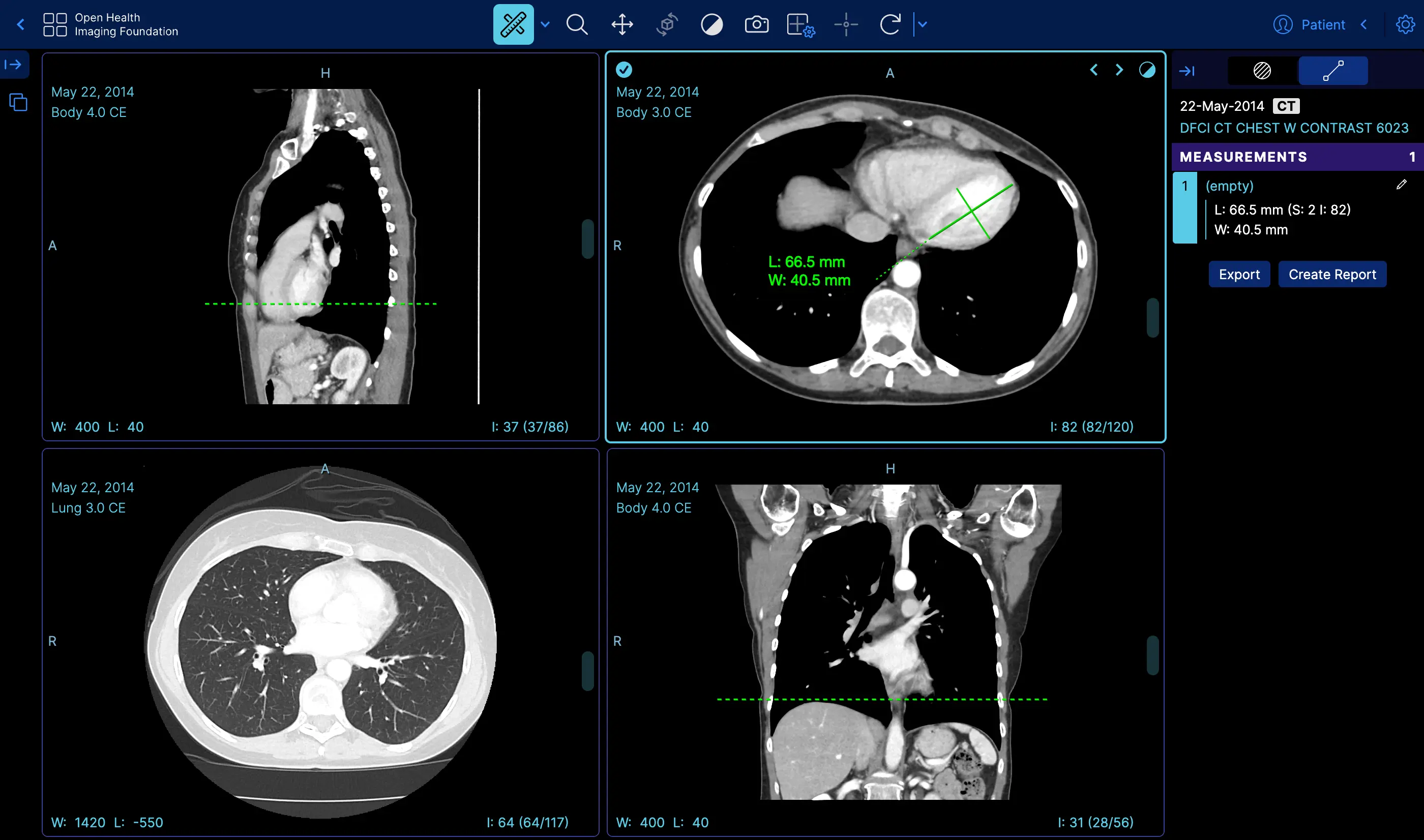 | Measurement Tracking | [Demo](https://viewer.ohif.org/viewer?StudyInstanceUIDs=1.3.6.1.4.1.25403.345050719074.3824.20170125095438.5) |
|
| Measurement Tracking | [Demo](https://viewer.ohif.org/viewer?StudyInstanceUIDs=1.3.6.1.4.1.25403.345050719074.3824.20170125095438.5) |
| 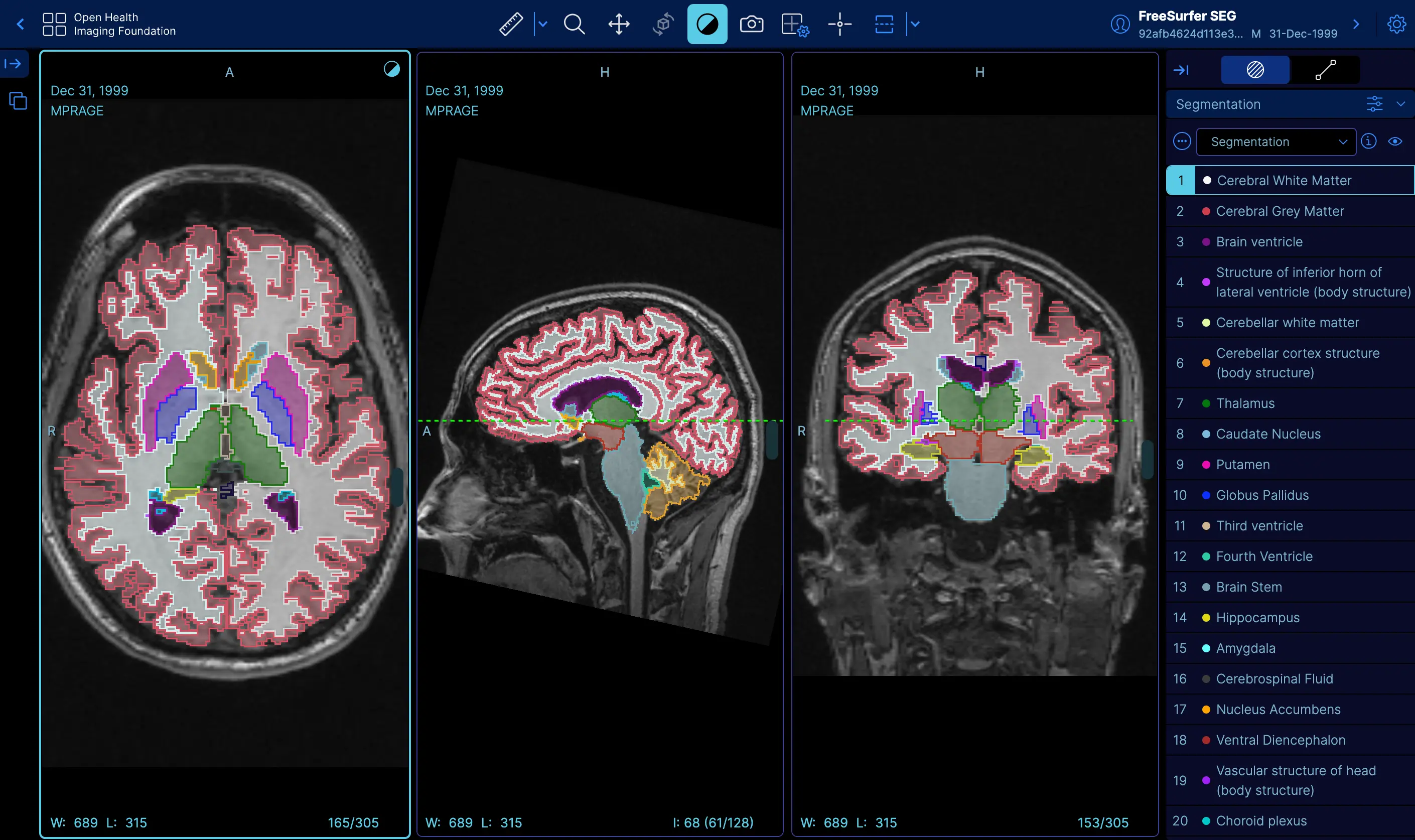 | Labelmap Segmentations | [Demo](https://viewer.ohif.org/viewer?StudyInstanceUIDs=1.3.12.2.1107.5.2.32.35162.30000015050317233592200000046) |
|
| Labelmap Segmentations | [Demo](https://viewer.ohif.org/viewer?StudyInstanceUIDs=1.3.12.2.1107.5.2.32.35162.30000015050317233592200000046) |
| 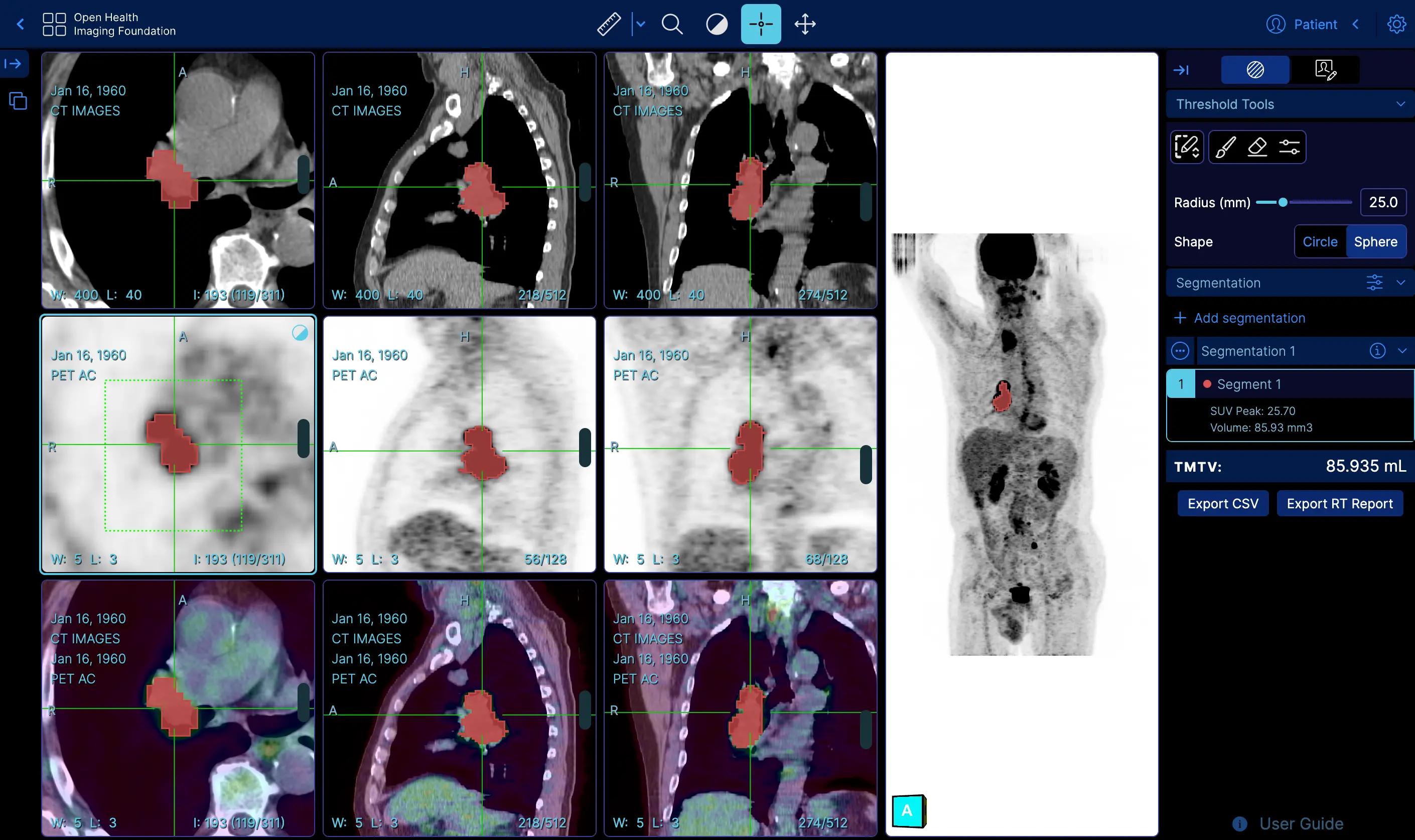 | Fusion and Custom Hanging protocols | [Demo](https://viewer.ohif.org/tmtv?StudyInstanceUIDs=1.3.6.1.4.1.14519.5.2.1.7009.2403.334240657131972136850343327463) |
|
| Fusion and Custom Hanging protocols | [Demo](https://viewer.ohif.org/tmtv?StudyInstanceUIDs=1.3.6.1.4.1.14519.5.2.1.7009.2403.334240657131972136850343327463) |
| 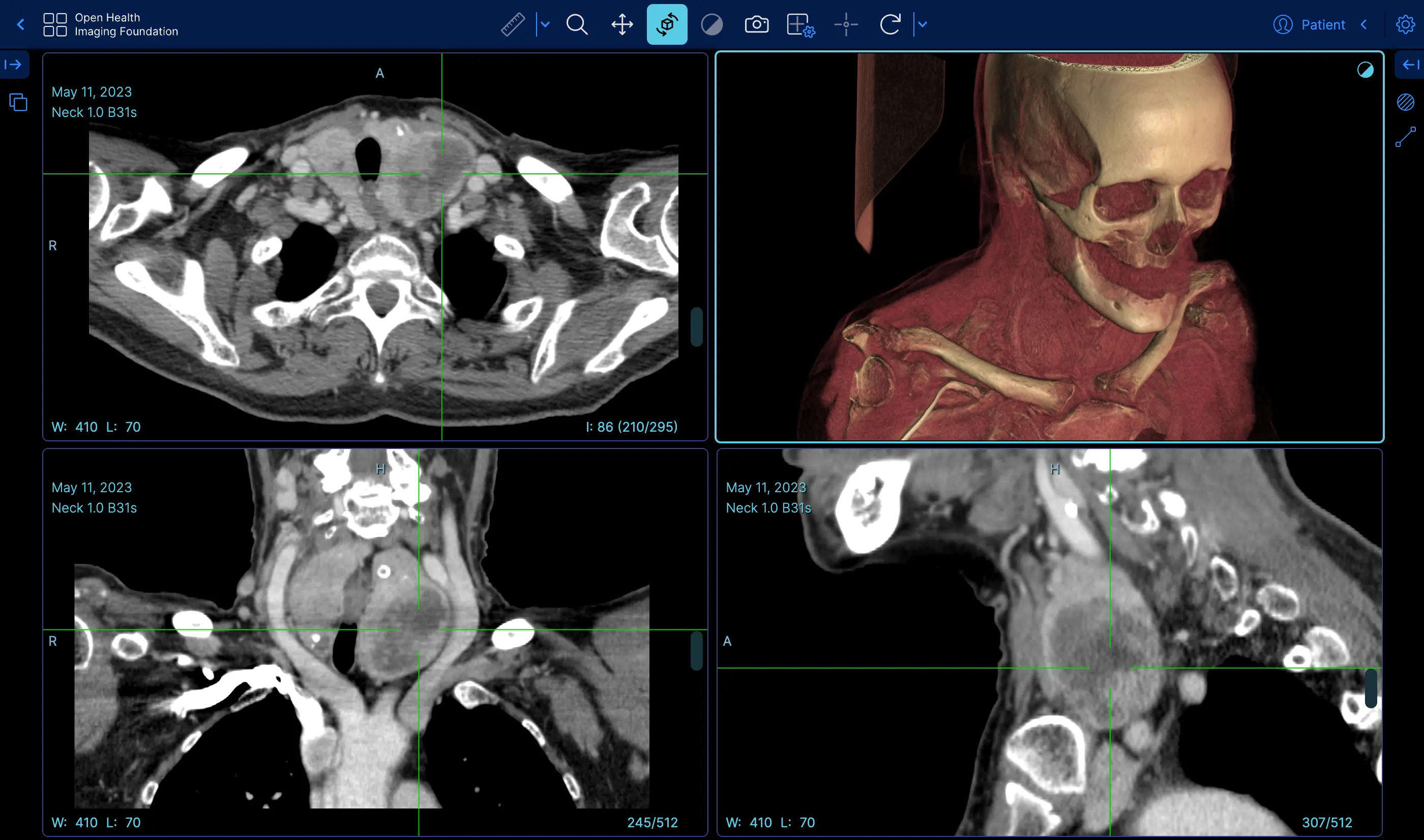 | Volume Rendering | [Demo](https://viewer.ohif.org/viewer?StudyInstanceUIDs=1.3.6.1.4.1.25403.345050719074.3824.20170125095438.5&hangingprotocolId=mprAnd3DVolumeViewport) |
|
| Volume Rendering | [Demo](https://viewer.ohif.org/viewer?StudyInstanceUIDs=1.3.6.1.4.1.25403.345050719074.3824.20170125095438.5&hangingprotocolId=mprAnd3DVolumeViewport) |
| 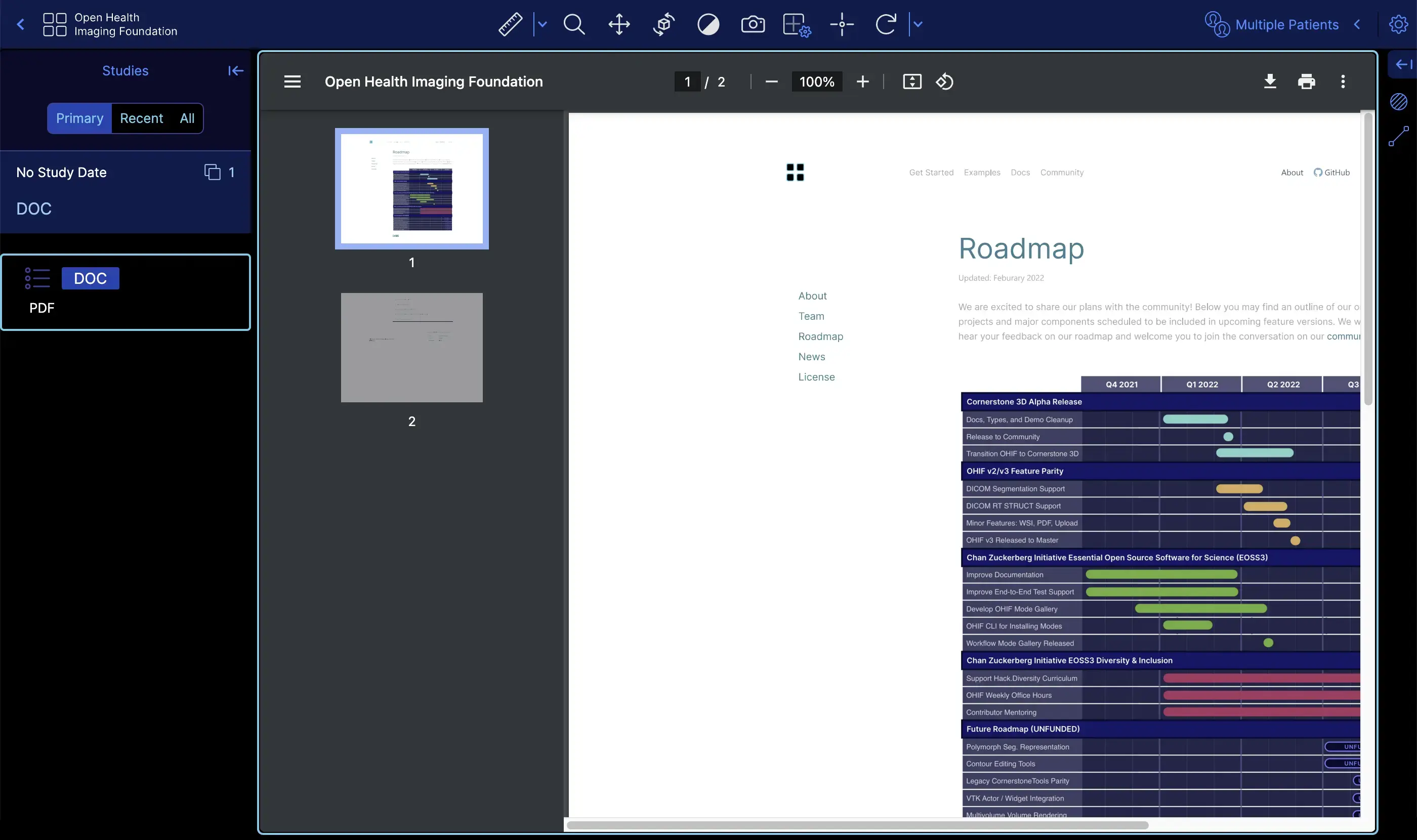 | PDF | [Demo](https://viewer.ohif.org/viewer?StudyInstanceUIDs=2.25.317377619501274872606137091638706705333) |
|
| PDF | [Demo](https://viewer.ohif.org/viewer?StudyInstanceUIDs=2.25.317377619501274872606137091638706705333) |
| 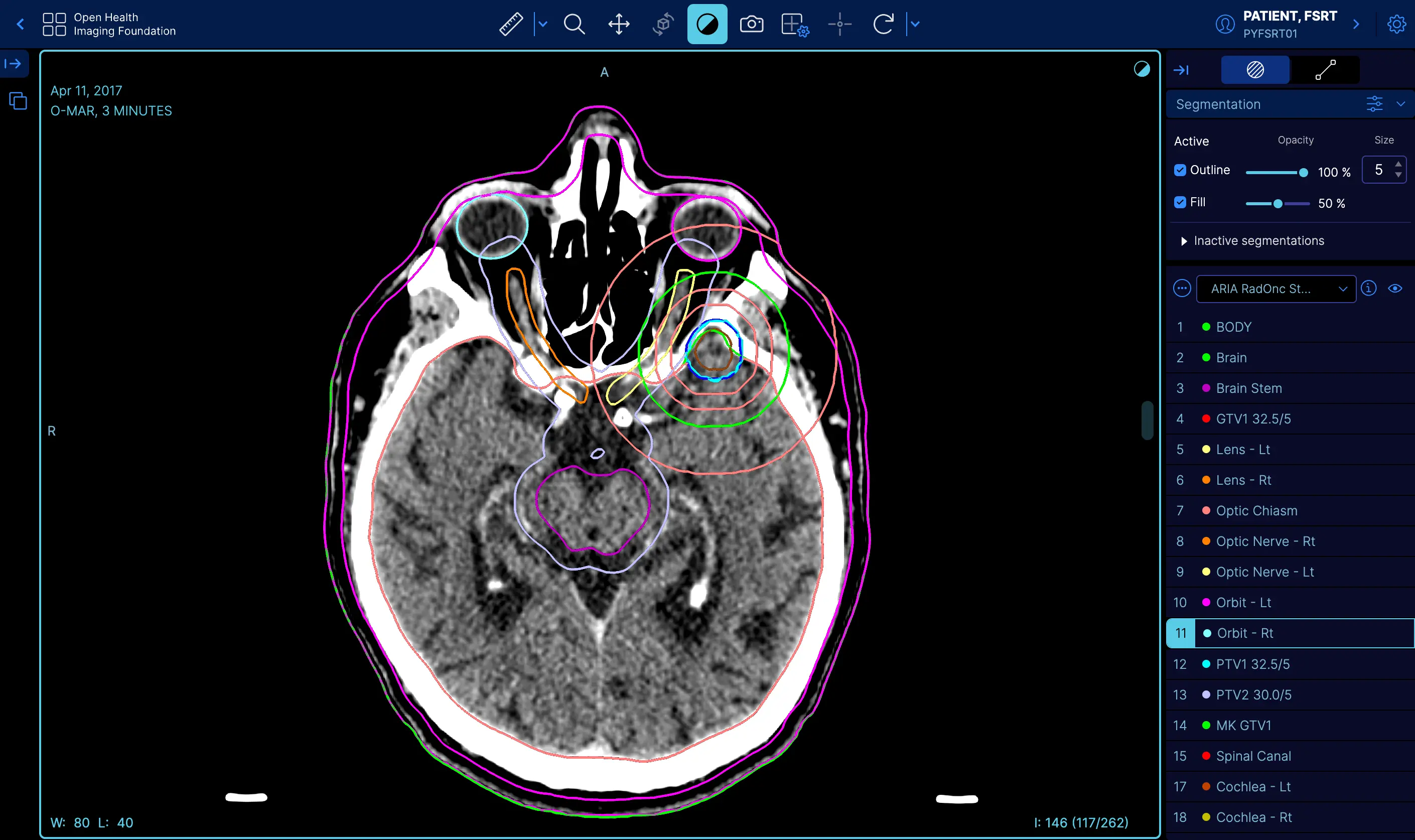 | RT STRUCT | [Demo](https://viewer.ohif.org/viewer?StudyInstanceUIDs=1.3.6.1.4.1.5962.99.1.2968617883.1314880426.1493322302363.3.0) |
|
| RT STRUCT | [Demo](https://viewer.ohif.org/viewer?StudyInstanceUIDs=1.3.6.1.4.1.5962.99.1.2968617883.1314880426.1493322302363.3.0) |
| 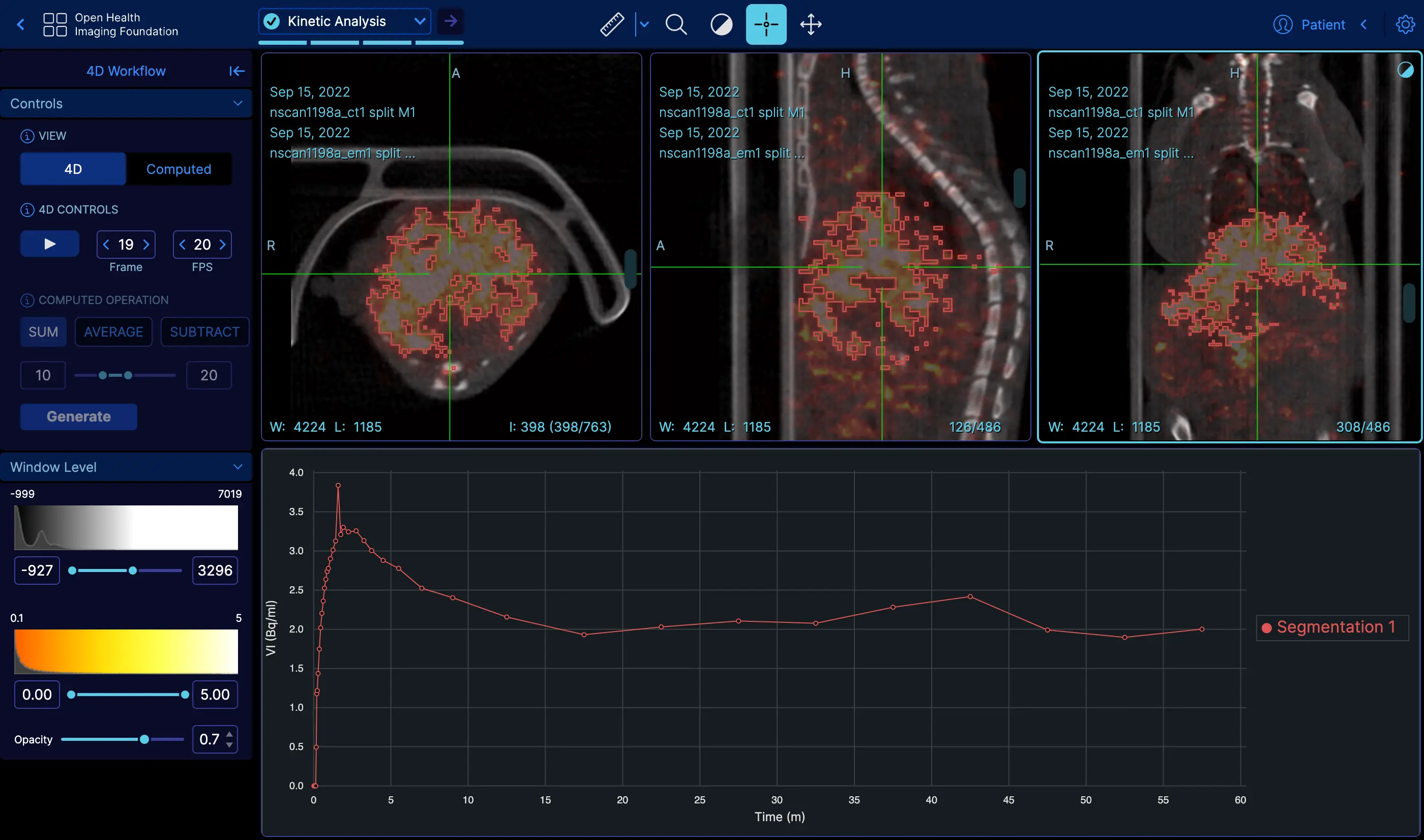 | 4D | [Demo](https://viewer.ohif.org/dynamic-volume?StudyInstanceUIDs=2.25.232704420736447710317909004159492840763) |
|
| 4D | [Demo](https://viewer.ohif.org/dynamic-volume?StudyInstanceUIDs=2.25.232704420736447710317909004159492840763) |
| 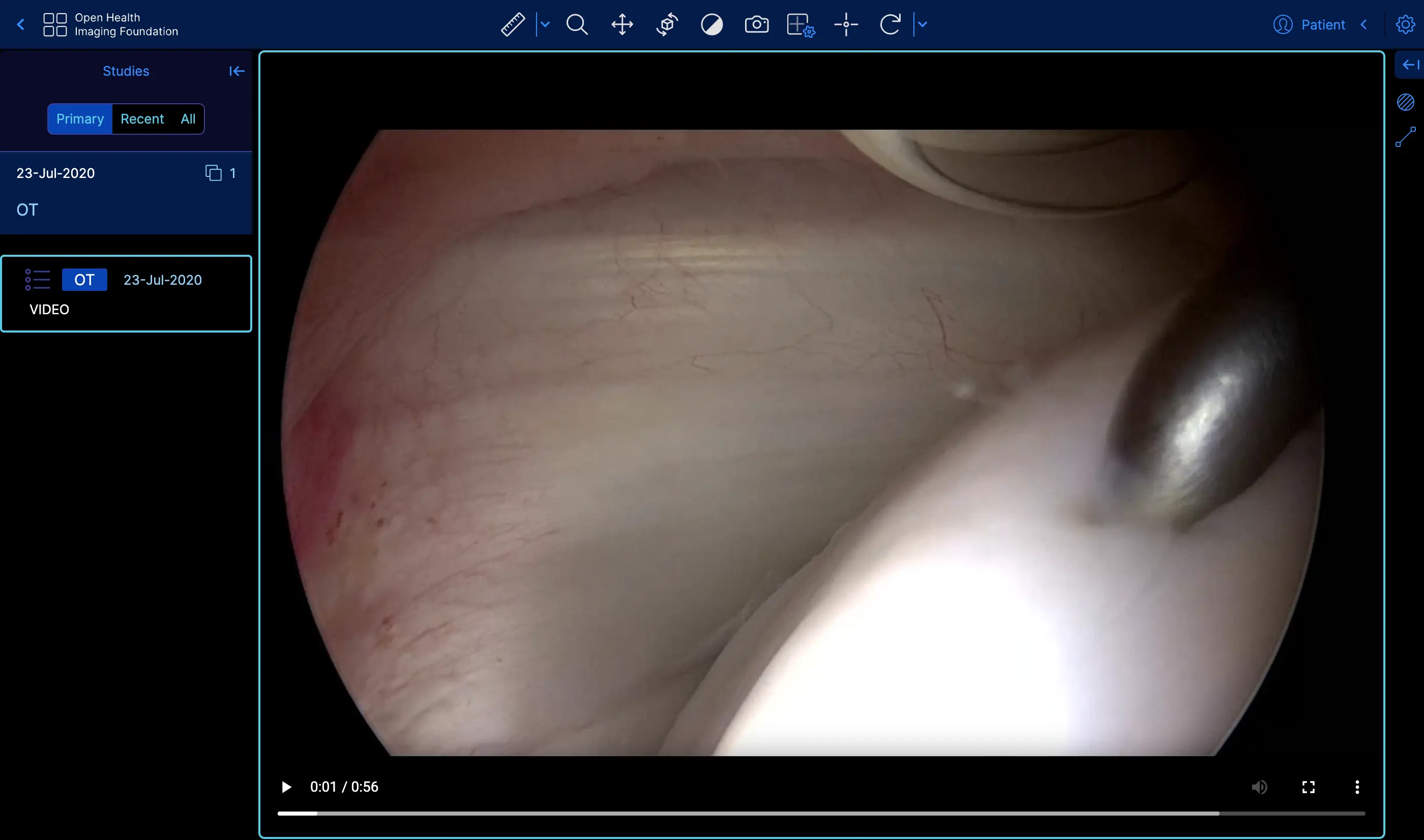 | Video | [Demo](https://viewer.ohif.org/viewer?StudyInstanceUIDs=2.25.96975534054447904995905761963464388233) |
|
| Video | [Demo](https://viewer.ohif.org/viewer?StudyInstanceUIDs=2.25.96975534054447904995905761963464388233) |
|  | Slide Microscopy | [Demo](https://viewer.ohif.org/microscopy?StudyInstanceUIDs=2.25.141277760791347900862109212450152067508) |
#### Where to next?
The Open Health Imaging Foundation intends to provide an imaging viewer
framework which can be easily extended for specific uses. If you find yourself
unable to extend the viewer for your purposes, please reach out via our [GitHub
issues][gh-issues]. We are actively seeking feedback on ways to improve our
integration and extension points.
Check out these helpful links:
- Ready to dive into some code? Check out our
[Getting Started Guide](./development/getting-started.md).
- We're an active, vibrant community.
[Learn how you can be more involved.](./development/contributing.md)
- Feeling lost? Read our [help page](/help).
#### Citing OHIF
To cite the OHIF Viewer in an academic publication, please cite
> _Open Health Imaging Foundation Viewer: An Extensible Open-Source Framework
> for Building Web-Based Imaging Applications to Support Cancer Research_
>
> Erik Ziegler, Trinity Urban, Danny Brown, James Petts, Steve D. Pieper, Rob
> Lewis, Chris Hafey, and Gordon J. Harris _JCO Clinical Cancer Informatics_, no. 4 (2020), 336-345, DOI:
> [10.1200/CCI.19.00131](https://www.doi.org/10.1200/CCI.19.00131)
This article is freely available on Pubmed Central: https://www.ncbi.nlm.nih.gov/pmc/articles/PMC7259879/
or, for Lesion Tracker of OHIF v1, please cite:
> _LesionTracker: Extensible Open-Source Zero-Footprint Web Viewer for Cancer
> Imaging Research and Clinical Trials_
>
> Trinity Urban, Erik Ziegler, Rob Lewis, Chris Hafey, Cheryl Sadow, Annick D.
> Van den Abbeele and Gordon J. Harris _Cancer Research_, November 1 2017 (77) (21) e119-e122 DOI:
> [10.1158/0008-5472.CAN-17-0334](https://www.doi.org/10.1158/0008-5472.CAN-17-0334)
This article is freely available on Pubmed Central.
https://pubmed.ncbi.nlm.nih.gov/29092955/
**Note:** If you use or find this repository helpful, please take the time to
star this repository on Github. This is an easy way for us to assess adoption,
and it can help us obtain future funding for the project.
#### License
MIT © [OHIF](https://github.com/OHIF)
[ohif-org]: https://www.ohif.org
[ohif-demo]: http://viewer.ohif.org/
[dicom-web]: https://en.wikipedia.org/wiki/DICOMweb
[gh-issues]: https://github.com/OHIF/Viewers/issues
---
## DICOM Conformance Statement
Source: https://docs.ohif.org/llm/conformance
You can find a version that has been open sourced by Radical Imaging [in this link](https://docs.google.com/document/d/1hbDlUApX4svX33gAUGxGfD7fXXZNaBsX0hSePbc-hNA/edit?usp=sharing)
---
## OHIF Viewer Release Notes
Source: https://docs.ohif.org/llm/release-notes
#### Release Notes
You can find the detailed release notes on the OHIF website. Please visit [https://ohif.org/release-notes](https://ohif.org/release-notes)
---
## OHIF Viewer Educational Resources
Source: https://docs.ohif.org/llm/resources
#### Resources
Throughout the development of the OHIF Viewer, we have participated in various
conferences and "hackathons". In this page, we will provide the presentations
and other resources that we have provided to the community in the past:
#### 2025
#### Machine Learning in Medical Imaging Consortium (MaLMIC) | January 2025
We presented two talks at the Machine Learning in Medical Imaging Consortium (MaLMIC) 2025 conference.
- Advanced Medical Imaging Visualization [Slides](https://docs.google.com/presentation/d/1HZDL-72nNe4BPawDxR3XnSFLB3oLo72RjExc-KHDZfo/edit?usp=sharing)
- Introducing Advanced Segmentation Tools in the OHIF Viewer and Cornerstone3D [Slides](https://docs.google.com/presentation/d/146oJ24PPsFZaDPHeFudRF1dmbL42K9yHzQdXXAXdWxk/edit?usp=sharing)
#### 2024
#### ITCR Sustainment Session 2024
Dr. Gordon Harris presented at ITCR sustainment session about the future of OHIF.
- OHIF Sustainability [Slides](https://docs.google.com/presentation/d/15380mjCzBKBj9PuysCW1Q9ODnyoypJrCDpj3atTtK6I/edit?usp=sharing)
#### ITCR Sustainment Panel 2024
- Advanced Medical Imaging Visualization [Slides](https://docs.google.com/presentation/d/1alUp9uJpoJs3aAUE0KqrufGo6e6HHvXYmOAdJp-Rlkc/edit?usp=sharing)
#### IMNO 2024 - March 19-20, 2024
We participated in the Imaging Network Ontario (ImNO) 2024 symposium, presenting three posters. One of our presentations received the best talk award during the session.
- Advancing Medical Imaging on the Web: Implementation of Hanging Protocols for Automated Image Display Configuration in OHIF V3 [Poster](https://www.dropbox.com/scl/fi/z4h86bmsxi0c62e1n6h9l/P7-9-Alireza-Sedghi-Final.pdf?rlkey=v5pm0p5ygkbq41x9bz3hr5yi8&dl=0)
- Advancing Medical Imaging on the Web: Optimizing the Dicomweb Server Architecture with Static Dicomweb [Poster](https://www.dropbox.com/scl/fi/ep0lxjp90kbxhjoffe4kh/P7-10-Bill-Wallace-Final.pdf?rlkey=xl2u6tdnh9j9hgvkajxv3b02o&dl=0)
- (**🏆🏆 BEST PRESENTATION AWARD in the Session 7 Pitches: Devices, HW, SW Development 🏆🏆**) Advancing Medical Imaging on the Web: Integrating High Throughput JPEG 2000 (HTJ2K) in Cornerstone3D for Streamlined Progressive Loading and Visualization [Poster](https://www.dropbox.com/scl/fi/srs2rxgtv2r69ver9ub1j/P7-8-Bill-Wallace-Final.pdf?rlkey=k9mmraw76r9q2s3b9w9s0793w&dl=0)
#### 2023
#### ITCR 2023 Conference | September 11-13, 2023
Dr. Gordon Harris presented an update on OHIF in [NCI Informatics Technology for Cancer Research Annual Meeting](https://www.itcr2023.org/). You can find the slides and poster here:
[[Slides]](https://docs.google.com/presentation/d/1R38s95db_yZj0WoYdlUbaWGZsWVb3H-3u_hXBZXiTaE/edit?usp=sharing)[[Poster]](https://ohif-assets.s3.us-east-2.amazonaws.com/presentations/OHIF-ITCR-2023-FINAL-PRINT.pdf)
#### SIIM 2023 Tech Tools Webinar | April 12th, 2023
Free, Open Source Tools for Research: MONAI and OHIF Viewer
[[Slides](https://docs.google.com/presentation/d/1afJ5Y9Tzukgn7eAbaO1oiCtN7XvIimFdmZP-HcOUofA/edit?usp=sharing)][[Video](https://www.youtube.com/watch?v=lo8J5w5jUJI)]
#### NA-MIC Project Week 38th 2023 - Remote
We participated in the 38th Project Week with three projects around OHIF. [[Website](https://projectweek.na-mic.org/PW38_2023_GranCanaria/)]
- PolySeg representations for OHIF Viewer ([link](https://projectweek.na-mic.org/PW38_2023_GranCanaria/Projects/OHIF_PolySeg/))
- Cross study synchronizer for OHIF Crosshair ([link](https://projectweek.na-mic.org/PW38_2023_GranCanaria/Projects/OHIF_SyncCrosshair/))
- DATSCAN Viewer implementation in OHIF ([link](https://projectweek.na-mic.org/PW38_2023_GranCanaria/Projects/OHIF_DATSCAN/))
#### 2022
#### OHIF Demo to Interns
[[Slides]](https://docs.google.com/presentation/d/1a2PkUnqkVMaXaBsuFn7-PPlBJULU3dBwzI_44gKFeYI/edit?usp=sharing)
#### SIIM 2022 - Updates from the Imaging Informatics Community
We participated in the SIIM 2022 conference to give update for the imaging
informatics community.
[[Slides]](https://docs.google.com/presentation/d/1EUGaUzQtGhZbZWpGLe6ONqChpVMw9Qr9l3KHODevMow/edit?usp=sharing)
[[Video]](https://vimeo.com/734463662/dbd5a88371)
#### The Imaging Network Ontario - Remote
The Imaging Network Ontario (ImNO) is an annual symposium that brings together
medical imaging researchers and scientists from across Canada to share
knowledge, ideas, and experiences.
[[Slides]](https://docs.google.com/presentation/d/18XZDon4-Sitc2a70V5sFyhyUVZI_mIgfXHGtdxhZMjE/edit?usp=sharing)
[[Video]](https://vimeo.com/843234581/ad7d308a44)
#### [NA-MIC Project Week 36th 2022 - Remote](https://github.com/NA-MIC/ProjectWeek/blob/master/PW36_2022_Virtual/README.md)
The Project Week is a week-long hackathon of hands-on activity in which medical
image computing researchers. OHIF team participated and gave a talk on OHIF and
Cornerstone in the 36th Project Week:
[[Slides]](https://docs.google.com/presentation/d/1-GtOKmr2cQi-r3OFyseSmgLeurtB3KXUkGMx2pVLh1I/edit?usp=sharing)
[[Video]](https://vimeo.com/668339696/63a2c48de8)
#### 2021
#### [NA-MIC Project Week 35th 2021 - Remote](https://github.com/NA-MIC/ProjectWeek/tree/master/PW35_2021_Virtual)
The Project Week is a week-long hackathon of hands-on activity in which medical
image computing researchers. OHIF team participated in the 35th Project Week
in 2021.
[[Slides]](https://docs.google.com/presentation/d/1KYNjuiI8lT1foQ4P9TGNV0lBhM6H-5KBs0wkYj4JJbk/edit?usp=sharing)
#### Chan Zuckerberg Initiative (CZI)
Project presentations and demonstrations of Essential Open Source Software for
Science (EOSS) grantees
[[Slides]](https://docs.google.com/presentation/d/1_CLtG2hsL3ZxOtV2olVnzBOzq-TMLrHLomOy3FiU4NE/edit?usp=sharing)
[[Video]](https://youtu.be/0FjKkTJO0Rc?t=3737)
#### Google Cloud Tech
Healthcare Imaging with Cloud Healthcare API
[[Video]](https://www.youtube.com/watch?v=2MiX9ScHFhY)
#### 2020
#### OHIF ITCR Pitch
OHIF pitch for Informatics Technology for Cancer Research (ITCR)
[[Slides]](https://docs.google.com/presentation/d/1MZXnZrVAnjmhVIWqC-aRSvJOoMMRLhLddACdCa1TybM/edit?usp=sharing)
[[Video]](https://vimeo.com/843234613/625bdb8793)
#### 2019
#### OHIF and VTK.js Training Course
OHIF and Kitware collaboration to create a training course for OHIF and VTK.js
developers. Funding for this work was provided by Kitware (NIH NINDS
R44NS081792, NIH NINDS R42NS086295, NIH NIBIB and NIGMS R01EB021396, NIH NIBIB
R01EB014955), Isomics (NIH P41 EB015902), and Massachusetts General Hospital
(NIH U24 CA199460).
1. Introduction to VTK.js and OHIF
[[Slides]](https://docs.google.com/presentation/d/1NCJxpfx_qUGJI_2DhbECzaOg0k-Z6b65QlUptCofN-A/edit#slide=id.p)
[[Video]](https://vimeo.com/375520781)
2. Developing with VTK.js
[[Slides]](https://docs.google.com/presentation/d/17TCS6EhFi6SWFIrcAJ-DFdFzFFL-WD9BBTv-owmMdDU/edit#slide=id.p)
[[Video]](https://vimeo.com/375521036)
3. VTK.js Architecture and Tooling
[[Slides]](https://docs.google.com/presentation/d/1Sr1OGxMSw0oCt46koKQbmwSIE11Kqq8MGtyW3W0ASpk/edit?usp=gmail_thread)
[[Video]](https://vimeo.com/375521810)
4. OHIF + VTK.js Integration
[[Slides]](https://docs.google.com/presentation/d/1Iwg-u01HGVf1CgC6NbcBD3gm3uHN9WhjU59FSz55TN8/edit?ts=5d9c9ce4#slide=id.g59aa99cda4_0_131)
[[Video]](https://vimeo.com/375521206)
#### 2017
#### Lesion Tracker
LesionTracker: Extensible Open-Source Zero-Footprint Web Viewer for Cancer
Imaging Research and Clinical Trials. This project was supported in part by
grant U24 CA199460 from the National Cancer Institute (NCI) Informatics
Technology for Cancer Research (ITCR) Program.
[[Video]](https://www.youtube.com/watch?v=gUIPtoSBL-Q)
#### OHIF Community Meeting - June
[[Slides]](https://docs.google.com/presentation/d/1K9Y6eP5DYTXoDlfwCZE6GkCUp83AK4_40YQS0dlzVBo/edit?usp=sharing)
#### 2016
#### Imaging Community Call
Open Source Oncology Web Viewer; Presentation by Gordon J. Harris
[[Slides]](https://www.slideshare.net/imgcommcall/lesiontracker)
#### OHIF Community Meeting - June
[[Slides]](https://docs.google.com/presentation/d/1Ai25mBG0ZWUPhaadp3VnbCVmkYs9K51sQ8osMixrvJ0/edit?usp=sharing)
#### OHIF Community Meeting - September
[[Slides]](https://docs.google.com/presentation/d/1iYZoU7v7KHSLHiKwH1_9_wweAkG7RGnyxrWeeHva4zQ/edit?usp=sharing)
---
## OHIF Viewer Test Coverage
Source: https://docs.ohif.org/llm/test-coverage
#### Test Coverage
#### Playwright
Here's the test coverage report for our Playwright tests. Keep in mind that this doesn't include our Cypress tests, so our actual test coverage is likely higher than what's shown. We're focusing on Playwright for future OHIF testing, and we're really pushing to improve that coverage number.
You can view our latest test coverage report here:
- [OHIF Playwright Test Coverage Report](https://docs.ohif.org/coverage)
---
# Behaviours
## Behaviours
Source: https://docs.ohif.org/llm/behaviours/README.md
#### Behaviours
This section documents **how the system and UI actually behave** — the
end-to-end behaviours that emerge from the interaction of services, extensions,
the data source, and Cornerstone3D, rather than the API of any single module.
It is the place for:
- **Observed behaviours** — how a feature works today across the stack (e.g. how
a DICOM SEG is fetched, decoded, and rendered; what the viewport does on study
change; how measurements round-trip to SR).
- **Design proposals** — proposed or in-progress changes to a behaviour, captured
before/while they are implemented so the intent and trade-offs are recorded.
These are clearly marked as proposals until they land.
- **Edge cases and failure modes** — what happens when something is missing,
slow, or malformed, and how the system is expected to degrade.
The goal is a durable, discoverable record of *behaviour* — the kind of
cross-cutting knowledge that is otherwise only in people's heads or scattered
across code comments. Prefer linking to the relevant source files (with line
references) so each behaviour doc stays anchored to the code it describes.
#### Index
- [Segmentation: loading a multiframe SEG as a single Part 10 instance](./segmentation-multiframe-part10-prefetch.md)
— _implemented, enabled by default_. Prefetch the whole instance in one request
and register it into the Cornerstone3D NATURALIZED frame registry so the
per-frame load path (WADO-RS and WADO-URI) is served locally, while keeping the
standard decode path unchanged. Per-frame loading is the exception — disable
via `loadMultiframeAsPart10: false` (data source config or the
`cornerstone.segmentation.loadMultiframeAsPart10` customization).
- [Report dialog: where a save goes, and what the series is called](./report-dialog-save-destinations.md)
— _implemented_. The three destinations of a save, the `predecessorImageId`
rule that decides which loaded series the dialog offers, the four names that a
new series starts from, and the descriptions that the viewer remembers.
#### Writing a new behaviour doc
1. Add a `kebab-case.md` file in this directory.
2. State whether it documents **current behaviour** or is a **proposal**.
3. Link to the code (`path:line`) that implements or will implement it.
4. Add it to the **Index** above.
---
## Report dialog: where a save goes, and what the series is called
Source: https://docs.ohif.org/llm/behaviours/report-dialog-save-destinations.md
#### Report dialog: where a save goes, and what the series is called
Status: **Implemented — current behaviour**
The report dialog stores a segmentation, a contour set, or a measurement report.
The dialog asks the user two things: which series the object goes into, and what
that series is called.
Implemented across:
- `extensions/default/src/customizations/reportDialogCustomization.tsx` — the
dialog, and the `ohif.createReportDialog` customization.
- `extensions/default/src/Panels/createReportDialogPrompt.tsx` — the prompt that
shows the dialog, and the input and the output of the prompt.
- `extensions/default/src/utils/seriesDescriptionHistory.ts` — the descriptions
that the viewer remembers.
- `extensions/cornerstone-dicom-seg/src/commandsModule.ts` — `storeSegmentation`,
the SEG caller and the RTSTRUCT caller.
- `extensions/default/src/utils/promptSaveReport.tsx` — the measurement report
caller.
- `libs/@cornerstonejs/packages/adapters/src/utilities/referencedMetadataProvider.ts`
— the `PredecessorSequence` provider, which reads the predecessor instance.
#### One save stores one object
Each destination stores all of the current data as one object, and the dialog
merges nothing. A save into a series that already holds data does not read that
data, and the save leaves no part of the current data out. The destination
decides which series holds the new object, and therefore which instance the new
object supersedes. The earlier instances stay in the series, and the new
instance becomes the one that the viewer loads by default.
#### The three destinations
| Destination | Where the object goes | When the dialog offers the destination |
| --- | --- | --- |
| `Save to current` | The series that the viewer loaded the data from | The `predecessorImageId` of the data names a loaded series |
| `Save as new` | A new series, with an editable number and description | Always |
| `Replace existing` | Another loaded series of this modality, which the user selects | The viewer holds at least one other such series |
`Save to current` is the default choice when the dialog offers it, and
`Save as new` is the default choice otherwise. `Save to current` and
`Replace existing` keep the number and the description of the target series, so
the dialog does not let the user edit either one.
#### Which series the dialog offers
The dialog offers a loaded series as a destination only when both of these hold:
1. The series holds the same type of object, which is the modality of the save.
2. The series has a `predecessorImageId` value.
The `predecessorImageId` value names the immediate prior object that someone
saved into the series. The save supersedes that one instance. The adapter reads
the series and the instance number through the value, from the
`PredecessorSequence` provider.
The dialog does **not** fall back to the `SeriesInstanceUID` value of the display
set. A UID names a series and not an instance, so a UID names no prior object,
and a UID is not an image id. The provider finds no instance for a UID, and the
save then starts a new series rather than extending the chosen one.
A local id, such as `dicomfile:3`, is a valid value. The viewer registers an
uploaded instance under a local id, and the provider resolves a local id, so a
user can save against an uploaded instance more than once.
A display set that the viewer downloaded and never stored has no
`predecessorImageId` value, and the dialog does not offer that display set. The
number of a new series still counts such a series, because the number comes from
every loaded series of the modality and not from the offered ones alone.
#### What the new series is called
`Save as new` offers four names, and the field starts from the first name that is
not blank:
1. `itemName`, the name that the user chose for the item. A rename before the
save therefore reaches the field. `storeSegmentation` passes
`segmentation.label`, but only when the user chose that label: the service
invents a name such as `Segmentation 3` for a new segmentation, and marks the
segmentation with `labelIsGenerated`. A label that is still marked this way
goes to `defaultSeriesDescription` instead, so a generated name does not
outrank the remembered descriptions. A rename clears the mark, and the save
compares no two strings, so a user who types the invented name still gets the
name in `itemName`.
2. The description of the series that the viewer loaded the data from, which is
the name of the last save of this data.
3. The descriptions that the user used before for this type of item, most recent
first. See [remembered descriptions](#remembered-descriptions).
4. `defaultSeriesDescription`, the name for an item that has no other name. The
in-tree callers pass `Segmentation`, `Contours` and `Measurements`.
The pull-down holds the four names in that order. A blank name, and a name of
spaces, drops out of the list, so such a name cannot hide a later name. The
dialog compares the names without case, and the list holds each name once. An
emptied field falls back to the first name of the list.
A caller with no editable name passes no `itemName`: the measurement report has
no such name, and the report therefore starts from the description of the loaded
series, or from the last used name.
#### Remembered descriptions
The viewer remembers a description when the user creates a new series with the
description, and a download counts as a save. A save into a series that already
exists remembers nothing, because that series keeps its own description.
The history holds a name that the user chose. A save that uses
`defaultSeriesDescription` remembers nothing, because the caller supplies that
name at every save, and the dialog offers the name in any case. A generated
segmentation label reaches `defaultSeriesDescription`, so `Segmentation 1` stays
out of the history and the dialog cannot offer `Segmentation 1` as the name of a
later, unrelated segmentation.
- `itemType` is the key that the viewer remembers the descriptions under, and
`itemType` defaults to the modality.
- `rememberedDescriptionCount` is how many descriptions the viewer remembers, and
the count defaults to 5.
- A count of 0 turns the history off. The list then holds one name, and the
dialog does not render the pull-down.
The user reaches the list in three ways: the pull-down button shows every name;
typing narrows the list to the names that the typing can complete; **Tab**
completes to the first of those names, and the arrow keys plus **Enter** select
one.
#### The series number of a new series
The dialog offers one past the highest series number of the loaded series of this
modality, and at least `minSeriesNumber`. The user can edit the number. An empty
number, and a number that is not valid, falls back to the offered number.
`createReportDialogPrompt` returns `seriesNumber`, and also
`priorSeriesNumber`, which is one less. A caller that computes the number as
`1 + priorSeriesNumber` gets the number that the dialog shows.
---
## Full-instance prefetch for segmentation (and multiframe) loading
Source: https://docs.ohif.org/llm/behaviours/segmentation-multiframe-part10-prefetch.md
#### Full-instance prefetch for segmentation (and multiframe) loading
Status: **Implemented — enabled and awaited to completion by default;
per-frame loading is the explicit opt-out**
The boolean `loadMultiframeAsPart10` resolves, in order: the data source
`configuration`, the global customization
`cornerstone.segmentation.loadMultiframeAsPart10`, then the built-in default of
`true` — i.e. by default the SEG load **waits for the whole-instance
fetch+parse to complete or fail** (deliberately no timeout) and serves every
frame from the registry. Set `loadMultiframeAsPart10: false` explicitly to
force per-frame loading — the exception, for back ends that need to fetch the
individual images instead (e.g. servers that cannot serve a whole-instance
retrieve, or deployments where holding the full Part 10 object in memory is
undesirable). A failed or unsupported instance fetch resolves quickly and
falls back to per-frame regardless of the setting, so it never wedges the load.
Note the per-frame endpoint itself is not inefficient — each frame request is
cheap — but SEG frames are so small and numerous that one bulk Part 10 fetch
beats hundreds of tiny requests (see Problem below). This holds even for very
large SEG objects (hundreds of MB): any finite race cap would simply expire on
those and storm per-frame anyway while abandoning the bulk fetch's benefit,
which is why there is no timeout.
Implemented across:
- `@cornerstonejs/dicom-image-loader`
- `imageLoader/prefetchPart10Instance.ts` — registers a Part 10 instance into
the frame registry (thin wrapper over `addDicomPart10Instance`).
- `imageLoader/wadors/loadImageFromRegistry.ts` +
`wadors/loadImage.ts` — WADO-RS loads now consult the registry first.
- `@ohif/extension-default` `DicomWebDataSource` — `retrieve.prefetchInstanceFrames`.
- `@ohif/extension-cornerstone-dicom-seg` `getSopClassHandlerModule.ts` — call
site (resolves the config and awaits the prefetch).
Related: `@cornerstonejs/adapters` `labelmapImagesFromBuffer.ts`
(`decodeSegPixelDataFromFrameIds`, bounded by `concurrency`, default 16).
#### Problem
The SEG load path now fetches/decodes frames through the cornerstone image
loader, one loadable `imageId` per frame, parallelized up to `N=16`
(`concurrency`). For a SEG (or any multiframe instance) with **800+ small
frames**, this means 800+ independent HTTP requests, each with its own
request/response overhead. Even at 16-wide concurrency the *per-request* latency
floor dominates: each frame is < 1 KB of payload but pays a full round trip.
Streaming **one large object** (the entire Part 10 / multiframe instance) is far
cheaper than streaming hundreds of tiny ones — a single connection, a single set
of headers, no per-frame TTFB. The whole instance for an 800-frame binary SEG is
typically a few hundred KB to a few MB.
#### Goal
Add a **generic data-source capability** that, _just before_ the segmentation
loader runs, optionally fetches the **entire original instance** in one request
and **registers it into the Cornerstone3D frame registry** (the
`@cornerstonejs/metadata` NATURALIZED + `COMPRESSED_FRAME_DATA` framework, parsed
by the dcmjs async reader) — so the existing per-frame `imageId` fetch path
transparently hits local data instead of the network, while the **cornerstone
decode path stays byte-for-byte identical** (same decompressor, same workers).
Crucially this is **best-effort**:
- By default (`loadMultiframeAsPart10` unset → `true`) the load **waits for the
full-instance fetch+parse to complete or fail** — no timeout — then every
frame is served from the registry.
- If `loadMultiframeAsPart10` resolves to `false` (explicitly configured), the
capability is **disabled** — no full-instance fetch is attempted. Per-frame
loading is the exception, opted into per deployment.
- If the full-instance fetch or parse **fails for any reason**, it must **never**
fail the segmentation decode. We log and fall back to per-frame fetches.
#### Why this is safe / transparent
There is **one uniform frame registry: the Cornerstone3D `@cornerstonejs/metadata`
NATURALIZED framework**, populated by `addDicomPart10Instance` (which parses the
Part 10 with the dcmjs `AsyncDicomReader`) and read per-frame via the
`COMPRESSED_FRAME_DATA` typed provider. Frame imageIds are normalized to the base
instance by `baseImageIdQueryFilter` (strips `/frames/N`, `?frame=N`, `&frame=N`),
so one registration under the instance serves every frame.
This is the **same registry the WADO-URI / `dicomweb` loader already uses**:
`wadouri/loadImage.ts`'s `loadImageFromNaturalizedMetadata` resolves each frame
from `COMPRESSED_FRAME_DATA` and decodes it with `createImage`. The gap was that
**WADO-RS** (`wadors/loadImage.ts`) always issued a per-frame `/frames/N` request
and never consulted the registry. The adapter closes that gap:
- `wadors/loadImageFromRegistry.ts` — `loadImageFromCompressedFrameRegistry(imageId)`
looks up `COMPRESSED_FRAME_DATA` for the frame; if present it decodes via the
**same `createImage`** path and returns the image; if absent it returns
`undefined`.
- `wadors/loadImage.ts` calls it first and short-circuits when the registry has
the frame, otherwise falls through to the existing network path.
So once `prefetchPart10Instance` has registered the instance, **both WADO-URI and
WADO-RS** serve every frame from the single registry, with the **same decode
pipeline** (`createImage` → worker decoder). From cornerstone's perspective
nothing changed except the compressed bytes came from the registry instead of the
wire.
> Rejected alternatives: (1) a bespoke `Map
| Slide Microscopy | [Demo](https://viewer.ohif.org/microscopy?StudyInstanceUIDs=2.25.141277760791347900862109212450152067508) |
#### Where to next?
The Open Health Imaging Foundation intends to provide an imaging viewer
framework which can be easily extended for specific uses. If you find yourself
unable to extend the viewer for your purposes, please reach out via our [GitHub
issues][gh-issues]. We are actively seeking feedback on ways to improve our
integration and extension points.
Check out these helpful links:
- Ready to dive into some code? Check out our
[Getting Started Guide](./development/getting-started.md).
- We're an active, vibrant community.
[Learn how you can be more involved.](./development/contributing.md)
- Feeling lost? Read our [help page](/help).
#### Citing OHIF
To cite the OHIF Viewer in an academic publication, please cite
> _Open Health Imaging Foundation Viewer: An Extensible Open-Source Framework
> for Building Web-Based Imaging Applications to Support Cancer Research_
>
> Erik Ziegler, Trinity Urban, Danny Brown, James Petts, Steve D. Pieper, Rob
> Lewis, Chris Hafey, and Gordon J. Harris _JCO Clinical Cancer Informatics_, no. 4 (2020), 336-345, DOI:
> [10.1200/CCI.19.00131](https://www.doi.org/10.1200/CCI.19.00131)
This article is freely available on Pubmed Central: https://www.ncbi.nlm.nih.gov/pmc/articles/PMC7259879/
or, for Lesion Tracker of OHIF v1, please cite:
> _LesionTracker: Extensible Open-Source Zero-Footprint Web Viewer for Cancer
> Imaging Research and Clinical Trials_
>
> Trinity Urban, Erik Ziegler, Rob Lewis, Chris Hafey, Cheryl Sadow, Annick D.
> Van den Abbeele and Gordon J. Harris _Cancer Research_, November 1 2017 (77) (21) e119-e122 DOI:
> [10.1158/0008-5472.CAN-17-0334](https://www.doi.org/10.1158/0008-5472.CAN-17-0334)
This article is freely available on Pubmed Central.
https://pubmed.ncbi.nlm.nih.gov/29092955/
**Note:** If you use or find this repository helpful, please take the time to
star this repository on Github. This is an easy way for us to assess adoption,
and it can help us obtain future funding for the project.
#### License
MIT © [OHIF](https://github.com/OHIF)
[ohif-org]: https://www.ohif.org
[ohif-demo]: http://viewer.ohif.org/
[dicom-web]: https://en.wikipedia.org/wiki/DICOMweb
[gh-issues]: https://github.com/OHIF/Viewers/issues
---
## DICOM Conformance Statement
Source: https://docs.ohif.org/llm/conformance
You can find a version that has been open sourced by Radical Imaging [in this link](https://docs.google.com/document/d/1hbDlUApX4svX33gAUGxGfD7fXXZNaBsX0hSePbc-hNA/edit?usp=sharing)
---
## OHIF Viewer Release Notes
Source: https://docs.ohif.org/llm/release-notes
#### Release Notes
You can find the detailed release notes on the OHIF website. Please visit [https://ohif.org/release-notes](https://ohif.org/release-notes)
---
## OHIF Viewer Educational Resources
Source: https://docs.ohif.org/llm/resources
#### Resources
Throughout the development of the OHIF Viewer, we have participated in various
conferences and "hackathons". In this page, we will provide the presentations
and other resources that we have provided to the community in the past:
#### 2025
#### Machine Learning in Medical Imaging Consortium (MaLMIC) | January 2025
We presented two talks at the Machine Learning in Medical Imaging Consortium (MaLMIC) 2025 conference.
- Advanced Medical Imaging Visualization [Slides](https://docs.google.com/presentation/d/1HZDL-72nNe4BPawDxR3XnSFLB3oLo72RjExc-KHDZfo/edit?usp=sharing)
- Introducing Advanced Segmentation Tools in the OHIF Viewer and Cornerstone3D [Slides](https://docs.google.com/presentation/d/146oJ24PPsFZaDPHeFudRF1dmbL42K9yHzQdXXAXdWxk/edit?usp=sharing)
#### 2024
#### ITCR Sustainment Session 2024
Dr. Gordon Harris presented at ITCR sustainment session about the future of OHIF.
- OHIF Sustainability [Slides](https://docs.google.com/presentation/d/15380mjCzBKBj9PuysCW1Q9ODnyoypJrCDpj3atTtK6I/edit?usp=sharing)
#### ITCR Sustainment Panel 2024
- Advanced Medical Imaging Visualization [Slides](https://docs.google.com/presentation/d/1alUp9uJpoJs3aAUE0KqrufGo6e6HHvXYmOAdJp-Rlkc/edit?usp=sharing)
#### IMNO 2024 - March 19-20, 2024
We participated in the Imaging Network Ontario (ImNO) 2024 symposium, presenting three posters. One of our presentations received the best talk award during the session.
- Advancing Medical Imaging on the Web: Implementation of Hanging Protocols for Automated Image Display Configuration in OHIF V3 [Poster](https://www.dropbox.com/scl/fi/z4h86bmsxi0c62e1n6h9l/P7-9-Alireza-Sedghi-Final.pdf?rlkey=v5pm0p5ygkbq41x9bz3hr5yi8&dl=0)
- Advancing Medical Imaging on the Web: Optimizing the Dicomweb Server Architecture with Static Dicomweb [Poster](https://www.dropbox.com/scl/fi/ep0lxjp90kbxhjoffe4kh/P7-10-Bill-Wallace-Final.pdf?rlkey=xl2u6tdnh9j9hgvkajxv3b02o&dl=0)
- (**🏆🏆 BEST PRESENTATION AWARD in the Session 7 Pitches: Devices, HW, SW Development 🏆🏆**) Advancing Medical Imaging on the Web: Integrating High Throughput JPEG 2000 (HTJ2K) in Cornerstone3D for Streamlined Progressive Loading and Visualization [Poster](https://www.dropbox.com/scl/fi/srs2rxgtv2r69ver9ub1j/P7-8-Bill-Wallace-Final.pdf?rlkey=k9mmraw76r9q2s3b9w9s0793w&dl=0)
#### 2023
#### ITCR 2023 Conference | September 11-13, 2023
Dr. Gordon Harris presented an update on OHIF in [NCI Informatics Technology for Cancer Research Annual Meeting](https://www.itcr2023.org/). You can find the slides and poster here:
[[Slides]](https://docs.google.com/presentation/d/1R38s95db_yZj0WoYdlUbaWGZsWVb3H-3u_hXBZXiTaE/edit?usp=sharing)[[Poster]](https://ohif-assets.s3.us-east-2.amazonaws.com/presentations/OHIF-ITCR-2023-FINAL-PRINT.pdf)
#### SIIM 2023 Tech Tools Webinar | April 12th, 2023
Free, Open Source Tools for Research: MONAI and OHIF Viewer
[[Slides](https://docs.google.com/presentation/d/1afJ5Y9Tzukgn7eAbaO1oiCtN7XvIimFdmZP-HcOUofA/edit?usp=sharing)][[Video](https://www.youtube.com/watch?v=lo8J5w5jUJI)]
#### NA-MIC Project Week 38th 2023 - Remote
We participated in the 38th Project Week with three projects around OHIF. [[Website](https://projectweek.na-mic.org/PW38_2023_GranCanaria/)]
- PolySeg representations for OHIF Viewer ([link](https://projectweek.na-mic.org/PW38_2023_GranCanaria/Projects/OHIF_PolySeg/))
- Cross study synchronizer for OHIF Crosshair ([link](https://projectweek.na-mic.org/PW38_2023_GranCanaria/Projects/OHIF_SyncCrosshair/))
- DATSCAN Viewer implementation in OHIF ([link](https://projectweek.na-mic.org/PW38_2023_GranCanaria/Projects/OHIF_DATSCAN/))
#### 2022
#### OHIF Demo to Interns
[[Slides]](https://docs.google.com/presentation/d/1a2PkUnqkVMaXaBsuFn7-PPlBJULU3dBwzI_44gKFeYI/edit?usp=sharing)
#### SIIM 2022 - Updates from the Imaging Informatics Community
We participated in the SIIM 2022 conference to give update for the imaging
informatics community.
[[Slides]](https://docs.google.com/presentation/d/1EUGaUzQtGhZbZWpGLe6ONqChpVMw9Qr9l3KHODevMow/edit?usp=sharing)
[[Video]](https://vimeo.com/734463662/dbd5a88371)
#### The Imaging Network Ontario - Remote
The Imaging Network Ontario (ImNO) is an annual symposium that brings together
medical imaging researchers and scientists from across Canada to share
knowledge, ideas, and experiences.
[[Slides]](https://docs.google.com/presentation/d/18XZDon4-Sitc2a70V5sFyhyUVZI_mIgfXHGtdxhZMjE/edit?usp=sharing)
[[Video]](https://vimeo.com/843234581/ad7d308a44)
#### [NA-MIC Project Week 36th 2022 - Remote](https://github.com/NA-MIC/ProjectWeek/blob/master/PW36_2022_Virtual/README.md)
The Project Week is a week-long hackathon of hands-on activity in which medical
image computing researchers. OHIF team participated and gave a talk on OHIF and
Cornerstone in the 36th Project Week:
[[Slides]](https://docs.google.com/presentation/d/1-GtOKmr2cQi-r3OFyseSmgLeurtB3KXUkGMx2pVLh1I/edit?usp=sharing)
[[Video]](https://vimeo.com/668339696/63a2c48de8)
#### 2021
#### [NA-MIC Project Week 35th 2021 - Remote](https://github.com/NA-MIC/ProjectWeek/tree/master/PW35_2021_Virtual)
The Project Week is a week-long hackathon of hands-on activity in which medical
image computing researchers. OHIF team participated in the 35th Project Week
in 2021.
[[Slides]](https://docs.google.com/presentation/d/1KYNjuiI8lT1foQ4P9TGNV0lBhM6H-5KBs0wkYj4JJbk/edit?usp=sharing)
#### Chan Zuckerberg Initiative (CZI)
Project presentations and demonstrations of Essential Open Source Software for
Science (EOSS) grantees
[[Slides]](https://docs.google.com/presentation/d/1_CLtG2hsL3ZxOtV2olVnzBOzq-TMLrHLomOy3FiU4NE/edit?usp=sharing)
[[Video]](https://youtu.be/0FjKkTJO0Rc?t=3737)
#### Google Cloud Tech
Healthcare Imaging with Cloud Healthcare API
[[Video]](https://www.youtube.com/watch?v=2MiX9ScHFhY)
#### 2020
#### OHIF ITCR Pitch
OHIF pitch for Informatics Technology for Cancer Research (ITCR)
[[Slides]](https://docs.google.com/presentation/d/1MZXnZrVAnjmhVIWqC-aRSvJOoMMRLhLddACdCa1TybM/edit?usp=sharing)
[[Video]](https://vimeo.com/843234613/625bdb8793)
#### 2019
#### OHIF and VTK.js Training Course
OHIF and Kitware collaboration to create a training course for OHIF and VTK.js
developers. Funding for this work was provided by Kitware (NIH NINDS
R44NS081792, NIH NINDS R42NS086295, NIH NIBIB and NIGMS R01EB021396, NIH NIBIB
R01EB014955), Isomics (NIH P41 EB015902), and Massachusetts General Hospital
(NIH U24 CA199460).
1. Introduction to VTK.js and OHIF
[[Slides]](https://docs.google.com/presentation/d/1NCJxpfx_qUGJI_2DhbECzaOg0k-Z6b65QlUptCofN-A/edit#slide=id.p)
[[Video]](https://vimeo.com/375520781)
2. Developing with VTK.js
[[Slides]](https://docs.google.com/presentation/d/17TCS6EhFi6SWFIrcAJ-DFdFzFFL-WD9BBTv-owmMdDU/edit#slide=id.p)
[[Video]](https://vimeo.com/375521036)
3. VTK.js Architecture and Tooling
[[Slides]](https://docs.google.com/presentation/d/1Sr1OGxMSw0oCt46koKQbmwSIE11Kqq8MGtyW3W0ASpk/edit?usp=gmail_thread)
[[Video]](https://vimeo.com/375521810)
4. OHIF + VTK.js Integration
[[Slides]](https://docs.google.com/presentation/d/1Iwg-u01HGVf1CgC6NbcBD3gm3uHN9WhjU59FSz55TN8/edit?ts=5d9c9ce4#slide=id.g59aa99cda4_0_131)
[[Video]](https://vimeo.com/375521206)
#### 2017
#### Lesion Tracker
LesionTracker: Extensible Open-Source Zero-Footprint Web Viewer for Cancer
Imaging Research and Clinical Trials. This project was supported in part by
grant U24 CA199460 from the National Cancer Institute (NCI) Informatics
Technology for Cancer Research (ITCR) Program.
[[Video]](https://www.youtube.com/watch?v=gUIPtoSBL-Q)
#### OHIF Community Meeting - June
[[Slides]](https://docs.google.com/presentation/d/1K9Y6eP5DYTXoDlfwCZE6GkCUp83AK4_40YQS0dlzVBo/edit?usp=sharing)
#### 2016
#### Imaging Community Call
Open Source Oncology Web Viewer; Presentation by Gordon J. Harris
[[Slides]](https://www.slideshare.net/imgcommcall/lesiontracker)
#### OHIF Community Meeting - June
[[Slides]](https://docs.google.com/presentation/d/1Ai25mBG0ZWUPhaadp3VnbCVmkYs9K51sQ8osMixrvJ0/edit?usp=sharing)
#### OHIF Community Meeting - September
[[Slides]](https://docs.google.com/presentation/d/1iYZoU7v7KHSLHiKwH1_9_wweAkG7RGnyxrWeeHva4zQ/edit?usp=sharing)
---
## OHIF Viewer Test Coverage
Source: https://docs.ohif.org/llm/test-coverage
#### Test Coverage
#### Playwright
Here's the test coverage report for our Playwright tests. Keep in mind that this doesn't include our Cypress tests, so our actual test coverage is likely higher than what's shown. We're focusing on Playwright for future OHIF testing, and we're really pushing to improve that coverage number.
You can view our latest test coverage report here:
- [OHIF Playwright Test Coverage Report](https://docs.ohif.org/coverage)
---
# Behaviours
## Behaviours
Source: https://docs.ohif.org/llm/behaviours/README.md
#### Behaviours
This section documents **how the system and UI actually behave** — the
end-to-end behaviours that emerge from the interaction of services, extensions,
the data source, and Cornerstone3D, rather than the API of any single module.
It is the place for:
- **Observed behaviours** — how a feature works today across the stack (e.g. how
a DICOM SEG is fetched, decoded, and rendered; what the viewport does on study
change; how measurements round-trip to SR).
- **Design proposals** — proposed or in-progress changes to a behaviour, captured
before/while they are implemented so the intent and trade-offs are recorded.
These are clearly marked as proposals until they land.
- **Edge cases and failure modes** — what happens when something is missing,
slow, or malformed, and how the system is expected to degrade.
The goal is a durable, discoverable record of *behaviour* — the kind of
cross-cutting knowledge that is otherwise only in people's heads or scattered
across code comments. Prefer linking to the relevant source files (with line
references) so each behaviour doc stays anchored to the code it describes.
#### Index
- [Segmentation: loading a multiframe SEG as a single Part 10 instance](./segmentation-multiframe-part10-prefetch.md)
— _implemented, enabled by default_. Prefetch the whole instance in one request
and register it into the Cornerstone3D NATURALIZED frame registry so the
per-frame load path (WADO-RS and WADO-URI) is served locally, while keeping the
standard decode path unchanged. Per-frame loading is the exception — disable
via `loadMultiframeAsPart10: false` (data source config or the
`cornerstone.segmentation.loadMultiframeAsPart10` customization).
- [Report dialog: where a save goes, and what the series is called](./report-dialog-save-destinations.md)
— _implemented_. The three destinations of a save, the `predecessorImageId`
rule that decides which loaded series the dialog offers, the four names that a
new series starts from, and the descriptions that the viewer remembers.
#### Writing a new behaviour doc
1. Add a `kebab-case.md` file in this directory.
2. State whether it documents **current behaviour** or is a **proposal**.
3. Link to the code (`path:line`) that implements or will implement it.
4. Add it to the **Index** above.
---
## Report dialog: where a save goes, and what the series is called
Source: https://docs.ohif.org/llm/behaviours/report-dialog-save-destinations.md
#### Report dialog: where a save goes, and what the series is called
Status: **Implemented — current behaviour**
The report dialog stores a segmentation, a contour set, or a measurement report.
The dialog asks the user two things: which series the object goes into, and what
that series is called.
Implemented across:
- `extensions/default/src/customizations/reportDialogCustomization.tsx` — the
dialog, and the `ohif.createReportDialog` customization.
- `extensions/default/src/Panels/createReportDialogPrompt.tsx` — the prompt that
shows the dialog, and the input and the output of the prompt.
- `extensions/default/src/utils/seriesDescriptionHistory.ts` — the descriptions
that the viewer remembers.
- `extensions/cornerstone-dicom-seg/src/commandsModule.ts` — `storeSegmentation`,
the SEG caller and the RTSTRUCT caller.
- `extensions/default/src/utils/promptSaveReport.tsx` — the measurement report
caller.
- `libs/@cornerstonejs/packages/adapters/src/utilities/referencedMetadataProvider.ts`
— the `PredecessorSequence` provider, which reads the predecessor instance.
#### One save stores one object
Each destination stores all of the current data as one object, and the dialog
merges nothing. A save into a series that already holds data does not read that
data, and the save leaves no part of the current data out. The destination
decides which series holds the new object, and therefore which instance the new
object supersedes. The earlier instances stay in the series, and the new
instance becomes the one that the viewer loads by default.
#### The three destinations
| Destination | Where the object goes | When the dialog offers the destination |
| --- | --- | --- |
| `Save to current` | The series that the viewer loaded the data from | The `predecessorImageId` of the data names a loaded series |
| `Save as new` | A new series, with an editable number and description | Always |
| `Replace existing` | Another loaded series of this modality, which the user selects | The viewer holds at least one other such series |
`Save to current` is the default choice when the dialog offers it, and
`Save as new` is the default choice otherwise. `Save to current` and
`Replace existing` keep the number and the description of the target series, so
the dialog does not let the user edit either one.
#### Which series the dialog offers
The dialog offers a loaded series as a destination only when both of these hold:
1. The series holds the same type of object, which is the modality of the save.
2. The series has a `predecessorImageId` value.
The `predecessorImageId` value names the immediate prior object that someone
saved into the series. The save supersedes that one instance. The adapter reads
the series and the instance number through the value, from the
`PredecessorSequence` provider.
The dialog does **not** fall back to the `SeriesInstanceUID` value of the display
set. A UID names a series and not an instance, so a UID names no prior object,
and a UID is not an image id. The provider finds no instance for a UID, and the
save then starts a new series rather than extending the chosen one.
A local id, such as `dicomfile:3`, is a valid value. The viewer registers an
uploaded instance under a local id, and the provider resolves a local id, so a
user can save against an uploaded instance more than once.
A display set that the viewer downloaded and never stored has no
`predecessorImageId` value, and the dialog does not offer that display set. The
number of a new series still counts such a series, because the number comes from
every loaded series of the modality and not from the offered ones alone.
#### What the new series is called
`Save as new` offers four names, and the field starts from the first name that is
not blank:
1. `itemName`, the name that the user chose for the item. A rename before the
save therefore reaches the field. `storeSegmentation` passes
`segmentation.label`, but only when the user chose that label: the service
invents a name such as `Segmentation 3` for a new segmentation, and marks the
segmentation with `labelIsGenerated`. A label that is still marked this way
goes to `defaultSeriesDescription` instead, so a generated name does not
outrank the remembered descriptions. A rename clears the mark, and the save
compares no two strings, so a user who types the invented name still gets the
name in `itemName`.
2. The description of the series that the viewer loaded the data from, which is
the name of the last save of this data.
3. The descriptions that the user used before for this type of item, most recent
first. See [remembered descriptions](#remembered-descriptions).
4. `defaultSeriesDescription`, the name for an item that has no other name. The
in-tree callers pass `Segmentation`, `Contours` and `Measurements`.
The pull-down holds the four names in that order. A blank name, and a name of
spaces, drops out of the list, so such a name cannot hide a later name. The
dialog compares the names without case, and the list holds each name once. An
emptied field falls back to the first name of the list.
A caller with no editable name passes no `itemName`: the measurement report has
no such name, and the report therefore starts from the description of the loaded
series, or from the last used name.
#### Remembered descriptions
The viewer remembers a description when the user creates a new series with the
description, and a download counts as a save. A save into a series that already
exists remembers nothing, because that series keeps its own description.
The history holds a name that the user chose. A save that uses
`defaultSeriesDescription` remembers nothing, because the caller supplies that
name at every save, and the dialog offers the name in any case. A generated
segmentation label reaches `defaultSeriesDescription`, so `Segmentation 1` stays
out of the history and the dialog cannot offer `Segmentation 1` as the name of a
later, unrelated segmentation.
- `itemType` is the key that the viewer remembers the descriptions under, and
`itemType` defaults to the modality.
- `rememberedDescriptionCount` is how many descriptions the viewer remembers, and
the count defaults to 5.
- A count of 0 turns the history off. The list then holds one name, and the
dialog does not render the pull-down.
The user reaches the list in three ways: the pull-down button shows every name;
typing narrows the list to the names that the typing can complete; **Tab**
completes to the first of those names, and the arrow keys plus **Enter** select
one.
#### The series number of a new series
The dialog offers one past the highest series number of the loaded series of this
modality, and at least `minSeriesNumber`. The user can edit the number. An empty
number, and a number that is not valid, falls back to the offered number.
`createReportDialogPrompt` returns `seriesNumber`, and also
`priorSeriesNumber`, which is one less. A caller that computes the number as
`1 + priorSeriesNumber` gets the number that the dialog shows.
---
## Full-instance prefetch for segmentation (and multiframe) loading
Source: https://docs.ohif.org/llm/behaviours/segmentation-multiframe-part10-prefetch.md
#### Full-instance prefetch for segmentation (and multiframe) loading
Status: **Implemented — enabled and awaited to completion by default;
per-frame loading is the explicit opt-out**
The boolean `loadMultiframeAsPart10` resolves, in order: the data source
`configuration`, the global customization
`cornerstone.segmentation.loadMultiframeAsPart10`, then the built-in default of
`true` — i.e. by default the SEG load **waits for the whole-instance
fetch+parse to complete or fail** (deliberately no timeout) and serves every
frame from the registry. Set `loadMultiframeAsPart10: false` explicitly to
force per-frame loading — the exception, for back ends that need to fetch the
individual images instead (e.g. servers that cannot serve a whole-instance
retrieve, or deployments where holding the full Part 10 object in memory is
undesirable). A failed or unsupported instance fetch resolves quickly and
falls back to per-frame regardless of the setting, so it never wedges the load.
Note the per-frame endpoint itself is not inefficient — each frame request is
cheap — but SEG frames are so small and numerous that one bulk Part 10 fetch
beats hundreds of tiny requests (see Problem below). This holds even for very
large SEG objects (hundreds of MB): any finite race cap would simply expire on
those and storm per-frame anyway while abandoning the bulk fetch's benefit,
which is why there is no timeout.
Implemented across:
- `@cornerstonejs/dicom-image-loader`
- `imageLoader/prefetchPart10Instance.ts` — registers a Part 10 instance into
the frame registry (thin wrapper over `addDicomPart10Instance`).
- `imageLoader/wadors/loadImageFromRegistry.ts` +
`wadors/loadImage.ts` — WADO-RS loads now consult the registry first.
- `@ohif/extension-default` `DicomWebDataSource` — `retrieve.prefetchInstanceFrames`.
- `@ohif/extension-cornerstone-dicom-seg` `getSopClassHandlerModule.ts` — call
site (resolves the config and awaits the prefetch).
Related: `@cornerstonejs/adapters` `labelmapImagesFromBuffer.ts`
(`decodeSegPixelDataFromFrameIds`, bounded by `concurrency`, default 16).
#### Problem
The SEG load path now fetches/decodes frames through the cornerstone image
loader, one loadable `imageId` per frame, parallelized up to `N=16`
(`concurrency`). For a SEG (or any multiframe instance) with **800+ small
frames**, this means 800+ independent HTTP requests, each with its own
request/response overhead. Even at 16-wide concurrency the *per-request* latency
floor dominates: each frame is < 1 KB of payload but pays a full round trip.
Streaming **one large object** (the entire Part 10 / multiframe instance) is far
cheaper than streaming hundreds of tiny ones — a single connection, a single set
of headers, no per-frame TTFB. The whole instance for an 800-frame binary SEG is
typically a few hundred KB to a few MB.
#### Goal
Add a **generic data-source capability** that, _just before_ the segmentation
loader runs, optionally fetches the **entire original instance** in one request
and **registers it into the Cornerstone3D frame registry** (the
`@cornerstonejs/metadata` NATURALIZED + `COMPRESSED_FRAME_DATA` framework, parsed
by the dcmjs async reader) — so the existing per-frame `imageId` fetch path
transparently hits local data instead of the network, while the **cornerstone
decode path stays byte-for-byte identical** (same decompressor, same workers).
Crucially this is **best-effort**:
- By default (`loadMultiframeAsPart10` unset → `true`) the load **waits for the
full-instance fetch+parse to complete or fail** — no timeout — then every
frame is served from the registry.
- If `loadMultiframeAsPart10` resolves to `false` (explicitly configured), the
capability is **disabled** — no full-instance fetch is attempted. Per-frame
loading is the exception, opted into per deployment.
- If the full-instance fetch or parse **fails for any reason**, it must **never**
fail the segmentation decode. We log and fall back to per-frame fetches.
#### Why this is safe / transparent
There is **one uniform frame registry: the Cornerstone3D `@cornerstonejs/metadata`
NATURALIZED framework**, populated by `addDicomPart10Instance` (which parses the
Part 10 with the dcmjs `AsyncDicomReader`) and read per-frame via the
`COMPRESSED_FRAME_DATA` typed provider. Frame imageIds are normalized to the base
instance by `baseImageIdQueryFilter` (strips `/frames/N`, `?frame=N`, `&frame=N`),
so one registration under the instance serves every frame.
This is the **same registry the WADO-URI / `dicomweb` loader already uses**:
`wadouri/loadImage.ts`'s `loadImageFromNaturalizedMetadata` resolves each frame
from `COMPRESSED_FRAME_DATA` and decodes it with `createImage`. The gap was that
**WADO-RS** (`wadors/loadImage.ts`) always issued a per-frame `/frames/N` request
and never consulted the registry. The adapter closes that gap:
- `wadors/loadImageFromRegistry.ts` — `loadImageFromCompressedFrameRegistry(imageId)`
looks up `COMPRESSED_FRAME_DATA` for the frame; if present it decodes via the
**same `createImage`** path and returns the image; if absent it returns
`undefined`.
- `wadors/loadImage.ts` calls it first and short-circuits when the registry has
the frame, otherwise falls through to the existing network path.
So once `prefetchPart10Instance` has registered the instance, **both WADO-URI and
WADO-RS** serve every frame from the single registry, with the **same decode
pipeline** (`createImage` → worker decoder). From cornerstone's perspective
nothing changed except the compressed bytes came from the registry instead of the
wire.
> Rejected alternatives: (1) a bespoke `Map